Chapter 2 WCDMA Call Mode
System parameters
76 WCDMA Options Version 6.20
How to activate a previously
stored coupling loss definition
How to store a coupling loss
definition on the 4400
1 Save the *.cpl file on a floppy disk.
2 Insert the floppy disk into the 4400’s disk drive.
3 Call the Welcome menu on-screen using the E
SCAPE key.
4 Start RAPID! by first pushing the T
OOLS key and then the [RAPID!] marker
tab.
This will call the file manager on-screen.
5 Using the file manager, navigate to the /io/floppy directory.
6 Select the file to be stored on the 4400.
7 Push the
ETC softkey and then the Copy softkey. This will call the File Copy
to menu on-screen.
8 Enter the path and the file name to store the file, e.g. /rapid/cpl/
nokia/filename.cpl.
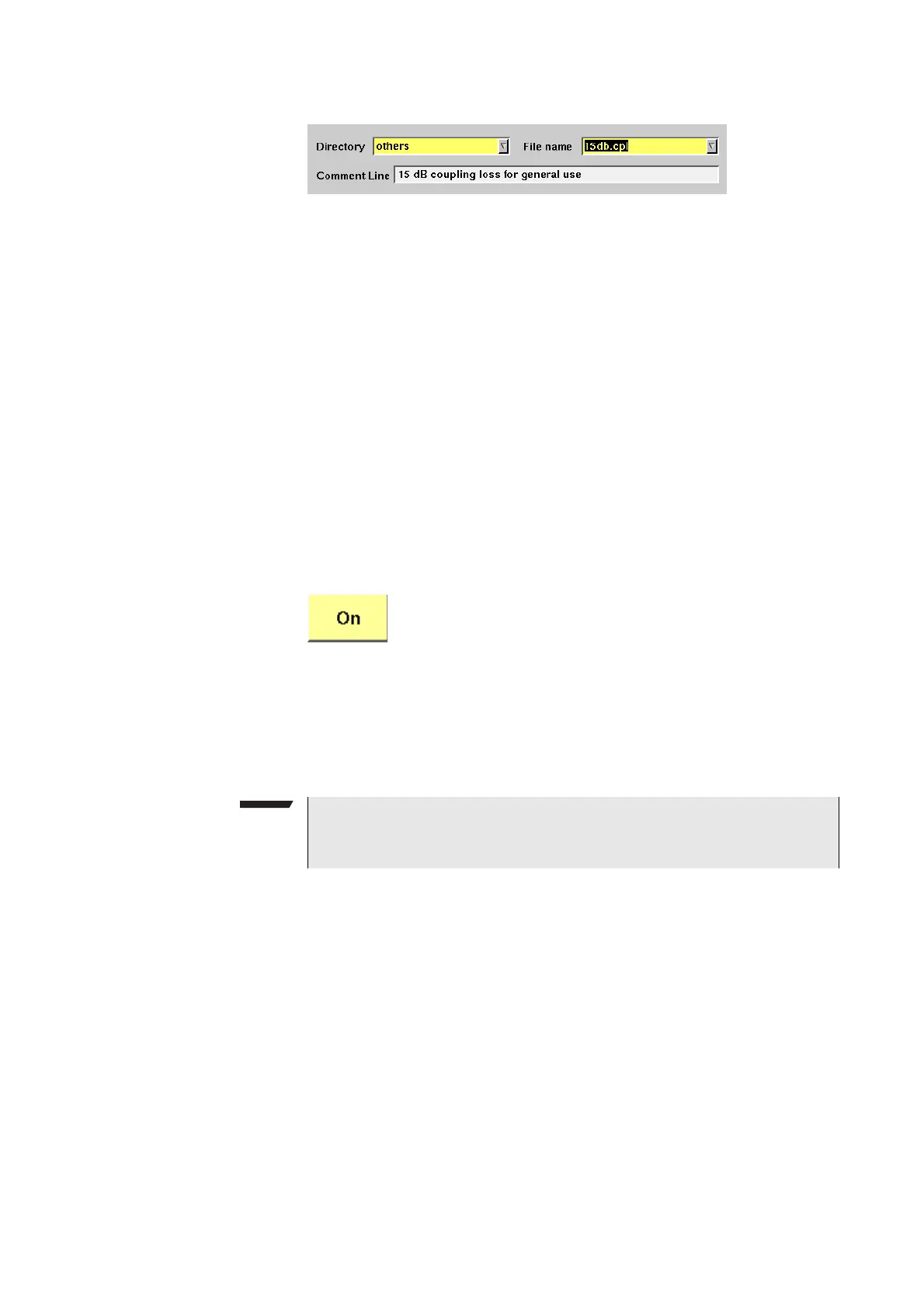
Directory
Select the directory for the brand of the mobile.
This field allows you to browse the list of coupling loss
directories that are installed on the 4400. If you do not find
the manufacturer of the phone under test in the list of
directories, check the files in the "others" directory. The
4400 will allow you to browse through the files in the
selected directory using the File name scroll field.
File name
Select the corresponding file name in this field.
The 4400 will load the *.cpl file and display the data stored
graphically. Any comments or special instructions saved in
the *.cpl file will be displayed on the Comment Line field.
The files in the list are in alphabetical order; the uppercase
letters appear before the lowercase letters.
Coupling loss files created by the Manual Input feature (see
“Entering coupling loss values from the Manual Input
menu” on page 78) have a dot at the beginning so that
they can be easily found at the beginning of the file list.
Push this softkey to activate the coupling loss compensa-
tion. The display field on the right top of this menu will
change to ON.
The headline in all test masks will now carry a clear indica-
tion that the coupling loss compensation has been acti-
vated: Coupling Loss will be shown in red letters.
NOTE
The coupling loss compensation parameters for leading mobile phone types
can be downloaded from the web (see above).



 To Next Page