Chapter 2 WCDMA Call Mode
Common elements of the call mode menus
WCDMA Options Version 6.20
39
Common elements of the call mode menus
The WCDMA call mode menus have certain elements, e.g. softkeys, measurement
parameter entry fields and displays, in common. Following is a description of the
common elements, measurement-specific elements are described in the section
covering the relevant measurement function. The elements described in the
following sections may not be common to all call mode menus. If this is the case,
the individual sections will specify to which menus the description applies. Addi-
tional measurement-specific test parameter fields may be available in individual
menus. These are described in the relevant menu section.
Test parameters
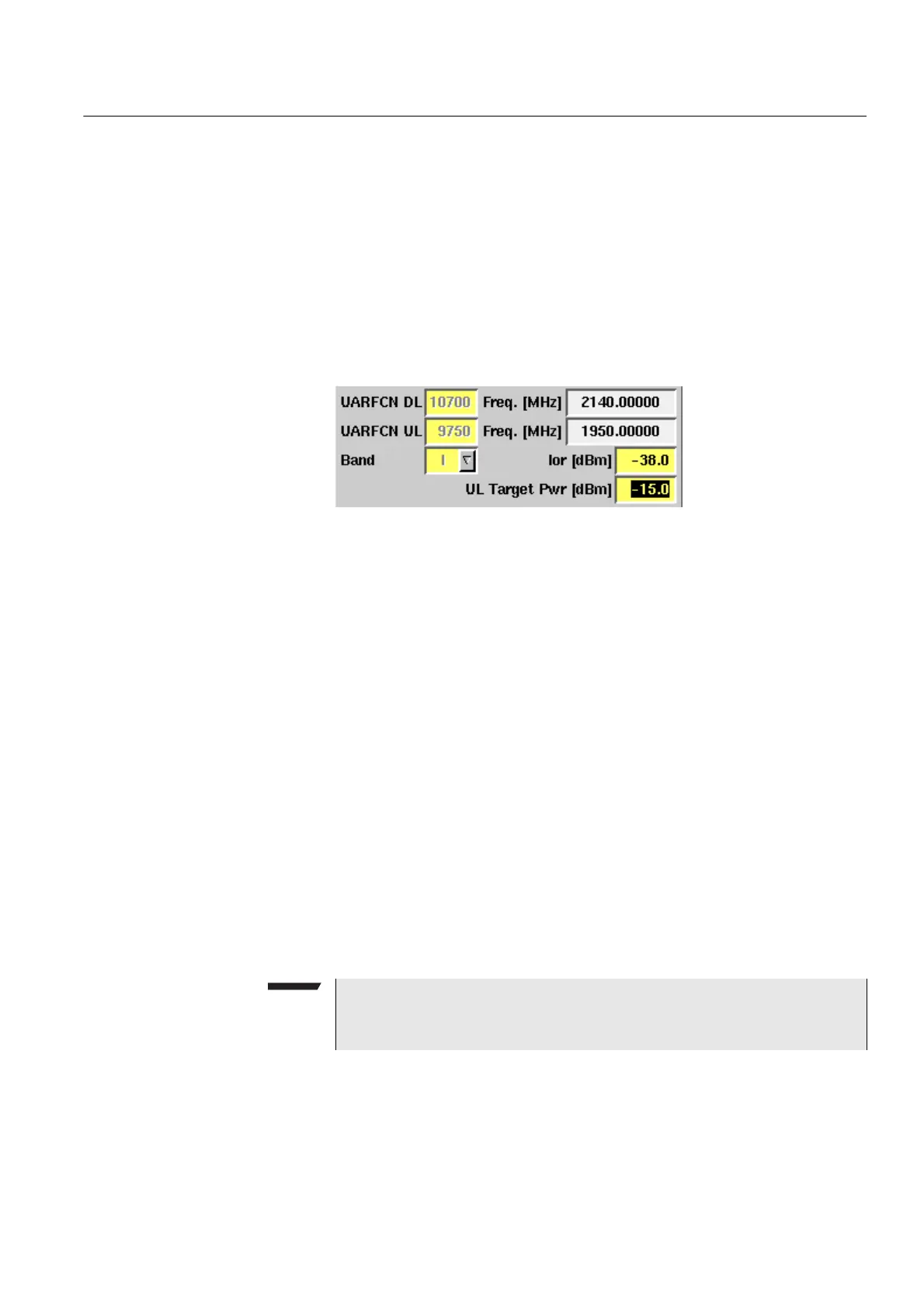
These entry and display fields offer the possibility to easily view and, in some
cases, alter important test parameters. Entry fields have a yellow background,
display fields have a white background.
UARFCN DL/UL — Entry field for the UTRA Absolute Radio Frequency Channel
Number for downlink or uplink. The UARFCN designates the carrier frequency.
Once you enter a channel number for downlink or uplink the corresponding
frequency in MHz will be displayed in the Freq. field and the Band display field
will be updated accordingly. You can also perform interfrequency handover tests
by changing the UARFCN during measurements. For further details on interfre-
quency handovers refer to “Performing interfrequency handover tests” on
page 64. For information on the UARFCN range supported refer to “UARFCN” on
page 82.
Freq. [MHz] — Display field for the frequency associated with the channel
number indicated in the UARFCN DL/UL entry field. The display unit is MHz.
Band — Selection field for the frequency band. This field is related to the
UARFCN DL/UL entry field. After entering the UARFCN the associated operating
band will be displayed here. You can also choose between the different frequency
bands (I, II, III, IV, V and VI) from a drop-down list in this field. The UARFCN
DL/UL field will in this case updated accordingly.
NOTE
For details regarding WCDMA frequency ranges refer to “WCDMA frequency
bands” on page 81.



 To Next Page