Chapter 6 RAPID!
Using RAPID!
WCDMA Options Version 6.20
135
Introduction RAPID! is a programming language that turns the 4400 into a fully automated
radio test set. Controlled by RAPID!, the 4400 will for instance execute a series
of tests with minimal human interaction, and at the same time produce a test
report with a clear evaluation of the results measured.
Of course, you may halt any program and show e.g. adjustment instructions on
the display of the 4400. Once the operator responds to those instructions, the
RAPID! program will continue with new measurements and/or instructions.
RAPID! is a great time saver for extensive tests that are performed frequently.
Typical examples are automated acceptance tests after manufacturing or regular
routine checks as part of maintenance or quality assurance.
RAPID! = BASIC + SCPI RAPID! programs are a powerful combination of the simple-to-use BASIC
programming language and the 4400 specific SCPI commands. The BASIC
instructions implemented are outlined in detail in subsection RAPID! syntax
while Chapter 7 is fully dedicated to SCPI.
BASIC commands
BASIC (Beginner’s All-purpose Symbolic Instruction Code) commands provide
the required program sequence. They also enable the further processing of
measured results, the entry of numeric values and texts (character strings) as
well as the formatted output of reports to e.g. a printer.
SCPI commands
SCPI commands are used for configuring the 4400 and for executing and evalu-
ating measurements. You’ll find more about the use of SCPI commands in
subsection “SCPI and RAPID!” on page 219.
Entering and exiting the RAPID!
environment
How to enter
To enter the RAPID! environment, navigate to the Welcome menu. There, simply
push T
OOLS > [RAPID!].
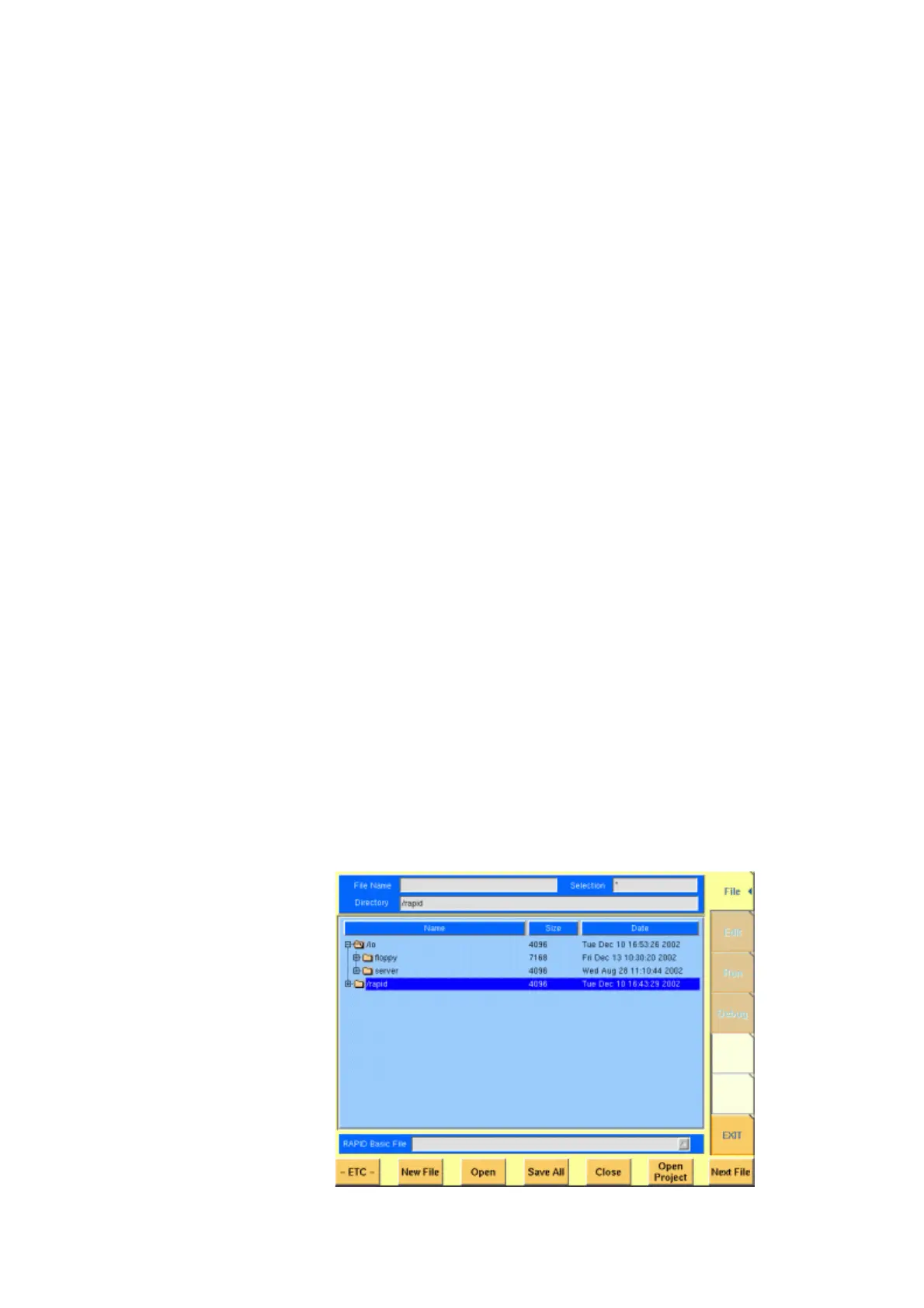
If an AUTOSTART.bas programm has been loaded and is active, the 4400 will now
start that program. Otherwise the 4400 will now display the RAPID! File menu.



 To Next Page