Chapter 2 WCDMA Call Mode
Common elements of the call mode menus
44 WCDMA Options Version 6.20
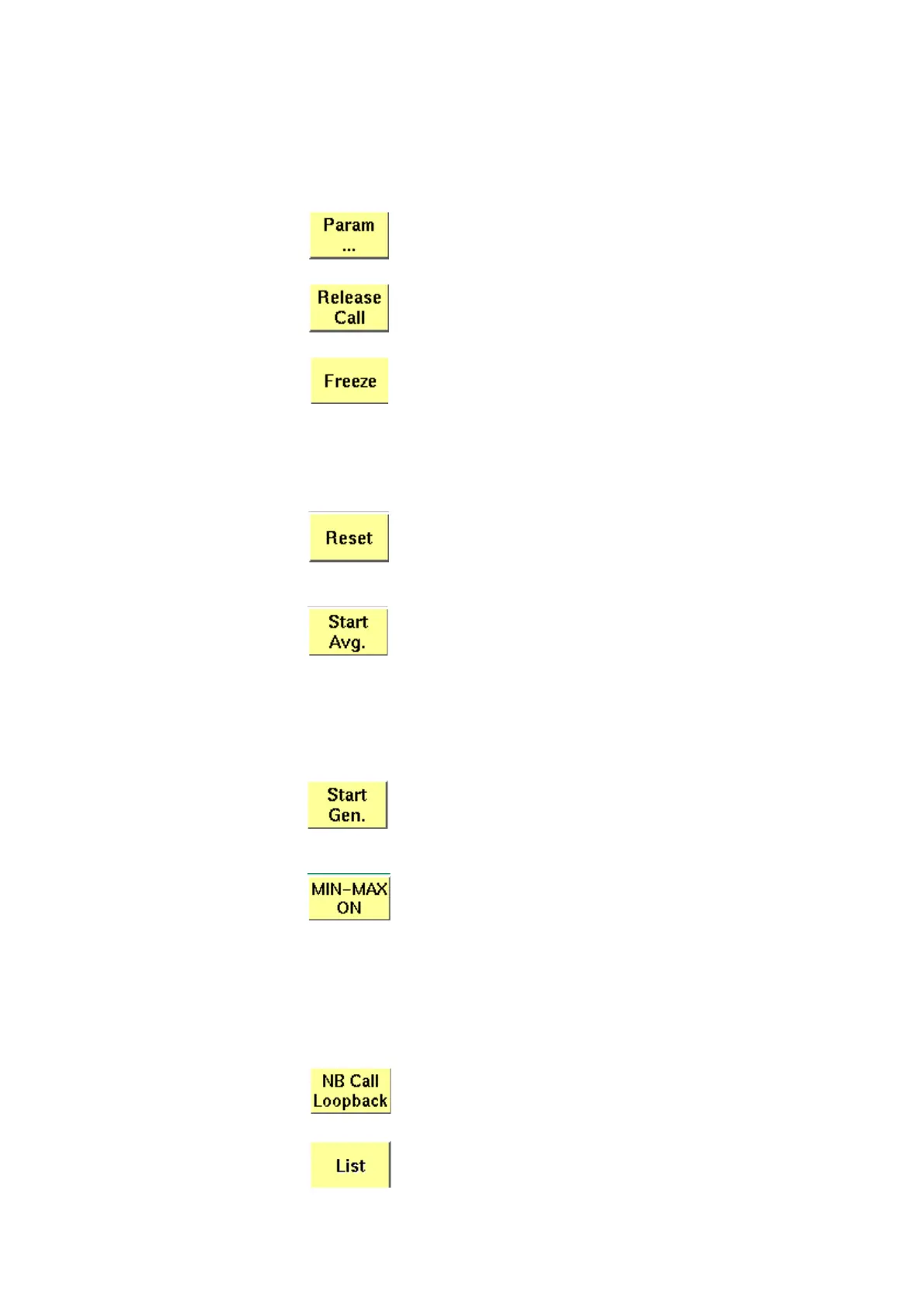
Softkeys at call level After a call has been set up, you are working in call level. In call level, the 4400
displays the following softkeys.
Calls a set of parameter menus on-screen. With the help of
these menus, you may view and modify test parameters,
limits, the power/time template and so on.
A push on this softkey terminates the call.
Pushing this softkey freezes the live display. This means, that
the measurements taken last will be kept on display and no
new measurements will be shown. The label of the softkey
changes to
Unfreeze. Pushing the softkey again reactivates
the live display.
Note: The communication link between the 4400 and the
mobile is being maintained.
This softkey (re-)initializes the statistical evaluation of the
measurements.
All minimum, average and maximum values are discarded and
the measurement is started again.
Starts the averaging process for calculating an average value
of a block of measurement values. To define the number of
last measurements results over which to average push the
softkey
Start Avg. and enter the required value. The label of
the softkey changes to
Stop Avg. Pushing the softkey again
stops the averaging process.
This softkey is available on the OBW, ACLR and SEM spectrum
measurement menus.
A push on this softkey switches the RF Generator either on or
off.
This softkey is available on the SEM and ACLR spectrum mea-
surement menus.
A push on this softkey either activates the display of the min-
imum and maximum measurement results graphs or deacti-
vates it. When you push this softkey, it will change to
MIN-MAX OFF. If activated, the minimum and maximum
results graphs are displayed in different colours (for example
mininum in green, maximum in red) für visual distinction. To
hide the two graphs push the
MIN-MAX OFF softkey again.
This softkey is available on the OBW and SEM spectrum mea-
surement menus.
A push on this softkey initiates a call using the predefined
Reference Measurement Channel. This softkey is available on
the Power menu, the BER/BLER menu and the UE Info menu.
This softkey is intended for use in future software versions.



 To Next Page