Chapter 6 RAPID!
Using RAPID!
150 WCDMA Options Version 6.20
Softkeys of the Debug menu The Debug menu provides a number of specific debugging functions that can
easily be called with the help of the softkeys.
RUN — Loads the program currently selected on the RAPID Basic File selection
field and starts execution of the program.
In this mode, the 4400 will highlight the last command performed in the Source
area.
Step In — Executes the program line highlighted.
In case this line contains a GOSUB, CHAIN, SUB or FUNCTION call, the debugger
steps in, i.e. it will follow the program branching.
In case the line contains an INKEY command, the program will be halted and wait
for the push of a softkey. After the softkey was pushed, the program-defined
softkey label will be displayed.
In this mode, the 4400 will highlight the next command to be performed in the
Source area.
Step Over — Executes the program line highlighted.
In case this line contains a GOSUB, CHAIN, SUB or FUNCTION call, the debugger
steps over it to the following line, i.e. the program branching will be ignored.
In case the line contains an INKEY command, the program will not be halted and
will assume that no softkey was pushed.
In this mode, the 4400 will highlight the next command to be performed in the
Source area.
Run to Cursor — Executes the program from the line currently highlighted to
the line where the cursor is located.
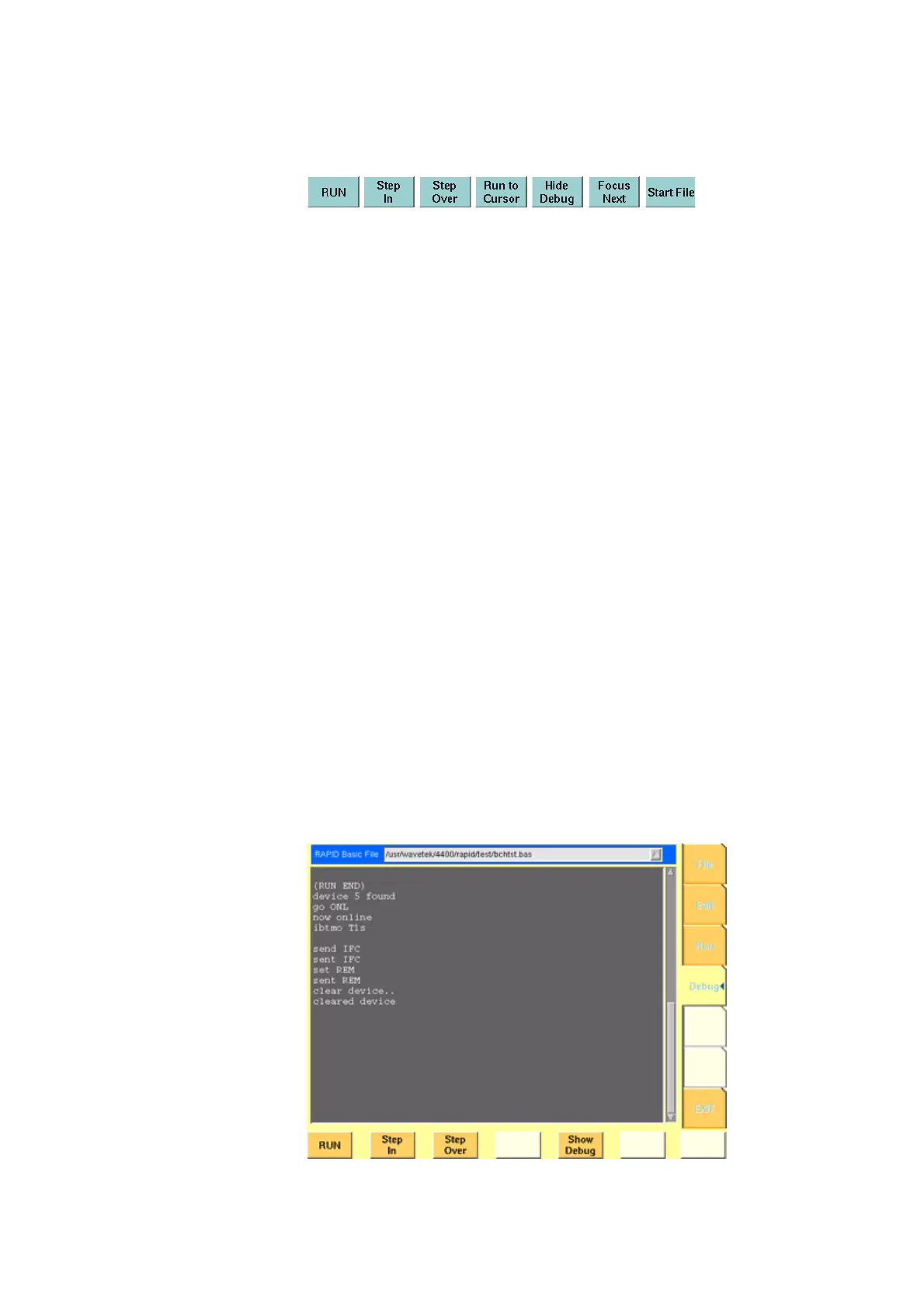
Hide Debug — Hides the source and variable area to show the complete output
area.
The label of this softkey will change to
Show Debug. A push on Show Debug
will display the hidden areas again.



 To Next Page