Chapter 6 RAPID!
Using RAPID!
WCDMA Options Version 6.20
143
– The display field Line No. gives both the number of the line, the cursor is
currently located in and the total number of lines of the file.
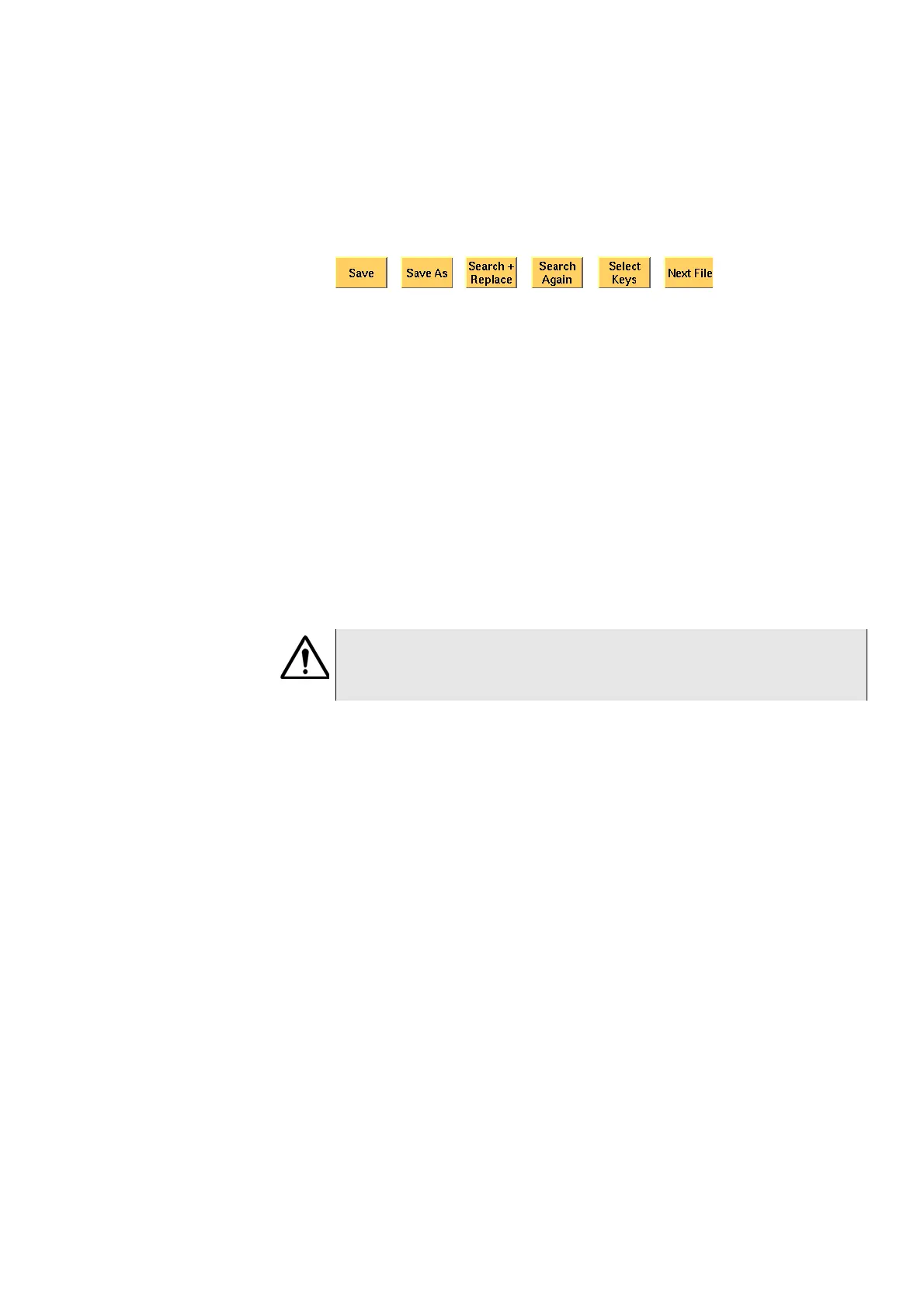
Softkeys of the Edit menu The Edit menu provides a number of file-handling functions that can easily be
accessed through the softkeys.
Save — A push on this softkey saves the currently open file without changing its
name.
Save As — Saves the currently open file under a new name. After a push on this
softkey, the 4400 will display a dialogue box that allows you to enter the desti-
nation file name (including directory). To enter the file and directory name, use
the external keyboard or the typing tabs.
Also, the labels of the softkeys change and the 4400 will offer three new soft-
keys:
– Save When you push this softkey, the 4400 will save the current file under
the file name entered in the dialogue box.
– Protect When you push this softkey, the 4400 will save the current file
under the file name entered in the dialogue box in protected mode. This
means that the file will be completely inaccessible to any editing attempts.
– Cancel Quits the function and takes you back to the Edit menu with its basic
softkeys.
Search+Replace — Enables you to find text passages and optionally replace
them with other ones.
The text the 4400 shall search for is entered in the Search/Replace menu.
Search Again — Continues the search of the text passage as entered in the
Search/Replace menu before. The direction of the search is "downwards", i.e.
from the current cursor position towards the end of the file.
Select Keys — Changes the marker tabs to typing tabs. While the typing tabs are
active, the label of this softkey changes to
Deselect Keys. A push on that
softkey brings back the basic marker tabs of the RAPID! environment and the
initial softkey label.
Next File — Activates the RAPID Basic File selection field and allows you to
select a different file. After you confirm your choice, the newly selected file is
then displayed in the Edit area.
Search/Replace menu In this menu, you enter the text to find. Optionally, it can be replaced by new
text, entered in the same menu.
WARNING
There is no way to edit a protected file again. Before selecting this function,
please be sure that there is an unprotected copy of this file available.



 To Next Page