Chapter 6 RAPID!
Using RAPID!
WCDMA Options Version 6.20
141
Move — With the help of this function, you may rename the file currently
selected in the browser area.
The 4400 will prompt you with a dialogue box that allows you to enter the desti-
nation file name (including directory). To enter the file and directory name, use
the external keyboard or the typing tabs.
Erase — Deletes the file currently selected on the RAPID Basic File selection field.
Before the file is deleted, you will be prompted to confirm or discard the erasure
of the file.
Print — After pushing this softkey, the 4400 will prompt you with a print output
message:
Printing file ....
Is a Printer connected to LPT, switched on and online?
If you confirm by pushing Y
ES, the 4400 will print the file highlighted (without
any formatting).
Softkey N
O aborts the printing process.
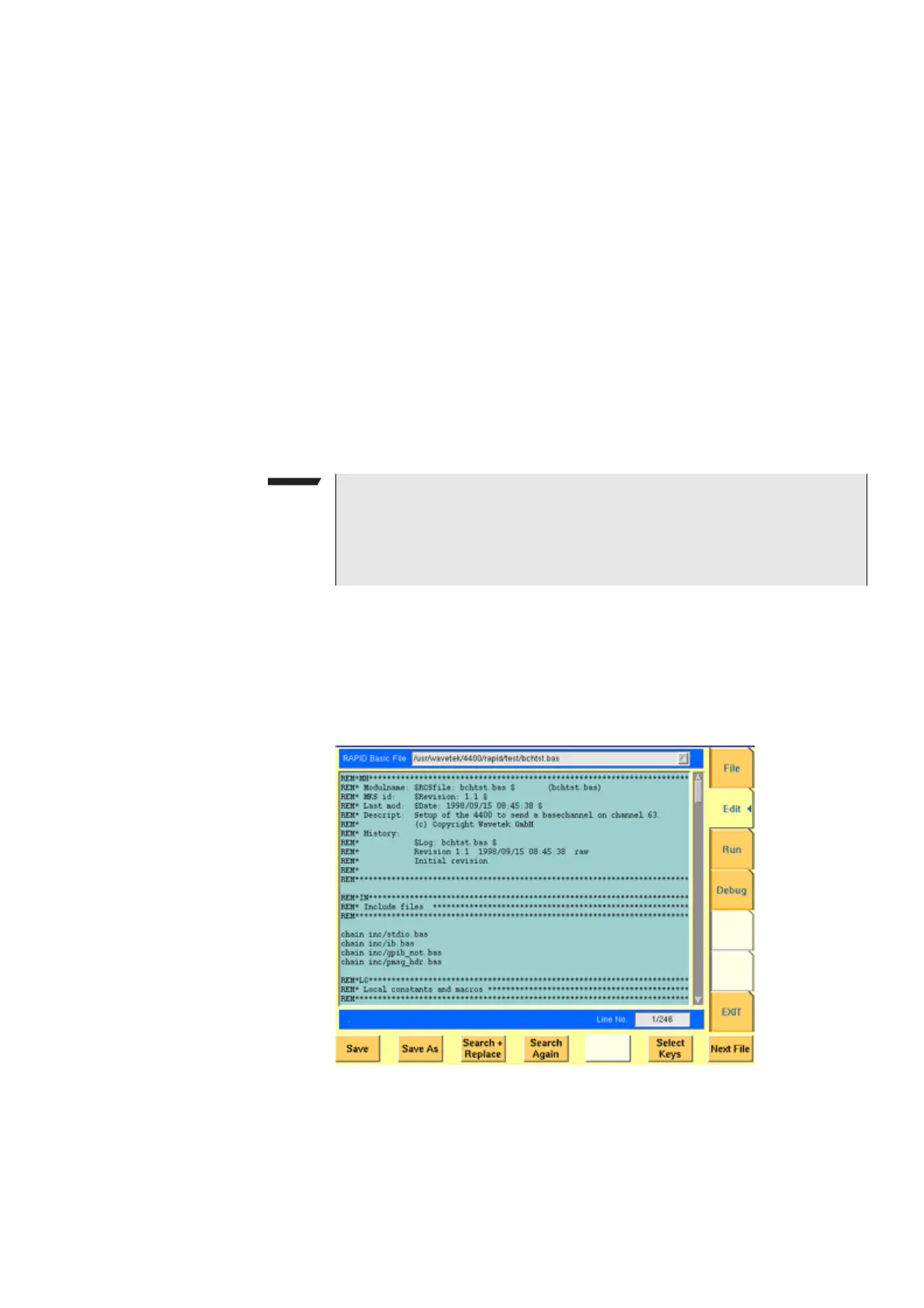
Edit menu For program developers, this is probably the most important menu of the RAPID!
environment.
The Edit menu is the menu you actually write programs in, before they can be
run or debugged.
The Edit menu is subdivided into three main sections:
– RAPID! basic file area. Here you select the file you want to edit.
– Edit area, where the editing is carried out.
NOTE
The settings for the printer are performed in the
I/O menu of the configura-
tion section. To gain access, return to the Welcome menu, push the
TOOLS
key and then the [I/O] marker tab. Settings for the parallel printer port are
performed in the section marked with
Parallel Port.



 To Next Page