Chapter 1 Overview
Connecting test leads
WCDMA Options Version 6.20
5
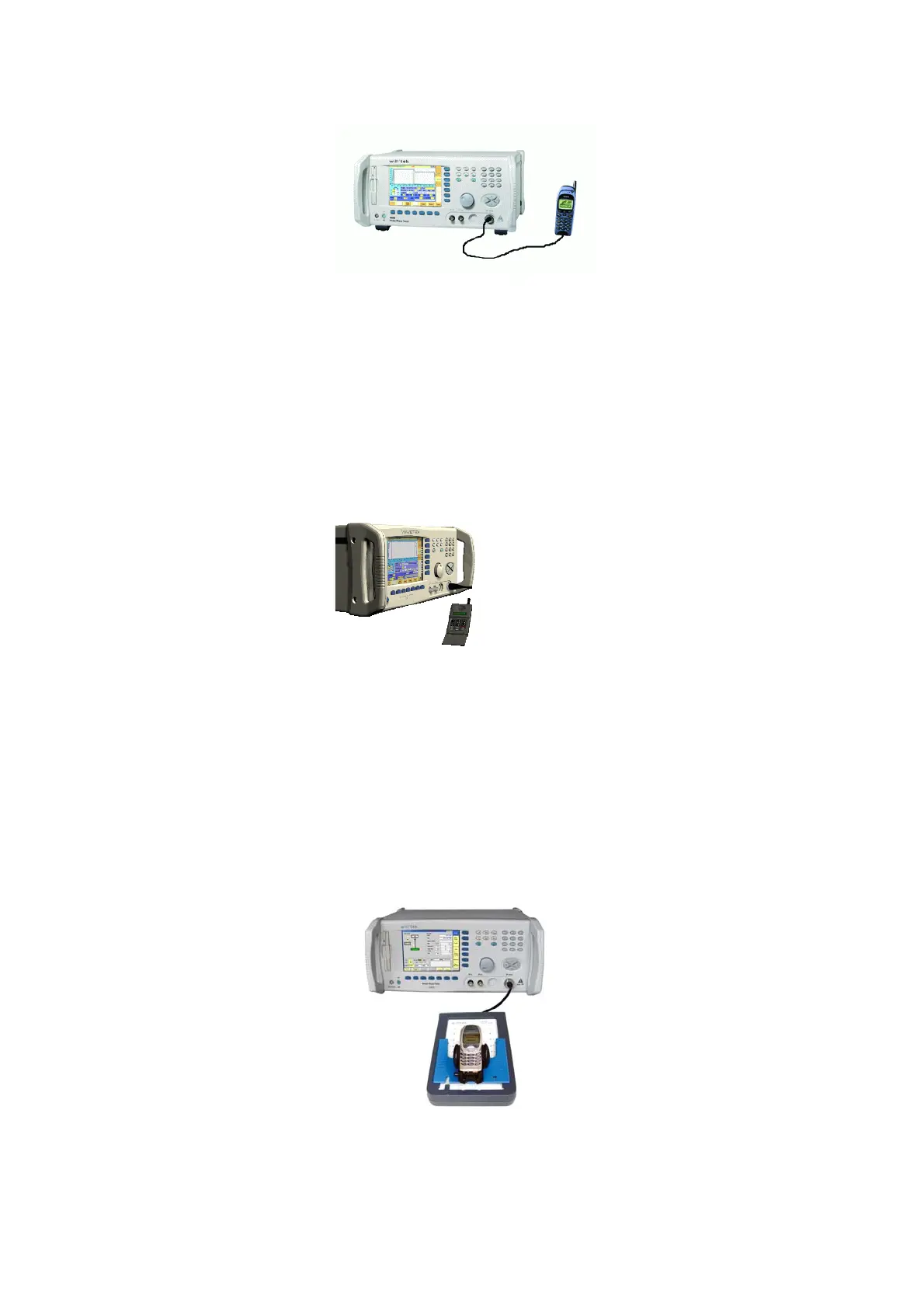
Cable connection
The cable connection between a mobile under test and the 4400 requires a
mobile-specific RF adapter cable. This RF adapter provides the mobile-specific
connector on one end and the Willtek RF-click connector on the other one.
Please note that you will need the optional adapter cable ‘RF click to N-type’ in
oder to use the RF adapters on the 4400’s N-type RF in/out socket.
Air connection Using the air connection is a simple method to connect a mobile under test to
the 4400 when there is no special RF adapter available. Basically, there are three
possibilities to use the air connection.
The simplest possibility is to put an optional antenna on the 4400’s RF in/out
socket. However, the drawbacks of this solution are the unknown coupling loss
and the potential interference.
The coupling loss depends on factors such as the orientation of the mobile
towards the 4400, the distance and the frequency.
The possible interference depends on the type of RF radiating equipment being
used in the same room or area and on the distance to e.g. a ‘real’ base station.
Consequently, this solution only works for basic functional tests.
Please also note that you may need different antennas for different frequency
bands (GSM 900/1800/1900 or cellular/PCS bands).
Using the optional Antenna Coupler, you already have two antennas built into a
special casing. Because of the fixed position of the mobile, the coupling loss is
much better reproducible and can be fairly compensated using a coupling loss



 To Next Page