Chapter 5 The 4484 WCDMA Tracer Option
Viewing and recording traces
WCDMA Options Version 6.20
131
Viewing and recording traces
In order to view the higher layer protocol messages exchanged between the 4400
and the DUT and record traces proceed as follows:
1 Select
Start > Programs > Willtek > RNSTrace to open the Trace window.
This window already shows some protocol messages.
2 In order to select the messages to be displayed according to your require-
ments click on
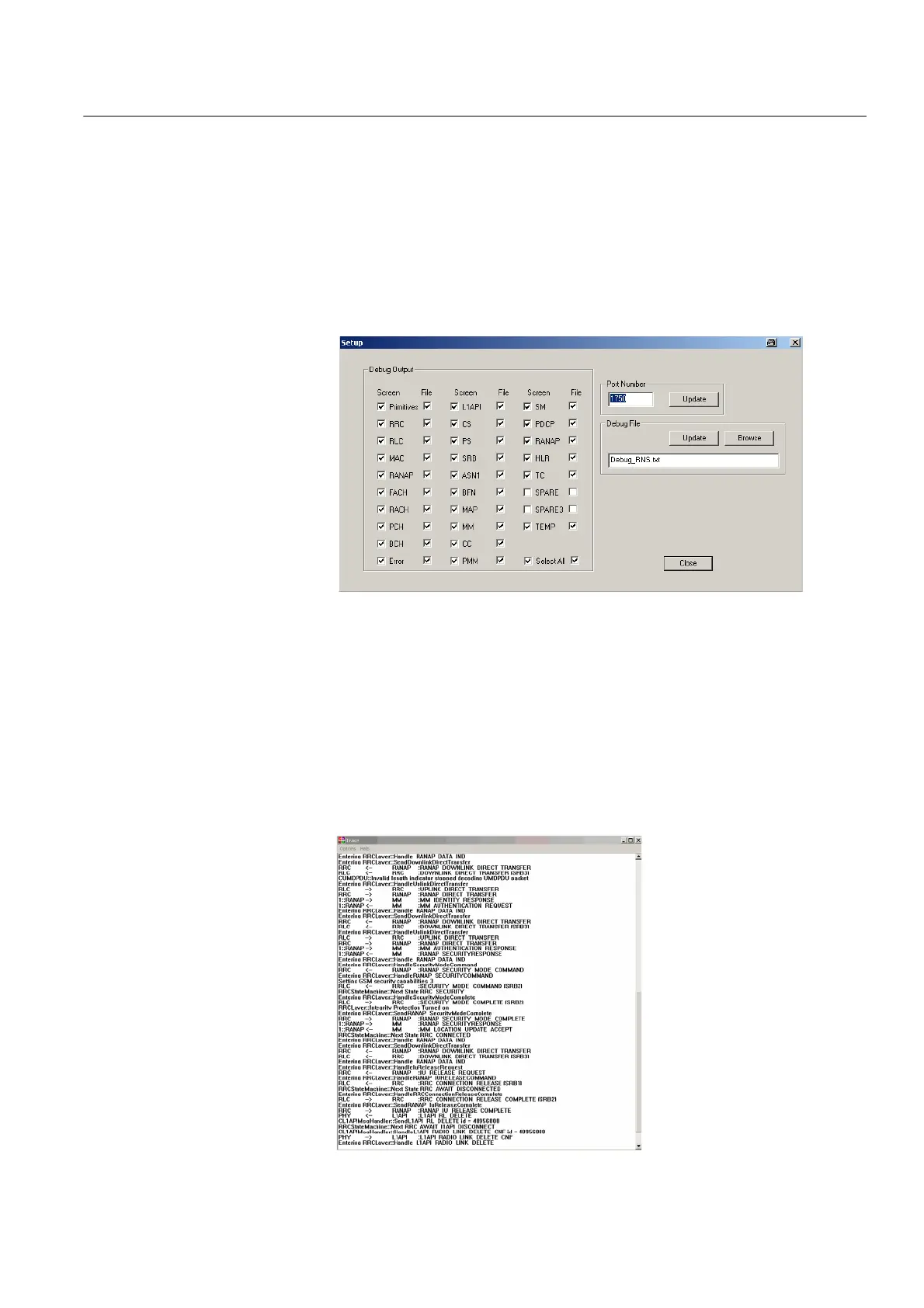
Options > Setup. The Setup window will be displayed.
3 In this window you can select the messages to be displayed and/or to be
included in the debug file. To select a message for onscreen display click on
the Screen selection box for the relevant message. To select a message for
inclusion in the debug file click on the File selection box for the relevant
message.
4 In order to update the debug file created automatically click on
Update in
the Debug File area. To specify a different file name for your debug file and
save it in a different directory click on
Browse in the Debug File area. A
directory selection window will be displayed. After completing the RNSTRace
setup click on
Close. The Trace window now shows the messages selected.
5 In order to clear the screen display click select Options > Clear.



 To Next Page