Chapter 6 RAPID!
Using RAPID!
WCDMA Options Version 6.20
139
To open a file, mark it with the cursor (it is then highlighted) and push the Open
softkey. As soon as you open a RAPID! file, it is automatically added to the RAPID
Basic File list.
The top level directories are:
–
/io. This directory includes the floppy subdirectory which in turn carries
the contents of the floppy disk (if any is inserted in the floppy drive). An
additional subdirectory,
server may be available if the 4400 is equipped
with an Ethernet PC card and the TCP/IP Option and if a server disk has been
mounted. This disk is shown under
/io/server.
–
/rapid. This directory carries various subdirectories with example RAPID!
programs, result files, coupling loss files and many more. You can use this
area to locally save your files on the 4400.
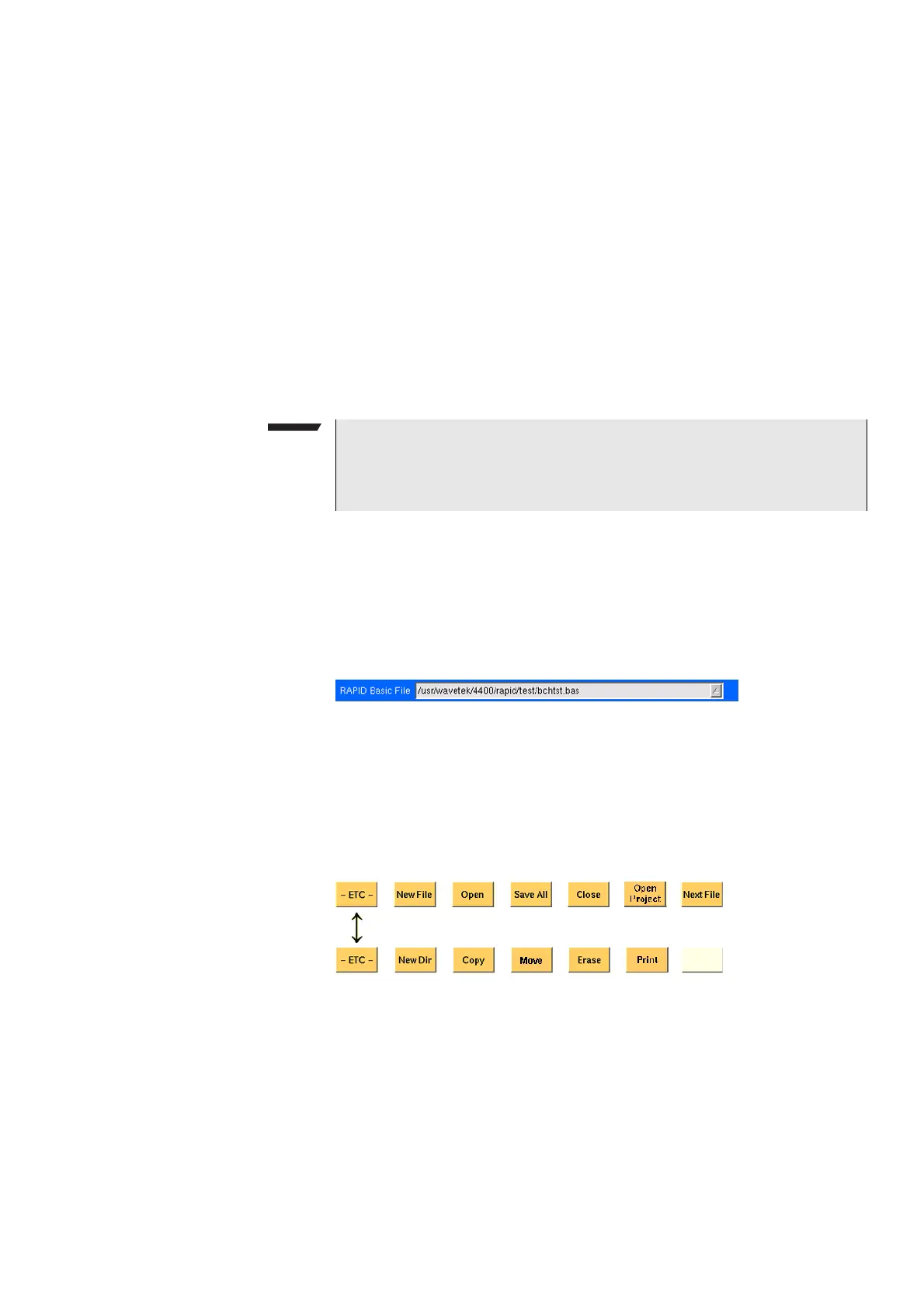
RAPID! basic file area This area is made up by a selection field. You may select any file that has been
opened or newly created before.
The RAPID! Basic File selection field is available in all RAPID! menus.
A simple push on the
Next File softkey or a click on the selection field navigates
the cursor to it.
To select a file, simply click on the file name. Alternatively, push the U
P and/or
D
OWN keys until the requested file is highlighted. Then confirm your selection
by pushing the E
NTER key.
Softkeys of the file menu The file menu contains two sets of softkeys. The
ETC softkey toggles between
them.
New File — Creates a new RAPID! program file. You specify the name (and direc-
tory) in the File name – directory – selection area, which is activated automati-
cally after you push this softkey.
As soon as the file has been created, it is added to the RAPID! Basic File list by
the 4400 and you may start editing any time.
NOTE
Access to a remote PC on the network requires NFS server software to be run-
ning on the PC; the server must grant at least read access for the directories
and files. Please read section I/O Configuration for more details.



 To Next Page