Chapter 5 The 4484 WCDMA Tracer Option
Overview
128 WCDMA Options Version 6.20
Overview
The 4484 WCDMA Tracer Option is an optional software tool which records the
higher layer protocol messages between the Willtek 4400 Mobile Phone Tester
Series and the Device Under Test (DUT) from layer 3 (RRC layer) down to layer 1
(physical layer). You can specify which messages should be displayed, view them
on your PC and record a trace in a debug file, which is created and saved auto-
matically. This can for example be useful if a DUT does not register with the
4400. In this case you can send the recorded trace to Willtek Support, we will
analyze it and determine a suitable solution.
The WCDMA Tracer Option is integrated into the 4400 software. For ordering
information refer to “Ordering information” on page i.
Installation and configuration
To use the 4484 WCDMA Tracer Option you need to reconfigure the network
address (IP address) of the WCDMA Main Board (WMAIN) using a software tool
which is included on your 4484 WCDMA Tracer Option delivery CD. Following is
a description of the Tracer Option installation and configuration process.
4400 and PC are
connected to the network
In order to install the Tracer Option on your PC and reconfigure WMAIN using a
network connection for 4400 and PC proceed as follows:
1 Connect the board with a crosslink ethernet cable to your network.
2 Use an appropriate GPIB connection (e.g. USB-to-GPIB cable) to connect
your PC to the 4400.
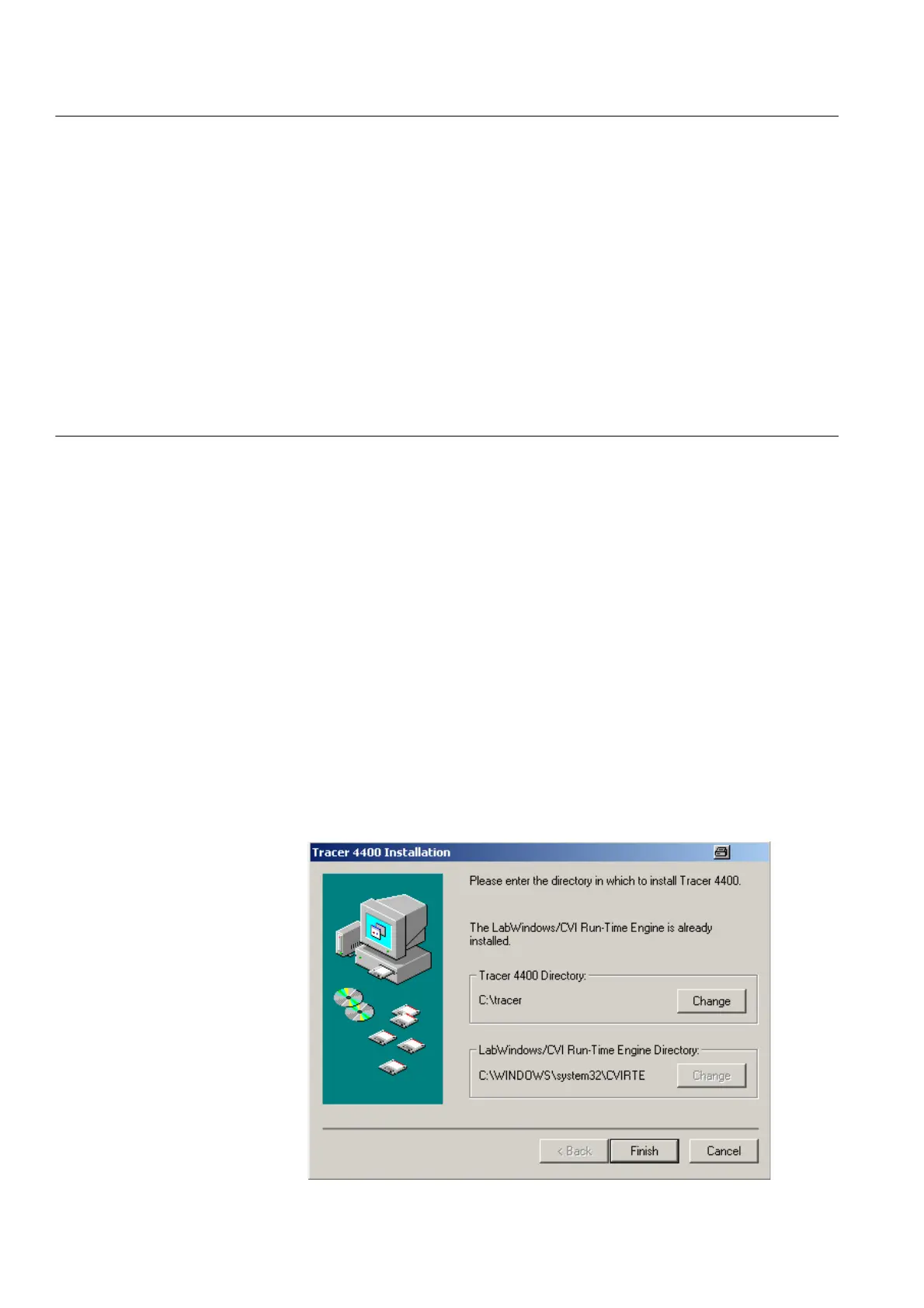
3 Insert the delivered CD into the CD drive of your PC and doubleclick on the
setup.exe file contained on the CD to start the configuration software. The
following screen will be displayed.



 To Next Page