Chapter 1 Overview
Help on Help
WCDMA Options Version 6.20
27
Navigating help
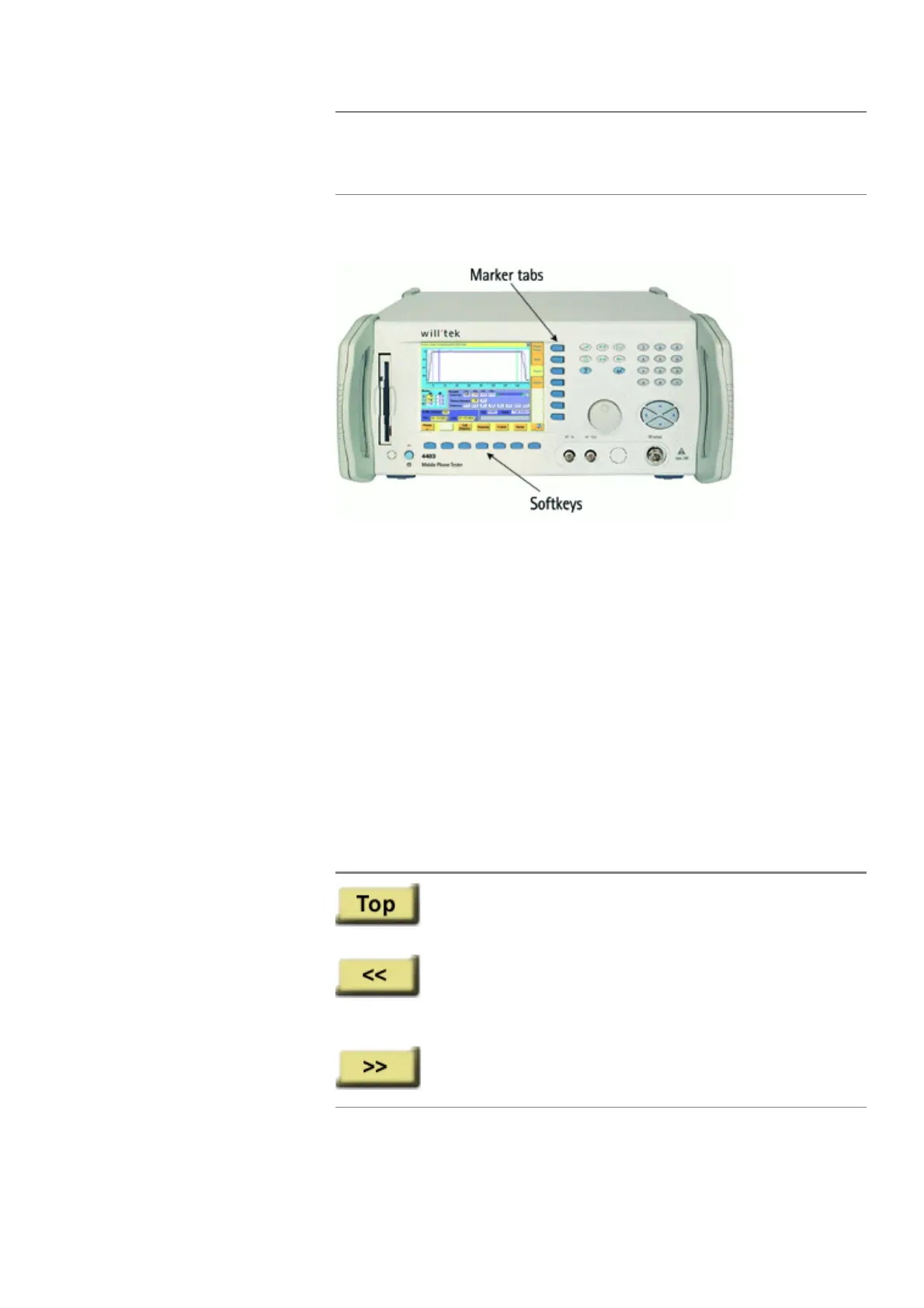
With the help of both the marker tabs and the softkeys, it is easy to navigate
through this Online help.
Marker tabs – the links
This Online manual is a so-called hypertext document. It contains links.
Those links allow you to jump to a different page where more detailed informa-
tion about a specific topic is provided. On a PC, you would simply click the link.
On the 4400, you can use the mouse or the marker tabs for ‘clicking’ the links.
Example: This page provides links to the documents explaining the softkeys and
marker tabs in detail. Use the marker tabs to directly jump to the related pages.
Softkeys – the quick navigators
Using the softkeys you quickly navigate through a chapter or call its index. There
are five softkeys available:
E
SCAPE The name of function keys, numeric keys or cursor keys
is indicated in this type of letters.
Channel
Entry fields are indicated in normal letters.
This softkey calls the first page (i.e. the page directly
following the index page) of the chapter. If that first
page is already on display, nothing will happen.
A push on this softkey takes you to the previous page of
a chapter. When you push this softkey on any index
page, you will get the last page of the previous chapter
on-screen.
Calls the subsequent page of a chapter. From the last
page of a chapter, this softkey will take you to the index
page of the subsequent chapter.



 To Next Page