Chapter 1 Overview
Using the front and rear panels
16 WCDMA Options Version 6.20
The marker tabs
Selected, deselected and blocked marker tabs
Marker tabs can be selected, deselected or blocked.
A selected marker tab is highlighted in yellow and indicates that the current
menu has been selected.
Deselected marker tabs are orange to indicate that they could be selected any
time.
When there is a test in progress, some or all marker tabs will be blocked. They
turn to gray to indicate that the previously started test has to be either
completed or aborted, before a new selection with the marker tabs is possible.
Notation of marker tabs in this documentation
Wherever this Online help manual refers to a marker tab, either the marker tab
is shown graphically, or it is indicated by setting its name between square
brackets, e.g. [MS Info].
The function keys With the help of the function keys, you have instant access to important or
useful functions of the 4400. Some of the function keys help you to navigate
through the current menu.
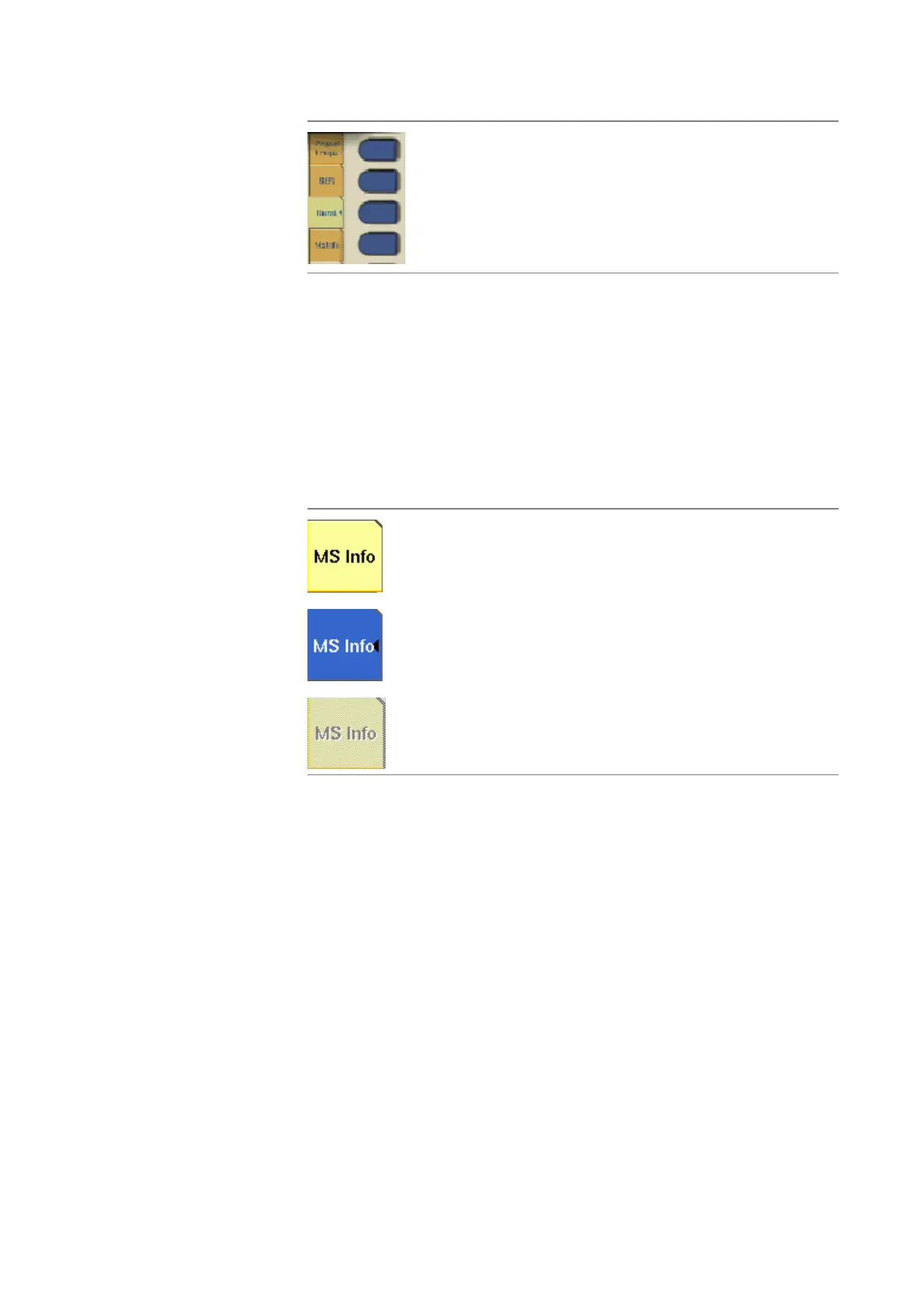
When there are several menus of the same level, e.g. differ-
ent system tests, the seven marker tabs make it easy to
switch between them.
When the Online help is on display, the marker tabs provide
the links to related pages.
Marker tab [MS Info], not selected
Marker tab [MS Info], selected
Marker tab [MS Info], blocked



 To Next Page