Chapter 1 Overview
Using the front and rear panels
WCDMA Options Version 6.20
17
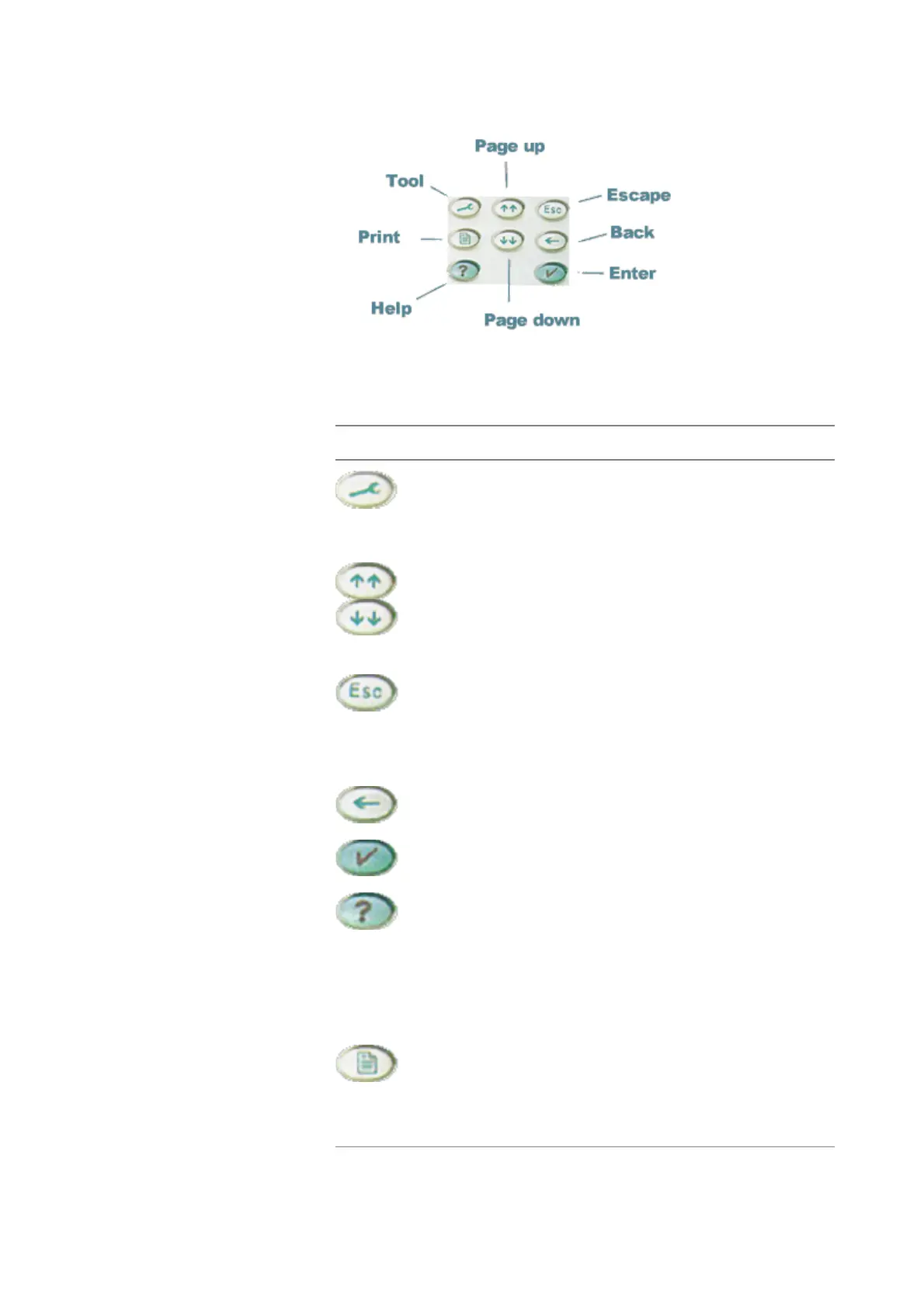
Meaning of the function keys
Symbol Name Description
T
OOL Calls the tools menu. From there,
you start the special tools like the
Audio measurements or the MS
Power Supply.
P
GUP, PGDN A push selects the first entry field of
the previous or next area.
When the Online help is on display,
these keys call the previous or next
page of the Online help.
E
SCAPE A push on this key takes you one
menu level up. Should this cause a
change of a parameter, you will be
prompted to either confirm or dis-
card your change in menu levels.
B
ACK Deletes the character left to the
cursor on an entry field.
E
NTER Confirms a value entered on an
entry field.
H
ELP Calls the Online help on-screen.
Once that you are done with the
help screens, press [Escape] to
return to the previous screen. For
more information about the online
help system, see section Help on
Help.
P
RINT Prints the current screen to the
attached printer or generates a
screenshot file on the floppy disk.
For more detailed information, see
section Parallel Port Settings.



 To Next Page