Chapter 6 RAPID!
Using RAPID!
138 WCDMA Options Version 6.20
To navigate from one entry field to the subsequent one, simply use the PGUP
and P
GDN keys.
File Name — This is where you enter the name of the file (including extension).
In case you enter an invalid file name, the 4400 will display a warning message
on-screen.
To confirm the file name and its directory, simply push the E
NTER key. When
creating a new file, it will be added to the RAPID Basic File list automatically.
Directory —Here, the 4400 displays the currently selected directory. In order
to save a newly created file in a different directory or to change the currently
selected directory, just enter the name of the directory you want to work within.
Selection — This entry field sets a filter for the file display within the browser
area. The default setting is * and will make the browser display all files (with any
extension).
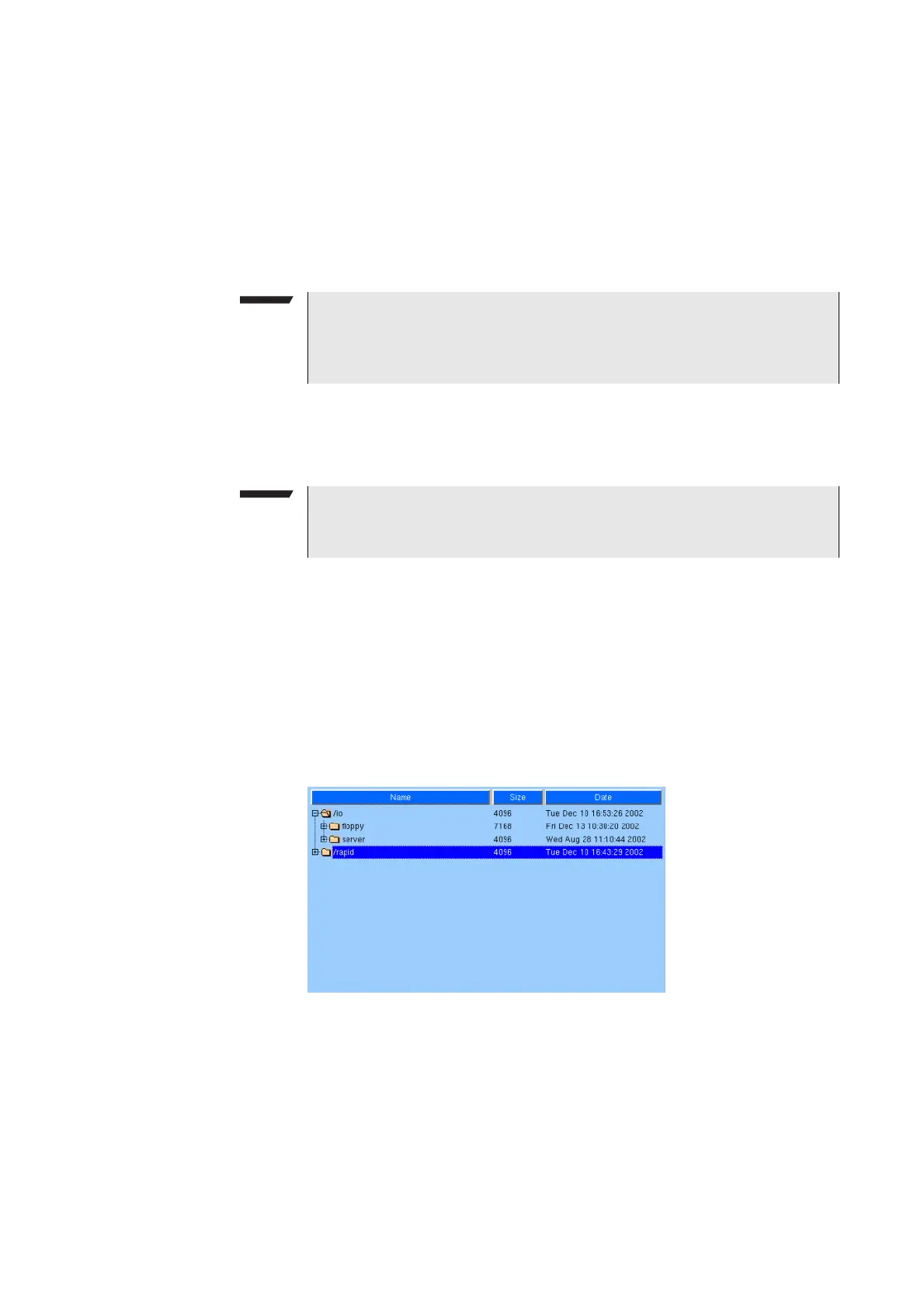
Browser area In this area, you may browse through directories just as with any other standard
browser.
As soon as you enter the RAPID! environment, the file menu is automatically
displayed and the browser area is active.
The most convenient way to navigate through the Browser area is with the help
of the mouse. Alternatively, use the P
GUP and PGDN keys to scroll by pages and
the U
P and DOWN keys to scroll by lines.
A directory is opened or closed by a simple push on the E
NTER key after it has
been selected.
NOTE
The easiest way to enter a file name is of course with the help of the external
keyboard. If it is currently not available, all characters are accessible through
the Typing tabs.
NOTE
The directory path displayed here is the same as selected in the browser area,
as long as you do not change it.



 To Next Page