Chapter 6 RAPID!
Using RAPID!
144 WCDMA Options Version 6.20
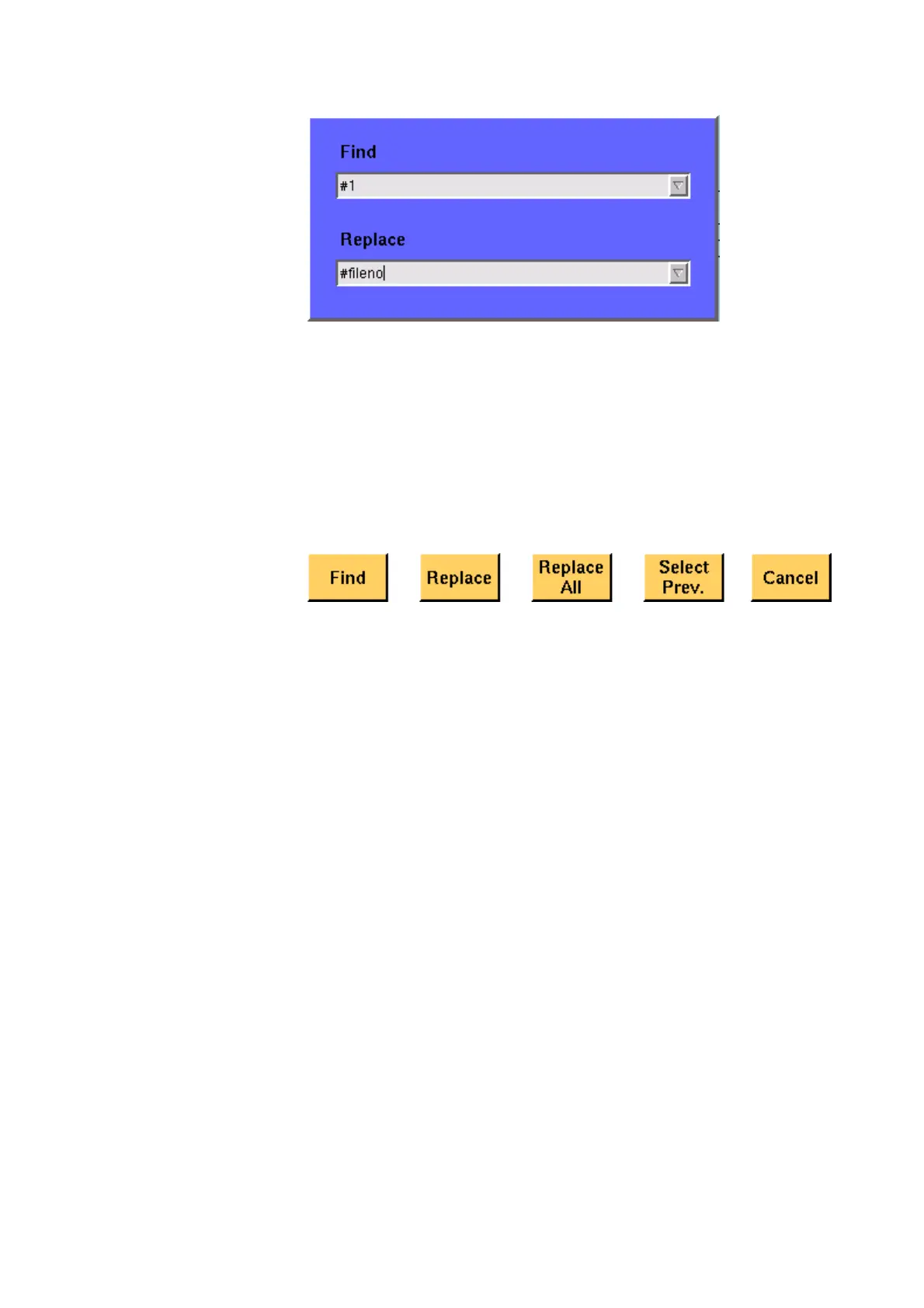
The text to be found is entered in the upper line (Find).
If the text found shall be replaced by another text, enter the new text in the
lower line of this menu (
Replace).
To move the cursor from the upper to the lower selection field and vice versa, use
the P
GUP and PGDN keys.
To get back to any text entered previously on these selection fields, push the
Select Prev. softkey and the usual drop-down menu of a selection field will
appear.
Softkeys of the Search/Replace menu
Find — Searches for the text entered on the Find selection field. The direction
of the search is "downwards", i.e. from the current cursor position towards the
end of the file.
Replace — Searches for the text entered on the Find selection field and
replaces it with the text entered on the Replace selection field. The direction
of the search is "downwards", i.e. from the current cursor position towards the
end of the file.
Replace All — Searches for all occurrences of the text entered on the Find
selection field and replaces every single one with the text entered on the
Replace selection field. The direction of the search is "downwards", i.e. from
the current cursor position towards the end of the file.
Select Prev. — Calls the usual drop-down menu of the currently active selection
field and allows you to select any text entered previously.
Cancel — Quits the Search/Replace menu and takes you back to editing.
Typing tabs In case an external keyboard is not accessible, there is still the built-in ‘type-
writer’ of the 4400 available. The marker tabs change to typing tabs and allow
to enter and/or edit text in a way similar to an SMS on a mobile phone.



 To Next Page