Chapter 1 Overview
Menus and levels
20 WCDMA Options Version 6.20
Cursor keys
Selection key
F11 for counterclockwise turn, i.e. to the left,
F12 for clockwise turn, i.e. to the right
Menus and levels
Menus
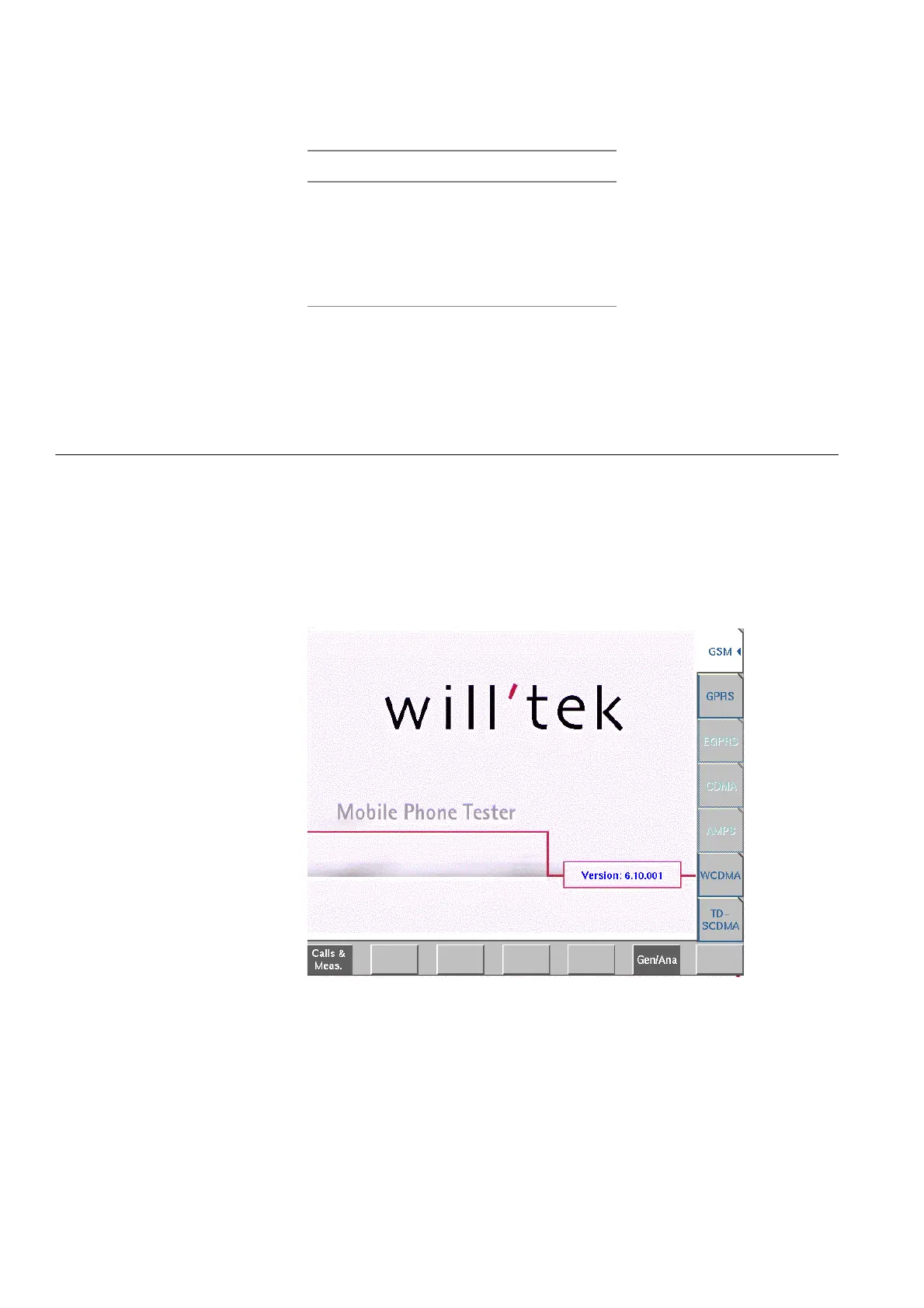
The entire area of the display is what we call a menu. Any time you switch on
your 4400, it first displays the start or Welcome menu. The Welcome menu is the
highest menu level of the hierarchically structured user interface.
With the help of the marker tabs (on the right-hand side of the display), you
select between the different system menus (e.g. [GSM] or [CDMA]).
The softkeys (just below the display) give you instant access to the various test
menus (e.g.
Calls & Meas. or Gen/Ana).
4400 front panel Keyboard
LEFT SHIFT+TAB
RIGHT TAB
UPARROW UP
DOWN ARROW DOWN



 To Next Page