Chapter 1 Overview
Using the front and rear panels
6 WCDMA Options Version 6.20
table. However, there is still no protection against potential interference.
The operating range of the Antenna Coupler covers the complete GSM 900, 1800
and 1900 frequency ranges.
As a standard, the Antenna Coupler comes with an RF-click connector plus an
adapter cable ‘RF click to TNC’.
Please note that you will need the optional adapter ‘TNC to N-type’ in order to
use the Antenna Coupler on the 4400’s N-type RF in/out socket.
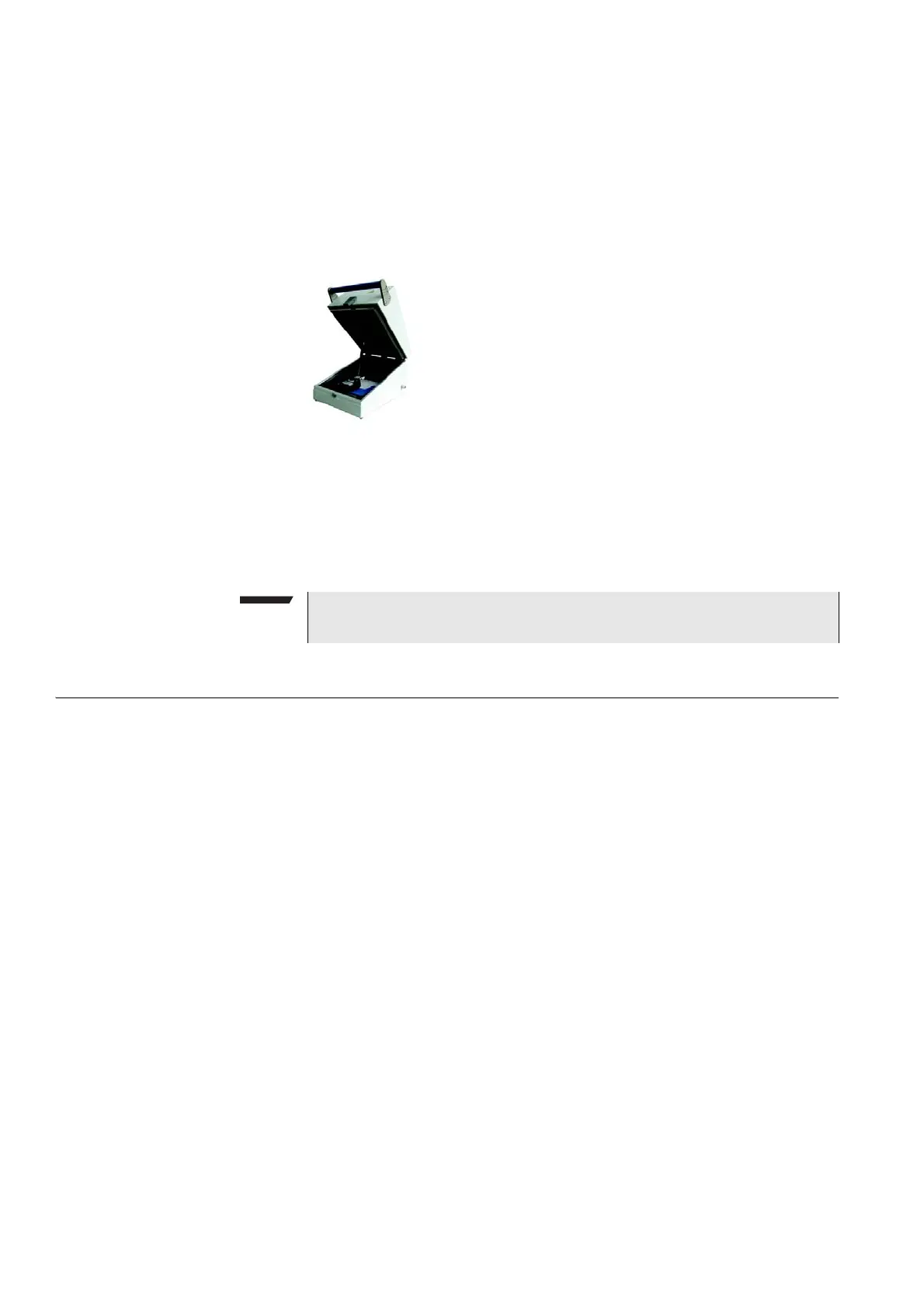
If you need to perform reproducible measurements without having the possibility
of using a cable, we recommend to work with the optional RF Shield. This is a
metal box that covers both the mobile under test and the Antenna Coupler. The
RF Shield keeps radio interference away from the air connection. The achievable
measurement quality can be as good as when using a cable if the attenuation is
compensated with the help of the coupling loss table.
The RF Shield is available with either a TNC-type or N-type connector.
Using the front and rear panels
Front panel – Get to know the ten sections of the front panel.
Rear panel – Here you will find all about the rear panel of your 4400.
Connectors – The three connectors on the front panel provide the interfaces to
the mobile under test. The back panel features all the interfaces you need to inte-
grate the 4400 into your test environment.
The keys on the front panel – Don’t be confused about softkeys, marker tabs,
function keys, numeric keys, cursor keys, the selection key or mapping the 4400’s
keys to an external keyboard. Here you will find all you need to know about any
key.
NOTE
The RF Shield Package contains both the RF Shield and the Antenna Coupler.



 To Next Page