Chapter 4 Tools
Configuration
WCDMA Options Version 6.20
107
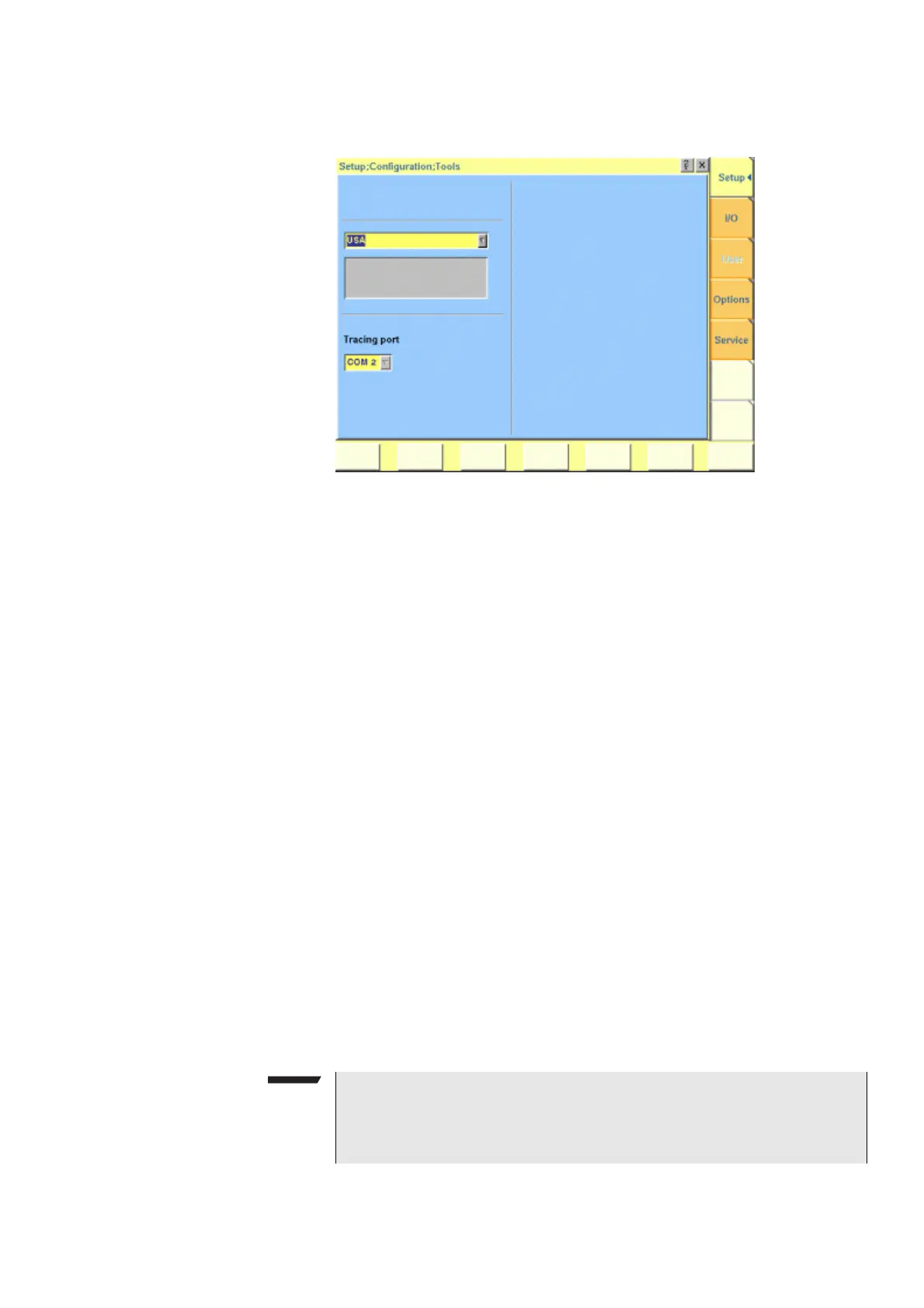
Setup Push the [Setup] marker tab to gain access to this menu.
Settings of the Setup menu External Keyboard — This selection field allows to set the language of the
external keyboard connected.
The settings possible are:
–
USA (default)
– BelgiumFrench
– BelgiumDutch
– CanadaFrench
– CanadaEnglish
– Denmark
– France
– Germany
– Italy
– Japan
– LatinAmericaSpanish
– LatinAmericaPortugal
– Netherlands
– Norway
– Portugal
– Spain
– Sweden
– SwissFrench
– SwissGerman
– UnitedKingdom
NOTE
The language set for the external keyboard affects the mapping of special
keys and characters. This may in some cases affect the “Keyboard mapping
table”.



 To Next Page