Chapter 1 Overview
Using the front and rear panels
WCDMA Options Version 6.20
13
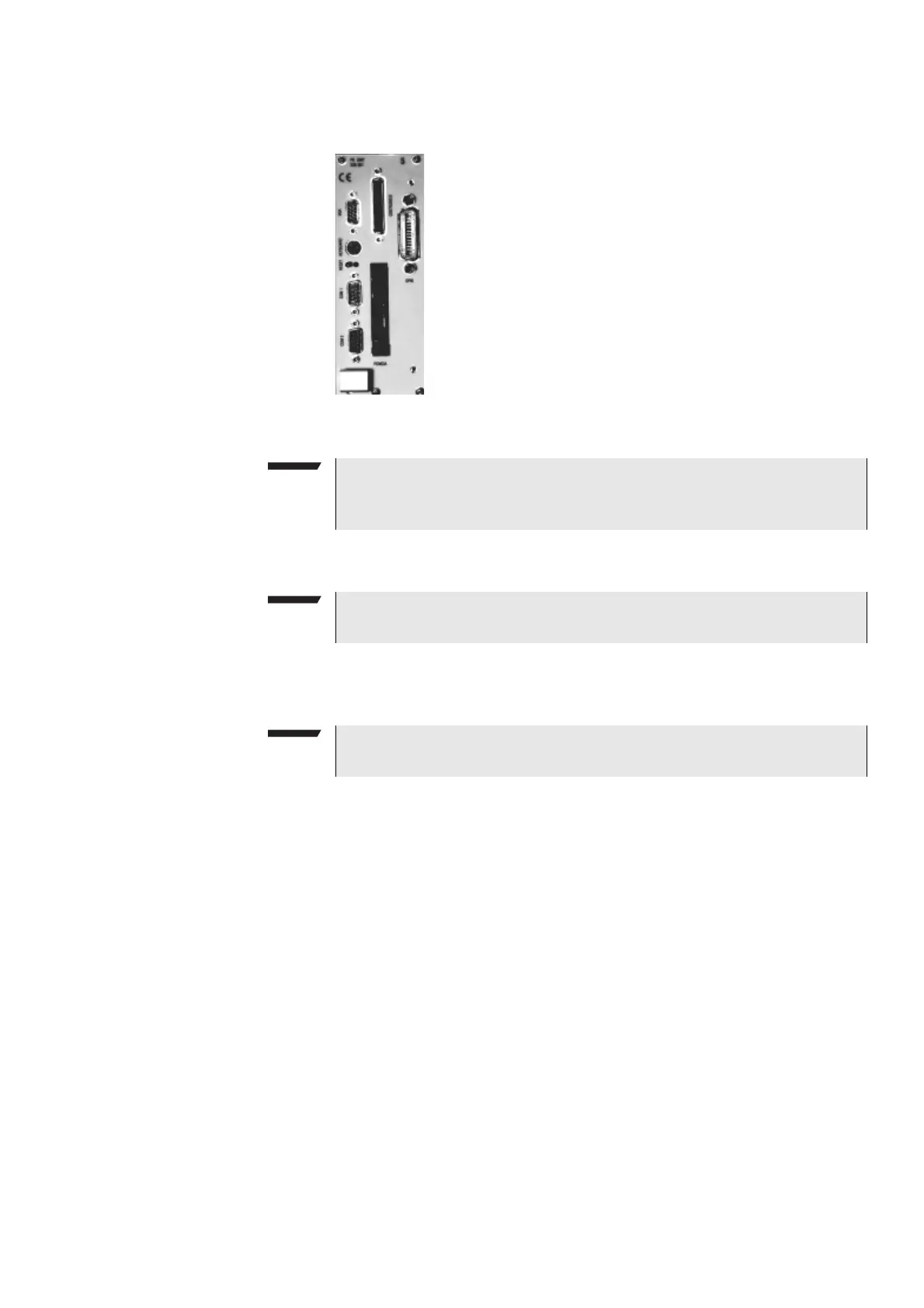
Connectors on the PC unit
VGA — Standard connector for a VGA monitor.
Keyboard — Standard PS/2 connector for a PC keyboard.
COM 1 — Standard 9-pin D-sub connector for serial interface 1. Usually used to
connect a standard PC mouse.
COM 2 — Standard 9-pin D-sub connector for serial interface 2.
CENTRONICS — Standard parallel port to connect a PC printer (LPT 1).
PCMCIA — These two PCMCIA slots are reserved for LAN interfacing and for
future applications.
The slot takes either two Type 1 cards or one Type 2 card.
GPIB — General Purpose Interface Bus according to specification IEEE-488.2.
NOTE
The resolution of the 4400’s video output is set to 640 x 480 pixels and can-
not be altered.
NOTE
An external keyboard is highly recommended for RAPID! programming.
NOTE
A mouse is highly recommended for RAPID! programming.



 To Next Page