Chapter 6 RAPID!
Using RAPID!
142 WCDMA Options Version 6.20
– Status area. This is where the 4400 displays error messages or gives the
current cursor position in relation to the entire file.
The softkeys provide access to important functions of the Edit menu, like the
search for text.
The marker tabs give instant access to the various menus of the RAPID! environ-
ment.
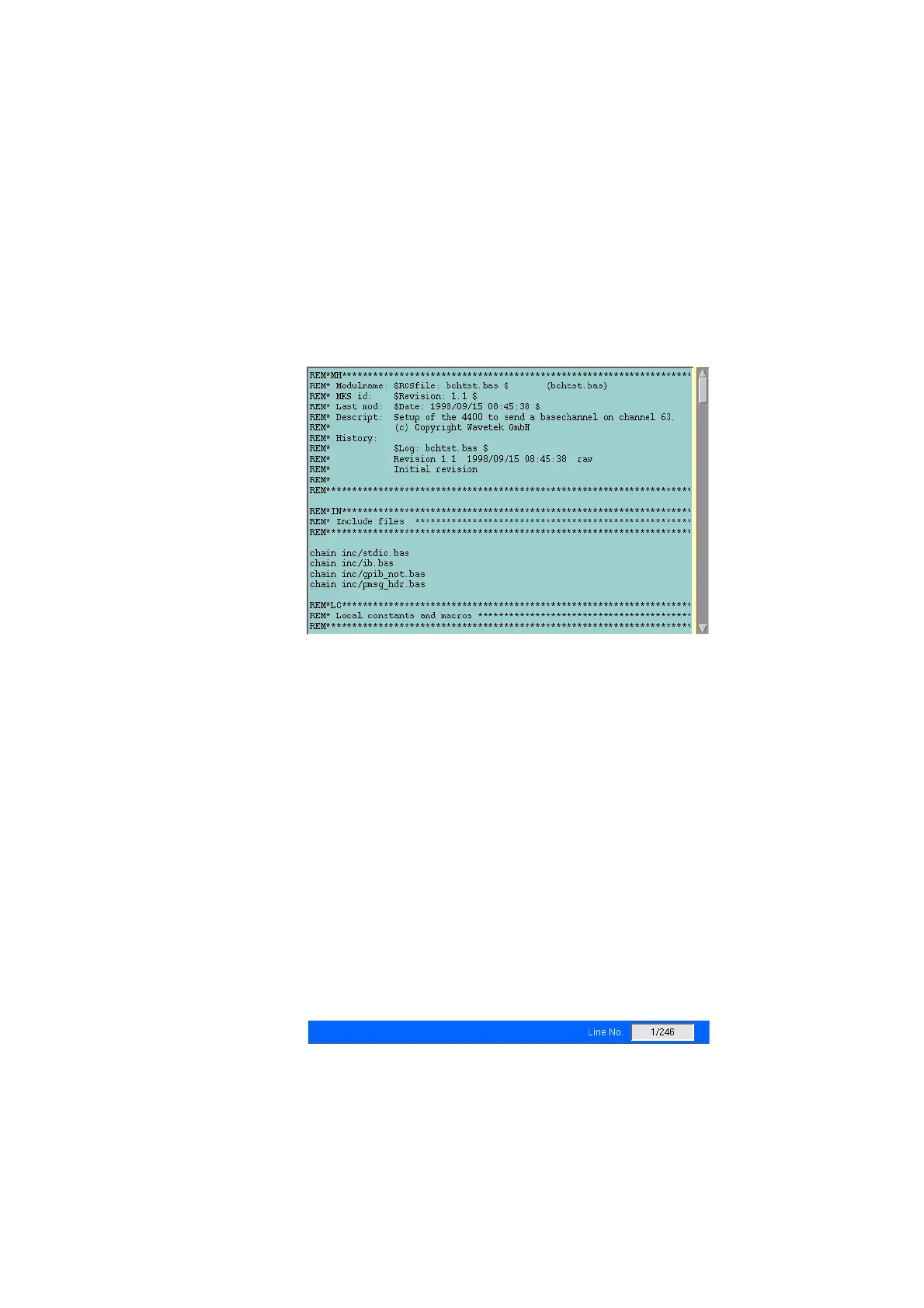
Edit area The Edit area is where you create and edit program code, using the built-in
BASIC-type language of RAPID!.
To work on program code, we strongly recommend the use of an external
keyboard.
In principle, it is possible to do without, using the typing tabs, but this is a rather
time-consuming way.
An external keyboard not only provides mapping of the 4400 keys. It also allows
you to use the standard ‘control codes’ as with any usual text editor.
Some of the standard control codes are listed in the table below.
Status area
In the status area, the 4400 shows the following information:
– Syntax errors – these are mainly typing errors with commands or missing
command elements and prevent a RAPID! program from being executable.
– Runtime errors. These errors occur during runtime of a RAPID! program and
usually lead to an unexpected end of the program run.
Ctrl+a
Select all
Ctrl+c
Copy
Ctrl+x
Cut
Ctrl+v
Paste



 To Next Page