Chapter 1 Overview
Using the front and rear panels
WCDMA Options Version 6.20
15
External keyboard and mouse
There is the possibility to connect a standard PC keyboard and/or a standard
serial PC mouse to the 4400. When an external keyboard is connected, the keys
on the front panel of the 4400 and the keys on the external keyboard may be
used in parallel.
In order to give you access to the 4400-specific keys like the T
OOLS function
key, those keys are mapped to the external keyboard. The mapping table can be
found in section Keyboard mapping table.
The connectors for both the mouse (COM 1, Sub-D 9) and the external keyboard
(Keyboard, PS/2) are located on the back panel of the 4400 in the PC section.
Section Connectors provides you with all the information about those connec-
tors and their locations.
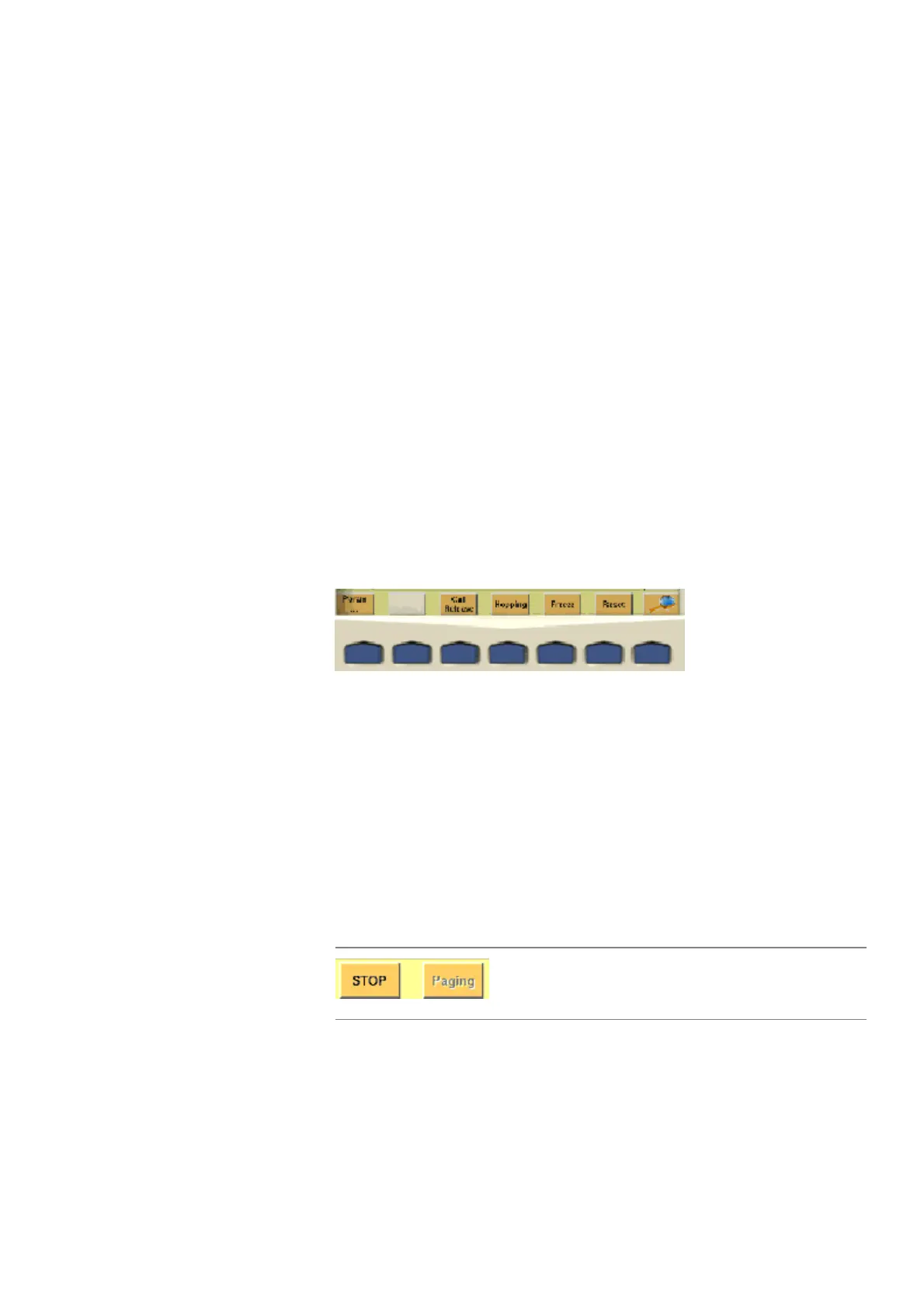
The softkeys Softkeys call specific functions that vary with the menu displayed. The specific
function is written in the last two lines of the display, just above the physical key.
This is what we call the label of the softkey.
Example: In the Welcome menu of the 4400, the softkeys will allow you to select
between measurements in call mode and those in non-call mode.
Notes on softkeys
– When the label of the softkey ends with an ellipsis (...), this softkey will take
you to a new menu (of a lower level), where you can enter e.g. additional
parameters.
To return from a lower menu level, push the E
SCAPE function key.
Example: Softkey
Param... will take you to a new menu, where system
parameters can be set.
– When there is a test in progress, some softkeys will be blocked. They turn to
gray to indicate that the previously started test has to be either completed
or aborted, before a new selection with the softkeys is possible.
Example:
– While the Online help is on display, the softkeys change to navigating aids
and help you to find your way through the Online manual.
While softkey
STOP could be pushed any time,
softkey
Paging is not accessible as long as the cur-
rent test or procedure is in progress.



 To Next Page