Chapter 6 RAPID!
Using RAPID!
148 WCDMA Options Version 6.20
easily distinguished from the program-generated softkeys.
The marker tabs give instant access to the various menus of the RAPID! environ-
ment.
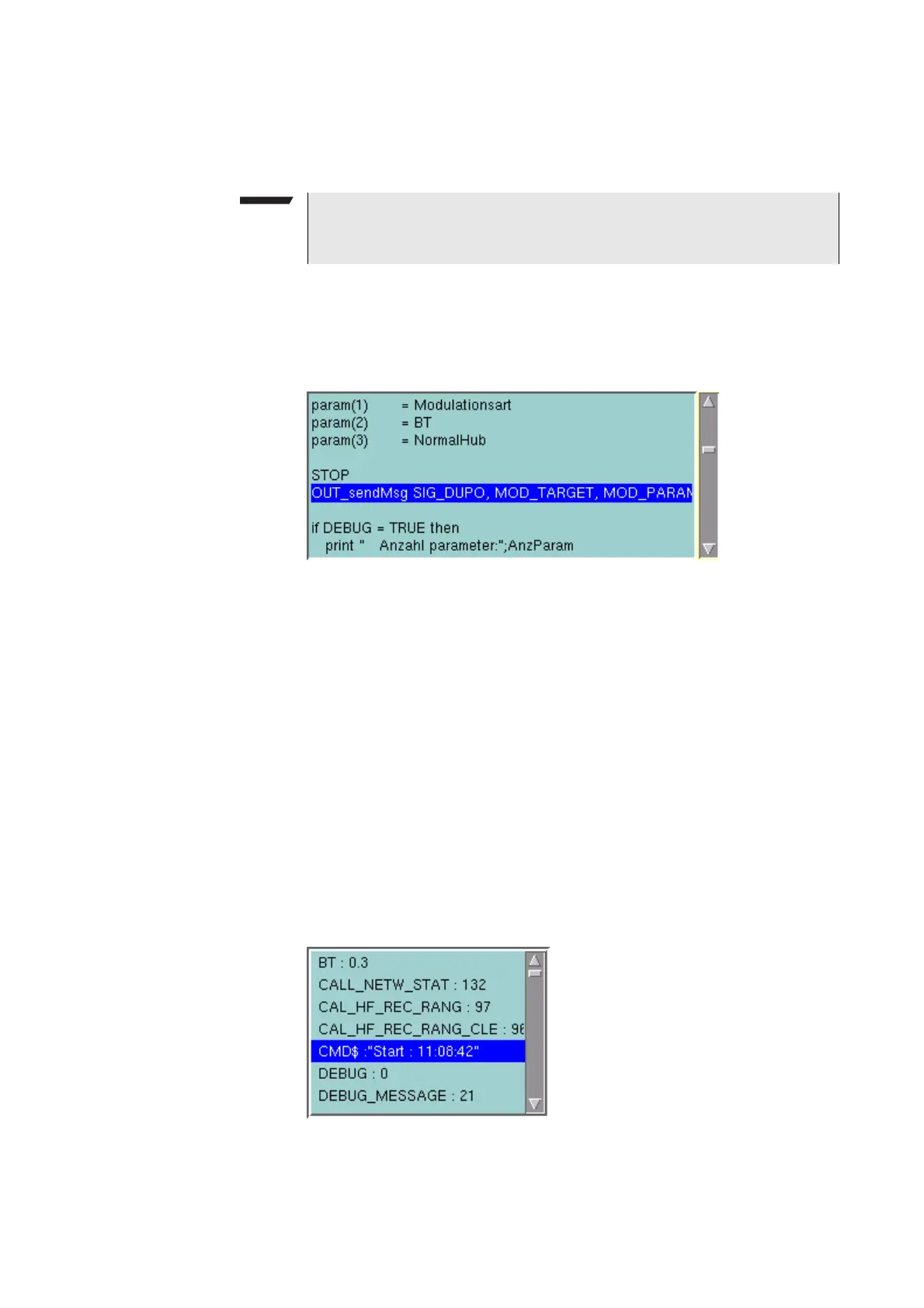
Source area In the Source area, the 4400 displays the program code being currently executed.
The program line highlighted in blue is the line that either has just been executed
(in RUN mode) or the line that will be executed next (in STEP mode).
To browse through the program, simply use the external keyboard or the cursor
keys and function keys.
It is not possible to edit the program in this area. In order to do so, please use the
Edit menu.
To run a program or to execute it step by step, please use the appropriate softkeys
of the Debug menu.
In the Debug menu, only the first screen line of continued program lines will be
highlighted.
Variable area In the variable area, the 4400 displays all variables used in the RAPID! program
run, including their current values.
While a program is e.g. waiting for an input, you may access the Variable area
with the mouse and have a look at all current variables.
NOTE
As long as no file has been opened or newly created, the marker tabs are
grayed out and cannot be selected.



 To Next Page