Chapter 6 RAPID!
Using RAPID!
WCDMA Options Version 6.20
149
Altering the value of variables directly
Within the variable area, the values of the variables may be altered directly:
1 Select the variable with the mouse. The 4400 indicates the selection of the
variable by highlighting it in dark blue.
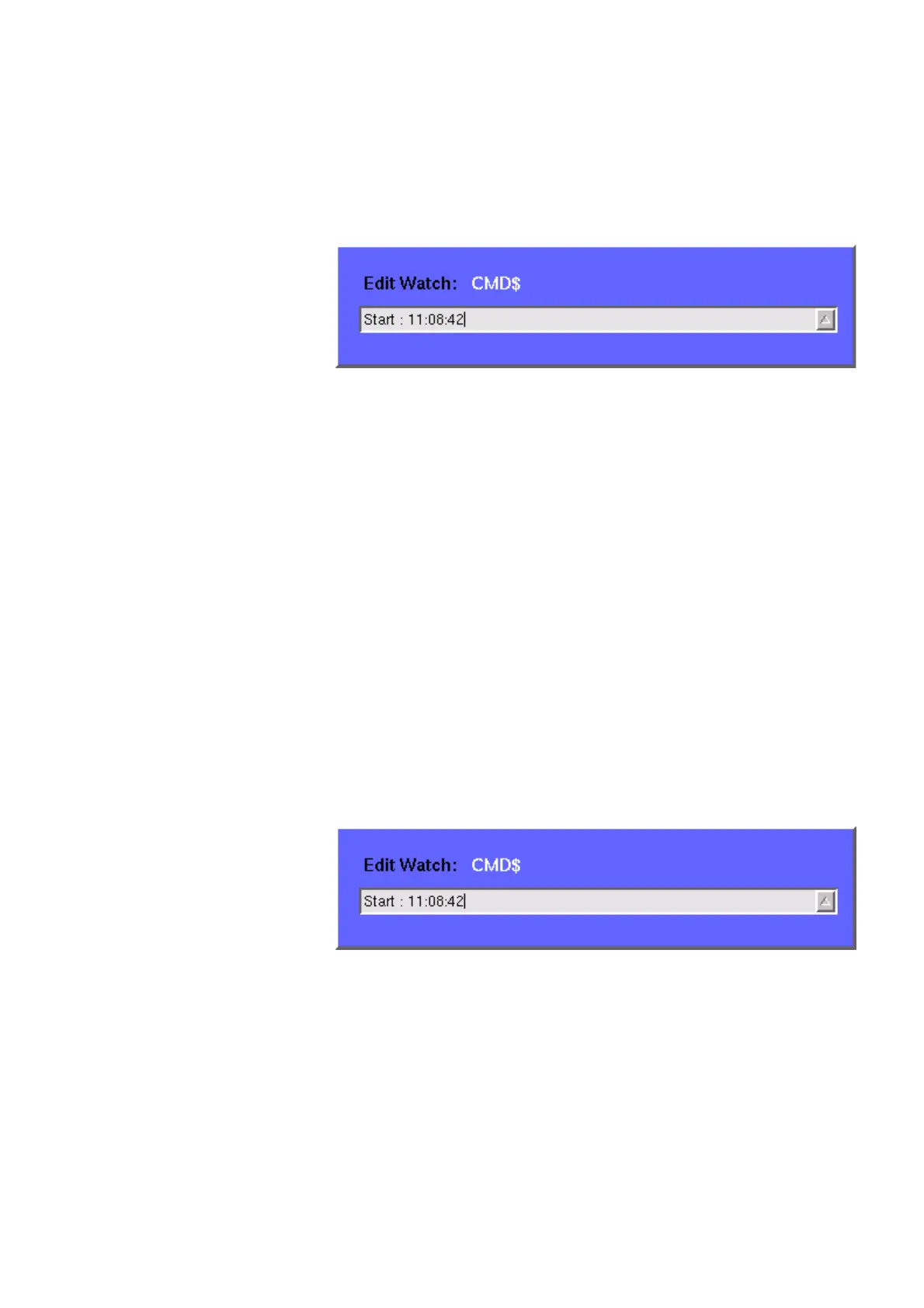
2 Enter the new value for the selected variable in the
Edit Watch: dialogue
box, using the 4400’s numeric keys or the external keyboard.
3 Confirm the value entered with a push on the E
NTER function key on the
4400 or a push on the external keyboard’s
Enter key.
4 The new value will now be used when you run or step the program using the
corresponding softkeys of the Debug menu.
Alternatively
1 Open the Variable area by pushing the
Focus Next softkey until the Vari-
able area gets highlighted.
2 Select the variable you would like to alter with the cursor (simply use the
cursor keys to do so). The currently selected variable is indicated by a thin
black frame.
3 Activate the variable editing mode by confirming your selection with a push
on the
Enter function key on the 4400 or a push on the external keyboard’s
Enter key.
The 4400 indicates the selection of the variable by highlighting it in dark
blue.
4 Enter the new value for the selected variable in the
Edit Watch: dialogue
box, using the 4400’s numeric keys or the external keyboard.
5 Confirm the value entered by pushing the
Enter function key on the 4400 or
by pushing the external keyboard’s
Enter key.
6 The new value will now be used when you run or step the program using the
corresponding softkeys of the Debug menu.
Note: The variable selected last will remain highlighted until you select a new
variable or run a new program.



 To Next Page