Chapter 6 RAPID!
Using RAPID!
146 WCDMA Options Version 6.20
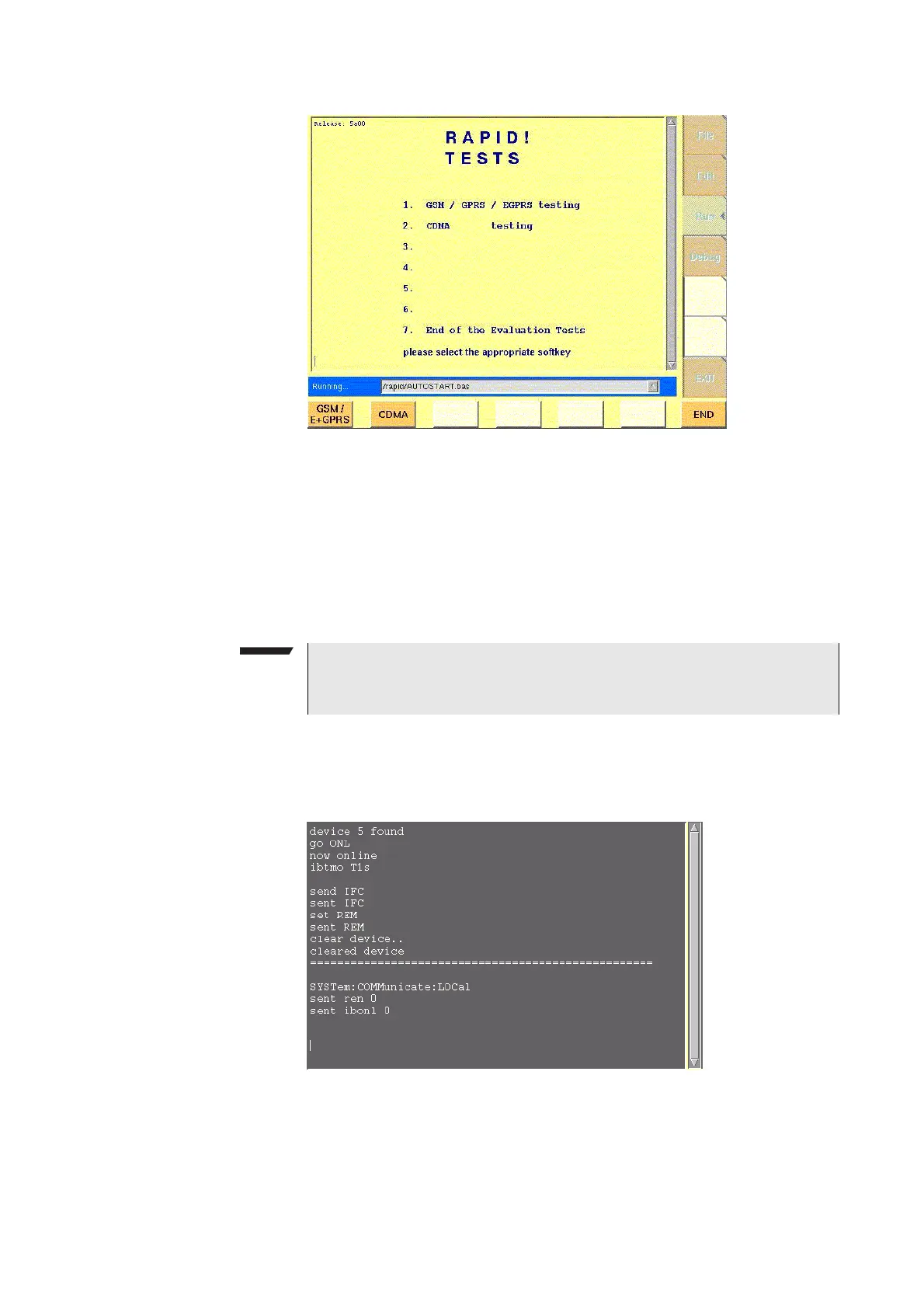
The Run menu is subdivided into two main sections:
– RAPID! basic file area. Here you select the file you want to run.
– Output area where the output of the running RAPID! program is displayed.
The softkeys provide access to important functions of the Run menu, like starting
a RAPID! program.
The marker tabs give instant access to the various menus of the RAPID! environ-
ment.
Output area In the output area, the 4400 displays the output and status messages created by
a running RAPID! program.
NOTE
As long as no file has been opened or newly created, the marker tabs are
grayed out and cannot be selected.



 To Next Page