Chapter 4 Tools
Utilities
120 WCDMA Options Version 6.20
The softkeys of this menu
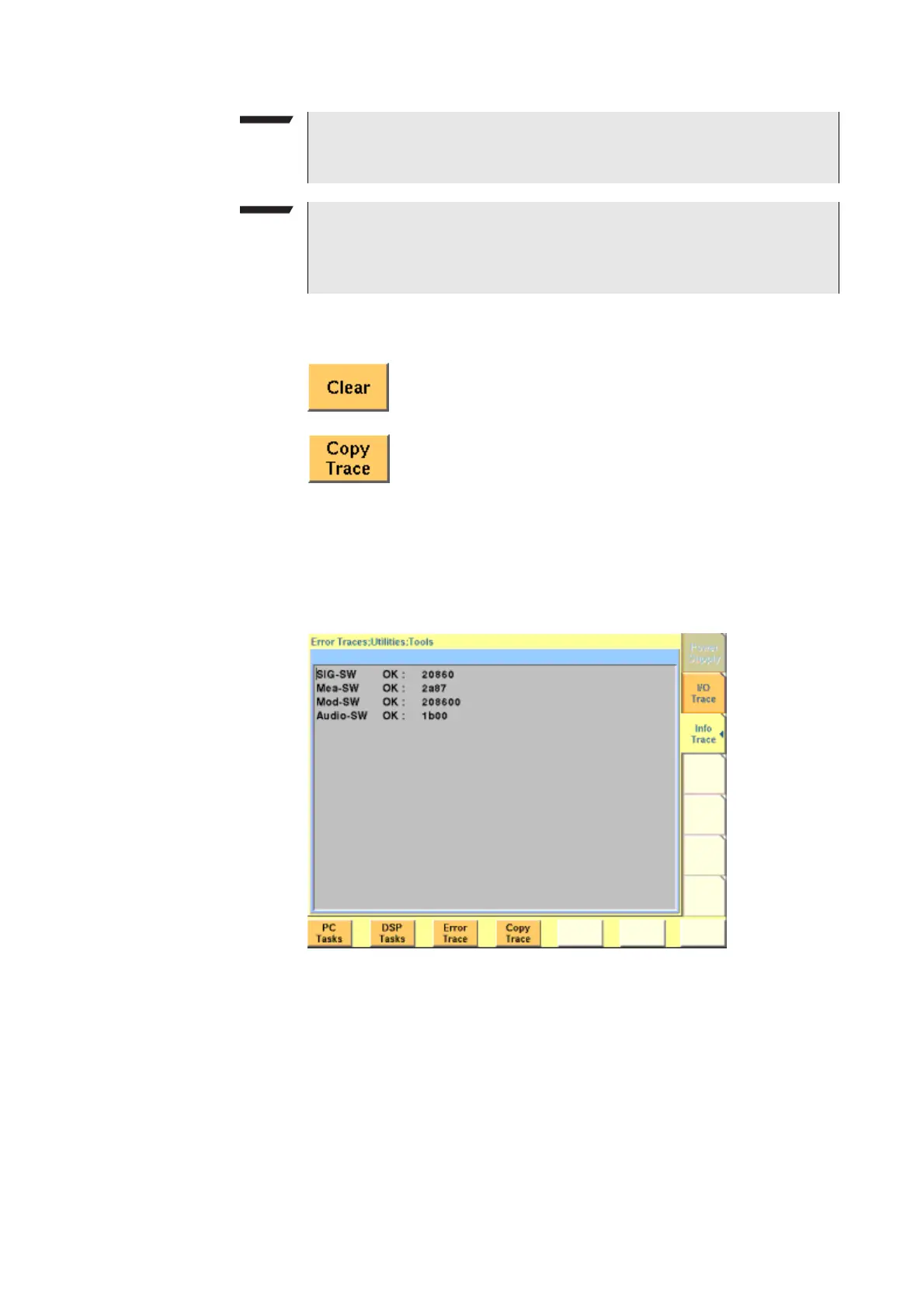
Info trace Push the [Info Trace] marker tab to gain access to this menu.
This menu provides detailed information about internal procedures and messages
of the 4400.
It does not contain any user-serviceable settings or entry fields.
Its main application is internal debugging at Willtek. It may, however, also
provide useful information for the Willtek product specialists when tracing a
problem.
NOTE
Generating the trace consumes more processing power from the 4400 i.e. the
4400 may work slower than without tracing.
NOTE
If you don’t need the trace for debugging purposes, it is strongly recom-
mended to go back to the Welcome menu before starting remote control
operation.
Resets the entire I/O Trace menu (all entries in all areas of the
menu will be cleared).
Before pushing this softkey, insert a disk in the 4400’s disk
drive as a push on this softkey copies the entire I/O Trace to
the disk. A text file named
GPIBPROT.TXT will be generated,
containing the I/O Trace in ASCII format. If the I/O Trace is
empty, the file will be empty as well.



 To Next Page