About This Guide
Conventions
xvi WCDMA Options Version 6.20
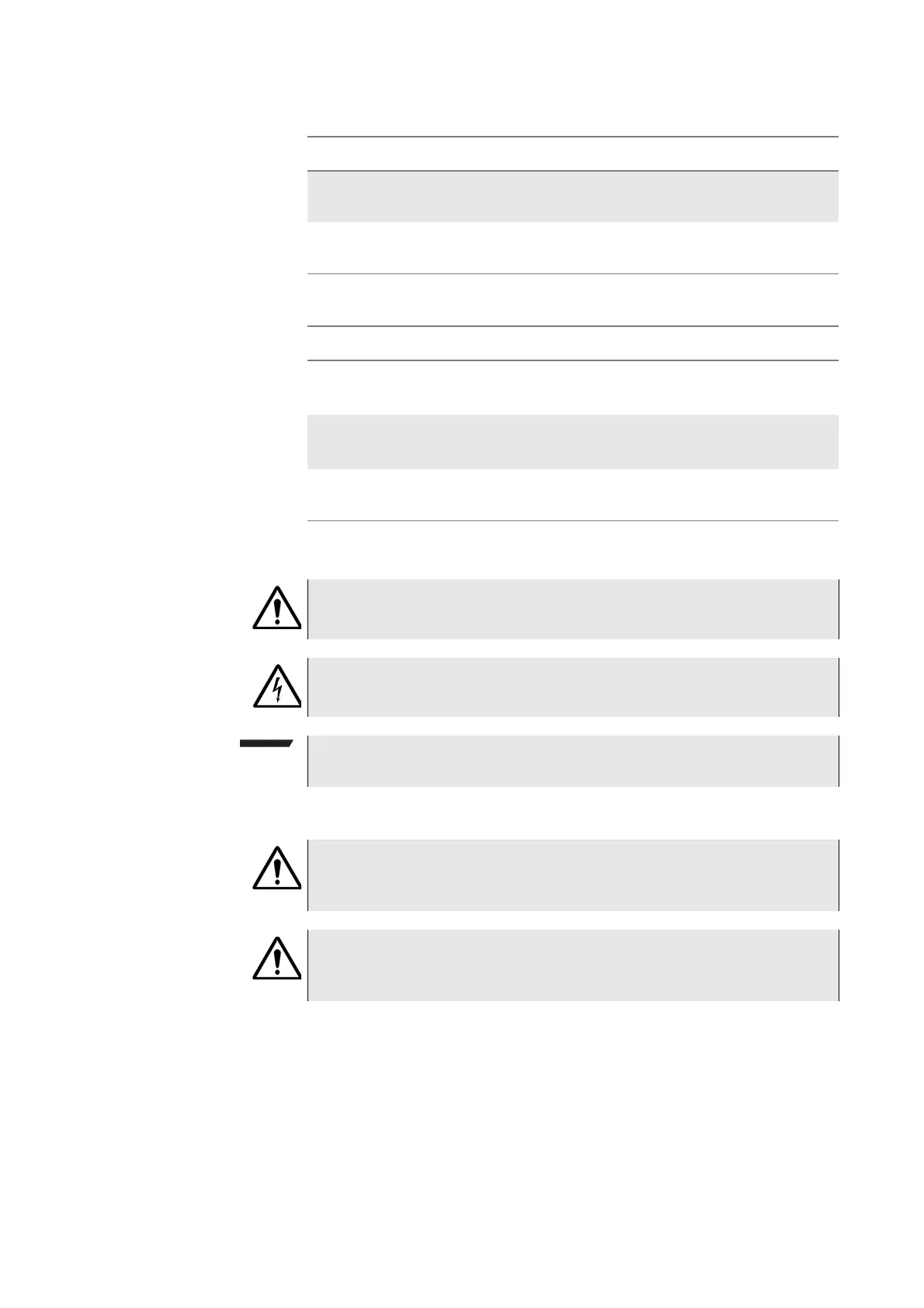
Table 4 Symbol conventions
Table 5 Safety definitions
Square brackets [ ] indicate an
optional argument.
login [platform name]
Slanted brackets < > group required
arguments.
<password>
Table 3 Keyboard and menu conventions
Description Example
A plus sign + indicates simulta-
neous keystrokes.
Press
Ctrl+s
A comma indicates consecutive key-
strokes.
Press Alt+f,s
A slanted bracket indicates choos-
ing a submenu from menu.
On the menu bar, click
Start > Program Files.
Table 2 Typographical conventions (Continued)
Description Example
This symbol represents a general hazard.
This symbol represents a risk of electrical shock.
NOTE
This symbol represents a note indicating related information or tip.
WARNING
Indicates a potentially hazardous situation which, if not avoided, could result
in death or serious injury.
CAUTION
Indicates a potentially hazardous situation which, if not avoided, may result in
minor or moderate injury.



 To Next Page