Chapter 2 WCDMA Call Mode
Testing User Equipment on WCDMA channels
48 WCDMA Options Version 6.20
NB-originated call
To initialize a NB-originated call, simply push the
NB Call Speech or the
NB Call Loopback softkey while the 4400 is in idle mode. The test set will then
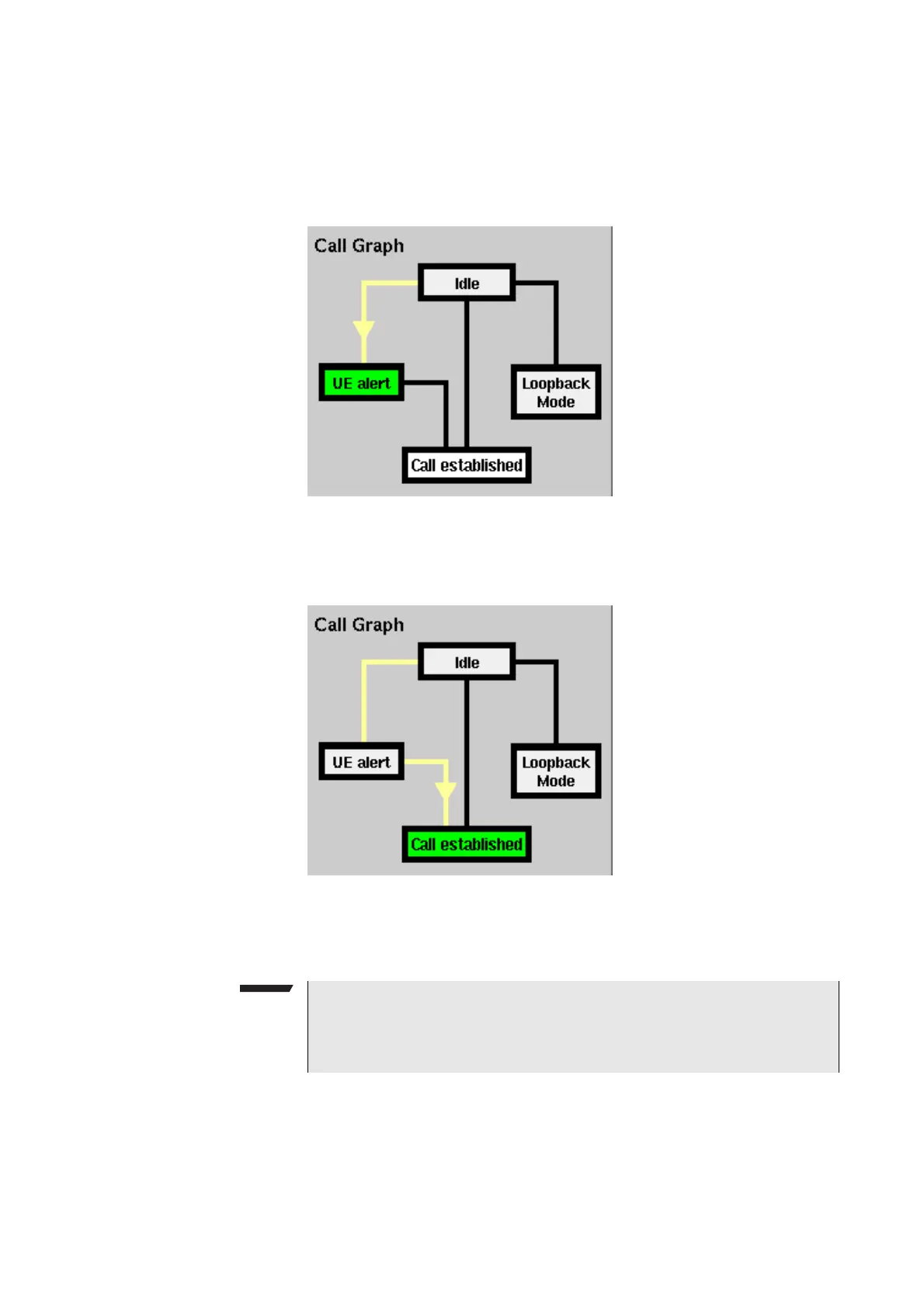
start to establish a call. The call graph will change as follows:
The active status is now UE alert. As soon as all required signaling has been
exchanged between the 4400 and the mobile, the status will change to Call
established:
As soon as the call has been put through, you are working on call level. The basic
WCDMA measurements will be performed automatically (for details, see section
“Basic test results display” on page 49).
UE-originated call
To initialize a UE-originated call, simply dial a number on the mobile and push
the ‘Send’ button. The 4400 will respond to the request of the mobile. The call
graph will change to Call established.
NOTE
If the call cannot be established, the 4400 will automatically return to idle
mode and the softkeys will change back to their defaults (as described in sec-
tion “Softkeys in idle mode” on page 43).



 To Next Page