Service Parts Disassembly
Phaser® 6120 Color Laser Printer Service Manual
9-13
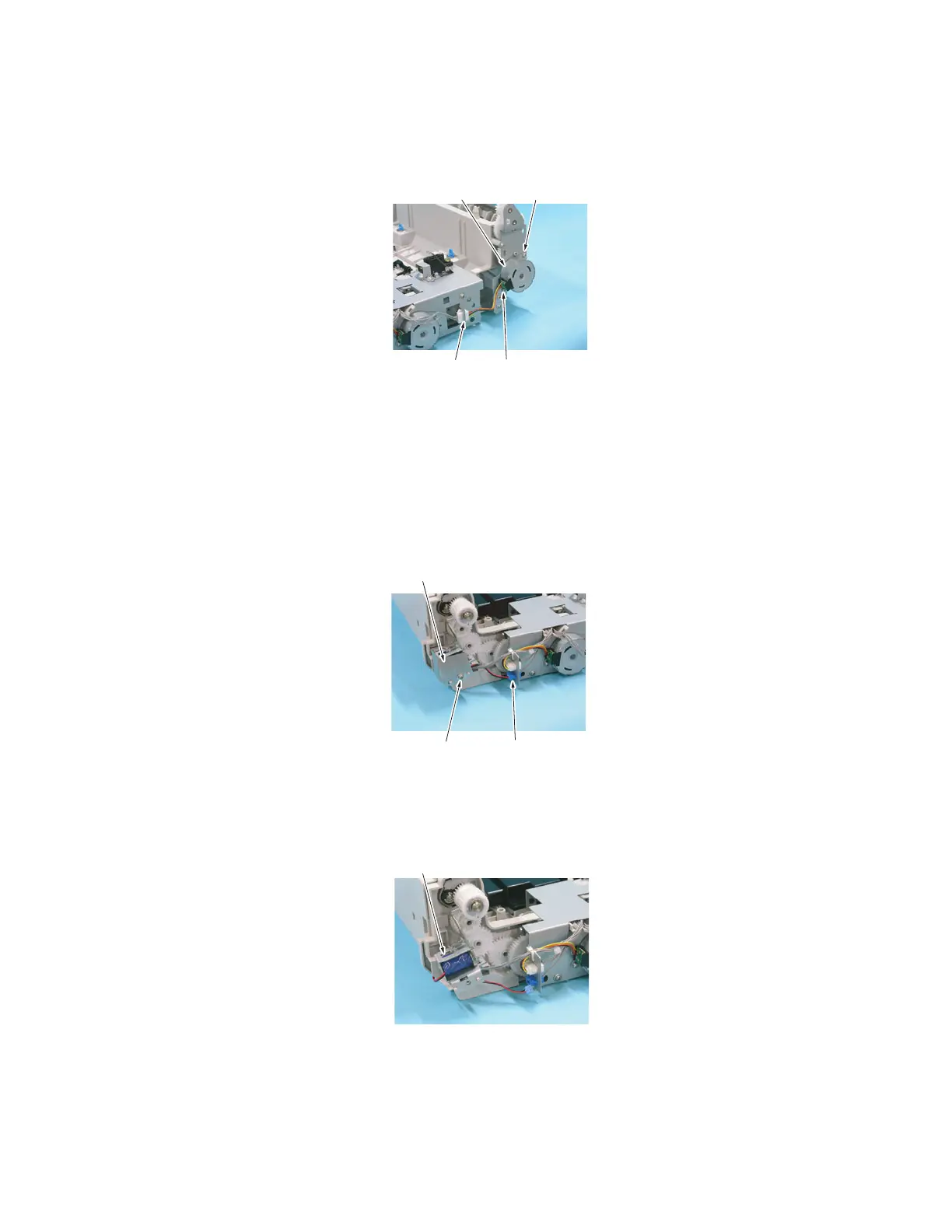
2. Remove two screws [1], disconnect the connector [2], and remove the Duplex Reverse
Motor [3].
Duplex Registration Solenoid (SL6 DU)
1. Remove the Right Cover. See Right Cover on page 9-8.
2. Disconnect the connector [1].
3. Remove one screw [2] and the Protective Cover [3].
4. Remove the Duplex Registration Solenoid [4].
[2] [1]
[1][3]
4057fs2513c0
[1][2]
[3]
4057fs2514c0
[4]
4057fs2515c0



 To Next Page
 Loading...













