CELL-DYN 3000 System Operator’s Manual 5-109
9140240E — May 1995
Chapter 5 Operating Instructions
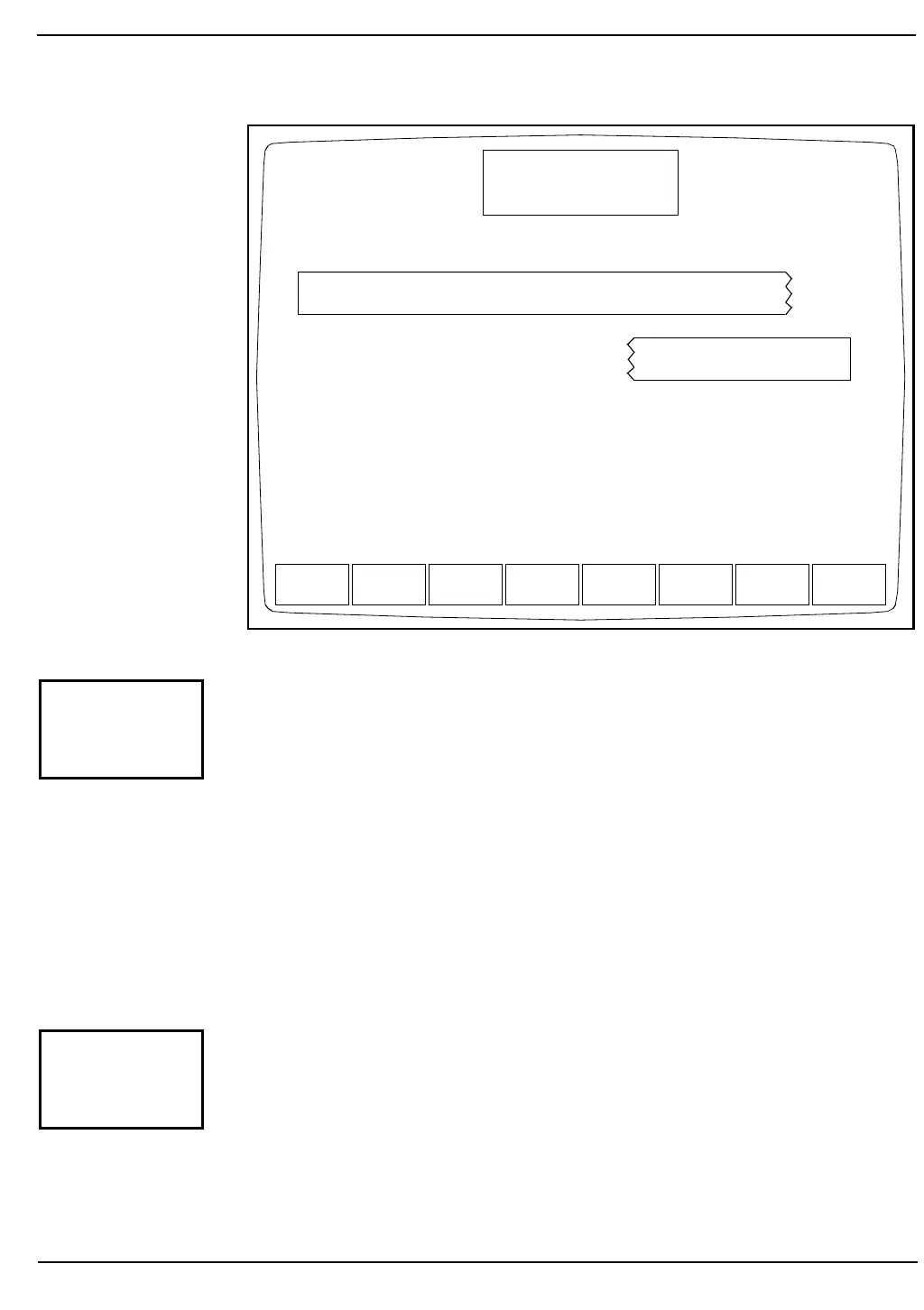
Figure 5.41: Customize Printout for Data Log Screen
The [CUSTOMIZE PRINTOUT] key is used to customize the printout
format of the Data Log. (See Figure 5.41.) The following soft key labels
are displayed when the [CUSTOMIZE PRINTOUT] key is pressed:
SELECT PARAMETER or
PLACE PARAMETER (The key alternates between these
two selections.)
STANDARD SELECTION
RETURN
The CUSTOMIZE PRINTOUT FOR DATA LOG Screen shows the
order (from left to right) in which the indicated parameters will be
printed.
The [SELECT PARAMETER] key is used to select a parameter
designated by the cursor. When the key is pressed, the selected parameter
is highlighted, the label changes to [PLACE PARAMETER] and a
[CANCEL SELECTION] key is displayed.
SELECT
PARAMETER
STANDARD
SELECTION
RETURN
CUSTOMIZE PRINTOUT
Ready
Dec 18 1992
Operator ID
Sequence #
10:31
734
0630
FOR DATA LOG
WBC%N%L%M%E%BRBCHGBHCTMCVMCHMCHC
RDWPLTMPVUMT1CNT1
WBC NEU LYM MONOEOS BASO
RBC HGB HCT MCV MCHMCHCRDW
PLT MPV PCT PDW
%N %L %M %E %B
UMT1UMT2CNT1CNT2
CUSTOMIZE
PRINTOUT
SELECT
PARAMETER



 To Next Page