Note
The windows user must have an administrator profile.
AIS requires that Windows 10 is already installed on your computer and
correctly configured.
1.
Close all the running applications.
2.
Insert the USB pen drive or CD/DVD media.
In case of USB pen drive, open the partition “SETUP” and double click on
“Autorun.exe”.
In case of CD/DVD, the Installation wizard starts automatically, if this does not
happen, double click on “Autorun.exe” at the root of the disc.
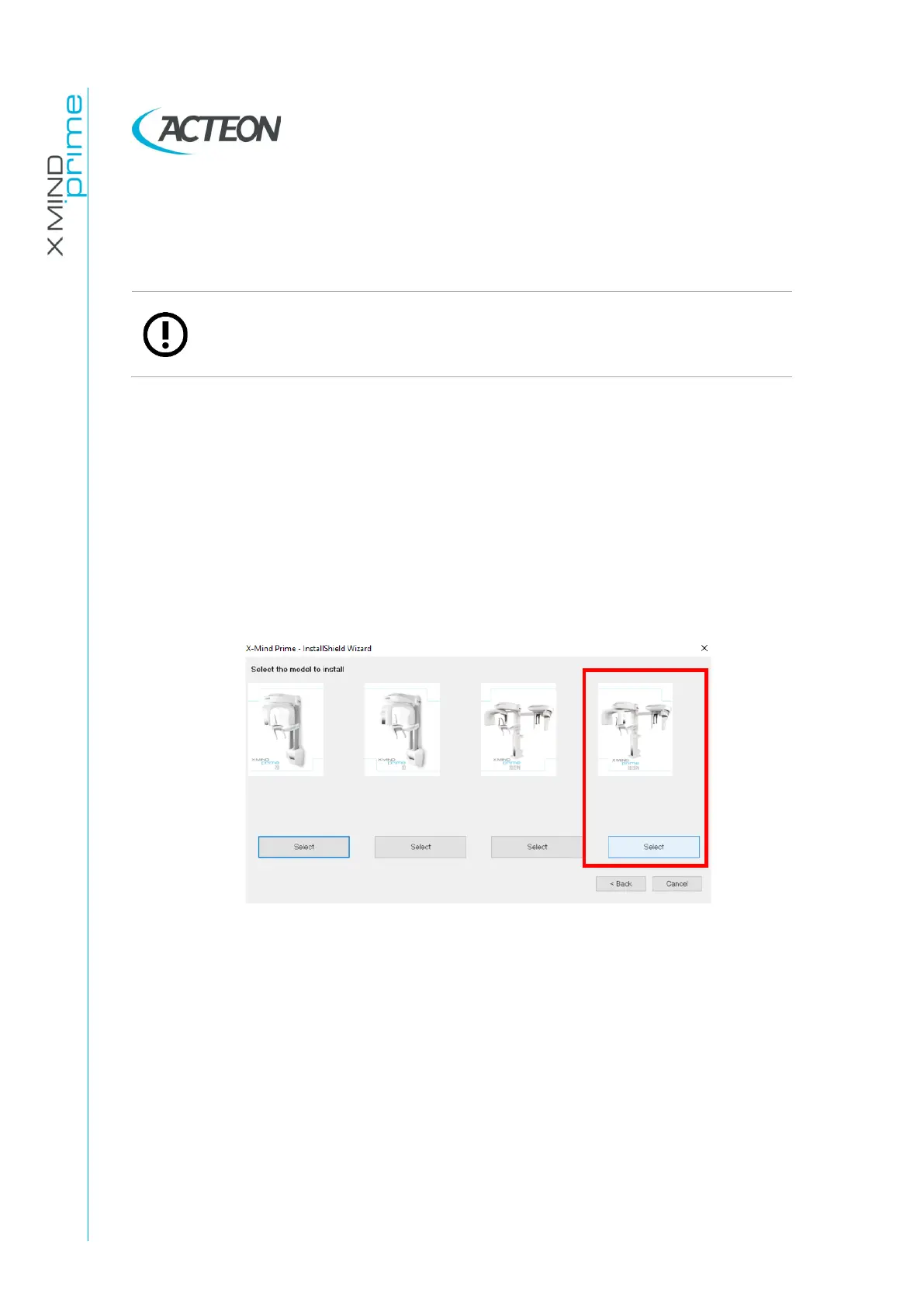
In both cases, install AIS software (refer to AIS installation guide) and then the
window below opens:
3.
Select “X-Mind Prime 3D ceph” and follow the wizard.















 To Next Page