Service Manual – Corrective maintenance
SERVICE MANUAL • X-MIND prime 3D • (19) • 11/2019 • NXMPEN080A
11.2.8
MCU IP address modification and factory reset
11.2.8.1
MCU IP address modification
1.
Enter service menu (see chapter 8).
2.
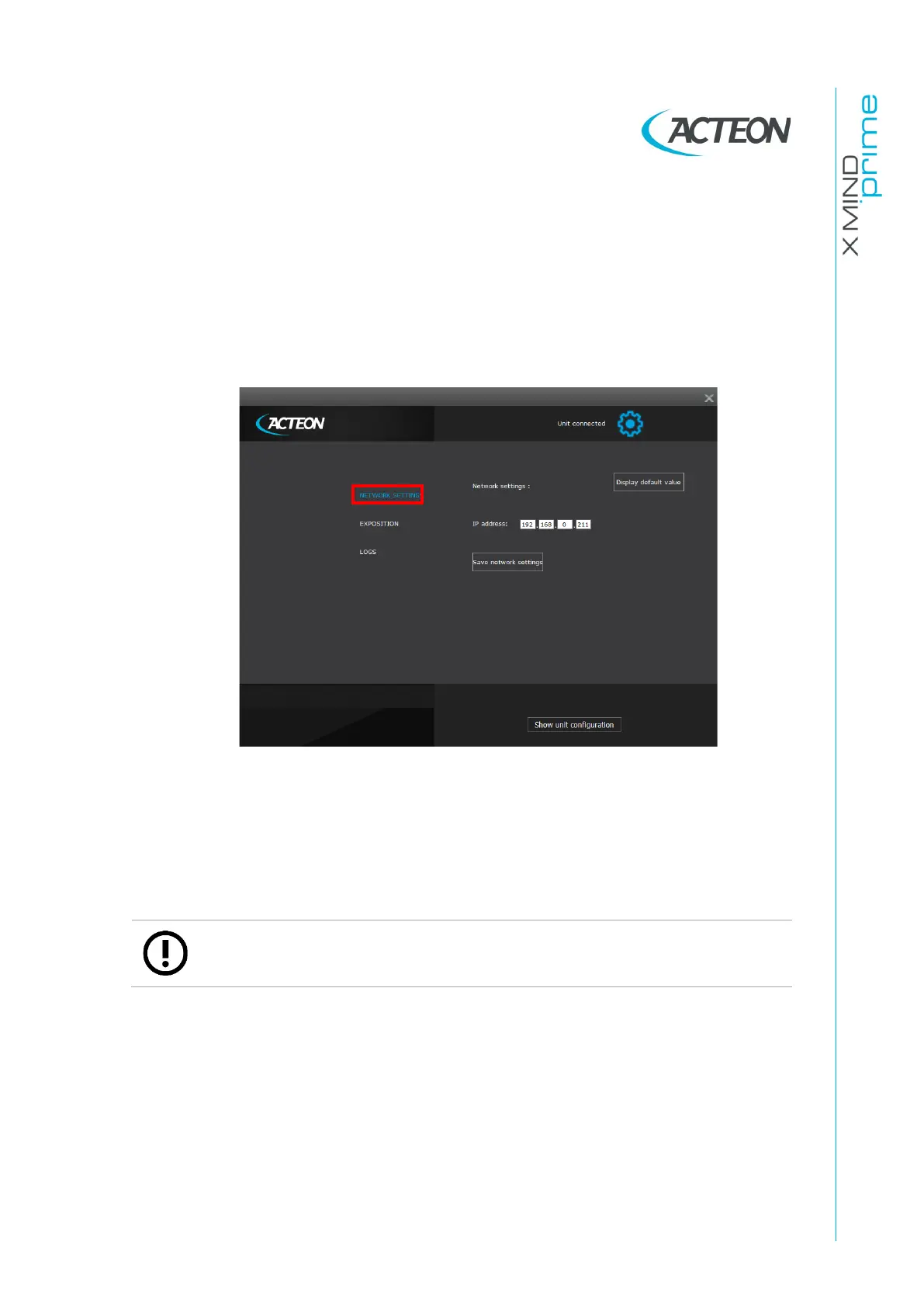
Select the "Network Settings" page (see paragraph 8.1).
3.
Change the IP address; click on Save IP address.
4.
Change the Network interface board IP with a valid one (see paragraph 7.7.1).
5.
Power OFF the unit and power it ON again and check the connection.















 To Next Page