EasyManua.ls Logo

Acteon X-MIND prime 3D ceph - System Anomalies; White Panoramic Image Or;And Empty Volumes

Acteon X-MIND prime 3D ceph
376 pages
Print Icon
To Next Page IconTo Next Page
To Previous Page IconTo Previous Page
Loading...
Service Manual Troubleshooting
SERVICE MANUAL • X-MIND prime 3D • (19) • 11/2019 • NXMPEN080A
205
9.4
System Anomalies
9.4.1
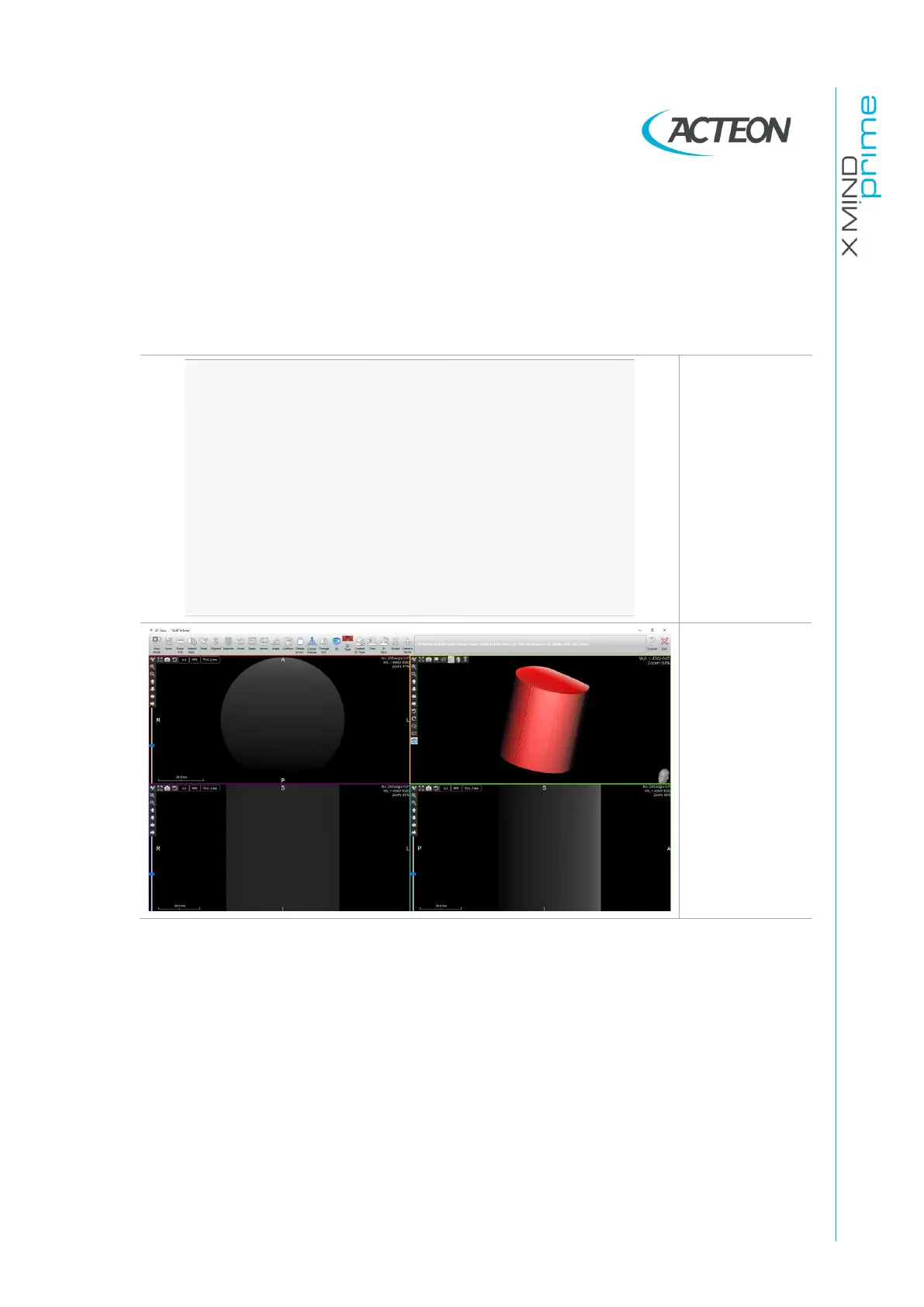
White panoramic image or/and empty volumes
Panoramic
white image
Empty volume
Figure 47
1.
Verify the presence of the correct calibration files (8 files named as the SN of
the sensor mounted on the unit) in the calibration folder
C:\ProgramData\Acteon
Imaging\Panoramic X-Mind Prime Ceph\Calibration
and that all the calibration
options in the image processing menu of the in PhD_C_Test.exe are checked
(see paragraph 10.2).
2.
Perform tests of Error E760 (paragraph 9.2.7.11).
3.
Verify the integrity of tubehead X57 connector, pin 5 and 6.


Table of Contents

Related product manuals