7.9
Detector Calibration files installation
Before starting unit operation, it is necessary to copy all the detector calibration
files in the PC.
Insert the USB pen drive or CD/DVD media containing the detector calibration files
and open it.
In case of USB pen drive, open the partition “CALIBRATION” and double click on
“Install.bat”. In case the automatic copy fails, copy all the files inside the folder
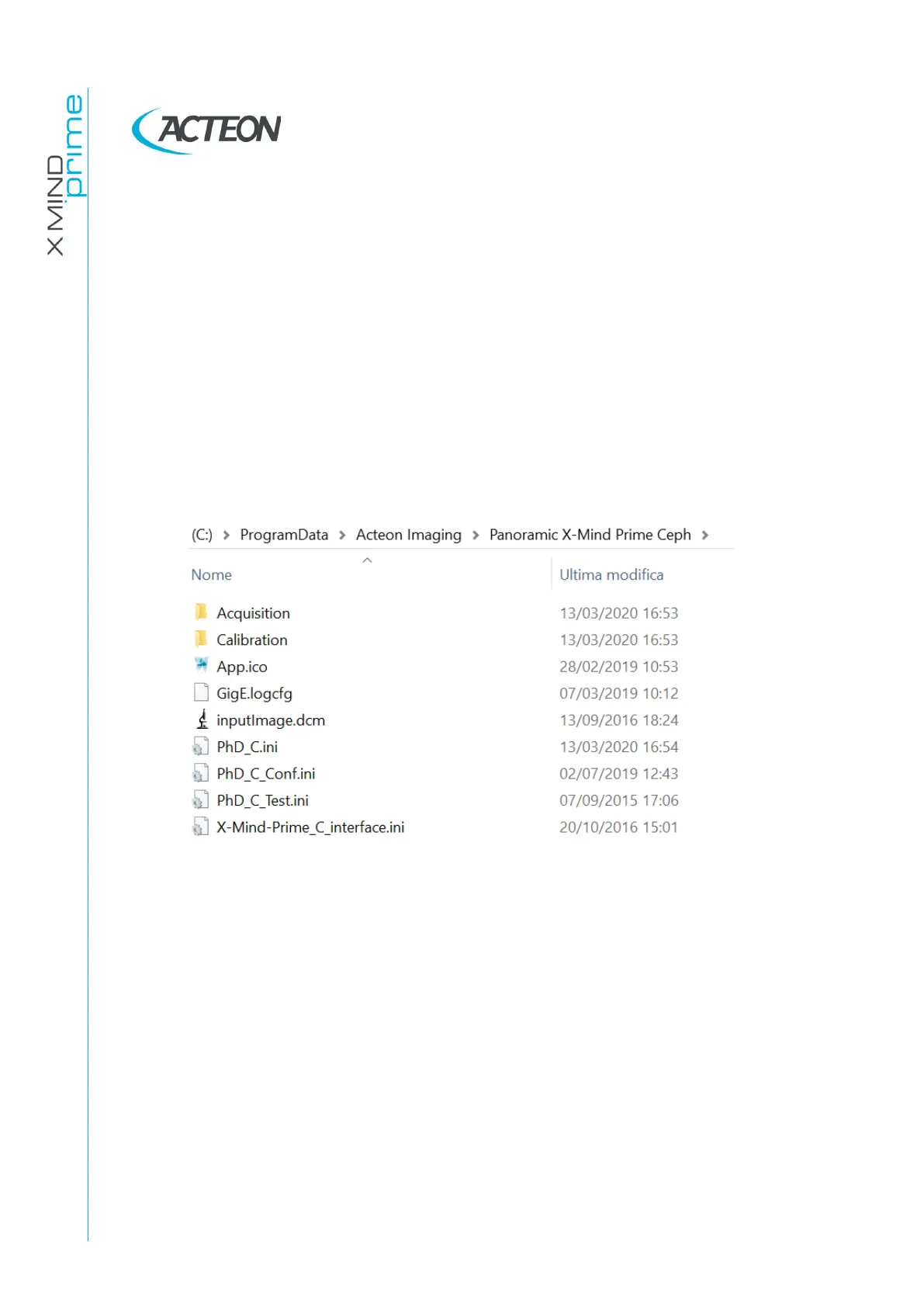
“Calibration” in the directory
C:\ProgramData\Acteon Imaging\Panoramic X-Mind Prime
Ceph\Calibration
(create the directory “Calibration” if not present).
In case of CD/DVD, copy all the files contained in the media support and paste them
in the directory
C:\ProgramData\Acteon Imaging\Panoramic X-Mind Prime Ceph\Calibration
(create the directory “Calibration” if not present).















 To Next Page