9.4.6
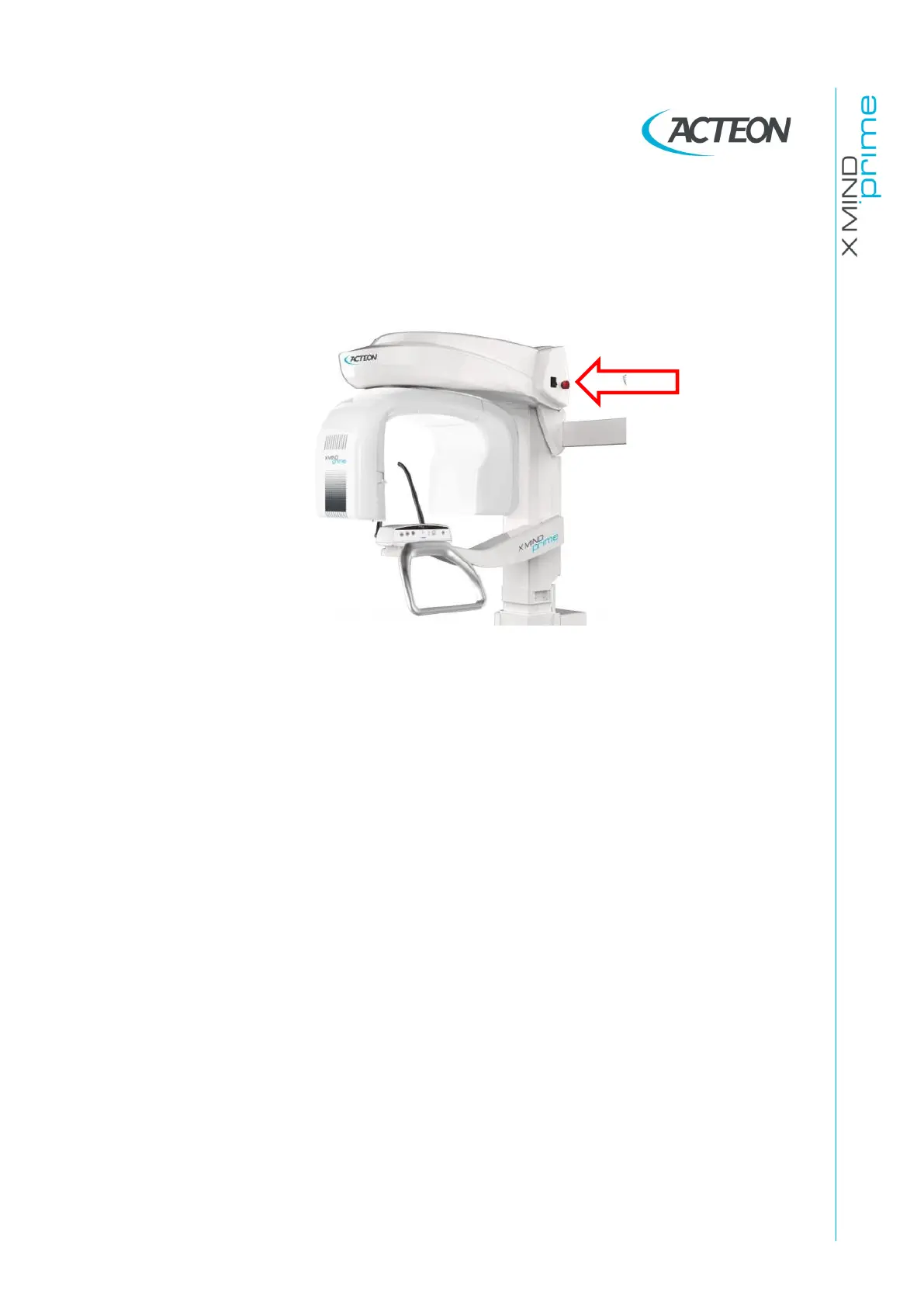
The column does not moves
1.
Verify that the safety red switch is released in the top side of the unit.
2.
If the problem persists, power off the machine and wait for about 20-30
seconds, then power on again the machine.
3.
Verify the main power supply and columns driver board connection (see
paragraph 6.1 and 7.2).
4.
Verify the column fuse (see paragraph 11.3.1).
If the problem is still present, contact Technical Service.















 To Next Page