7.12
Verification of CEPH function
For adjustments of ceph device, see paragraph 11.2.11.
Warning
X-rays will be emitted during the performance of the following operations.
Authorized Technicians are therefore recommended to use the greatest
caution and to comply with the safety regulations and laws of their country.
1.
Switch ON the unit and when the green LED starts blinking, press >0< button
to perform axis reset.
2.
Rotate the ceph head support in the lateral position
3.
Open "PhD_C_Test.exe" service program (C:\Program Files (x86)\Acteon
Imaging\Panoramic X-Mind Prime Ceph)
4.
Select the following parameters:
- ID Centring ceph
- Format: Height Custom
- Resolution: High
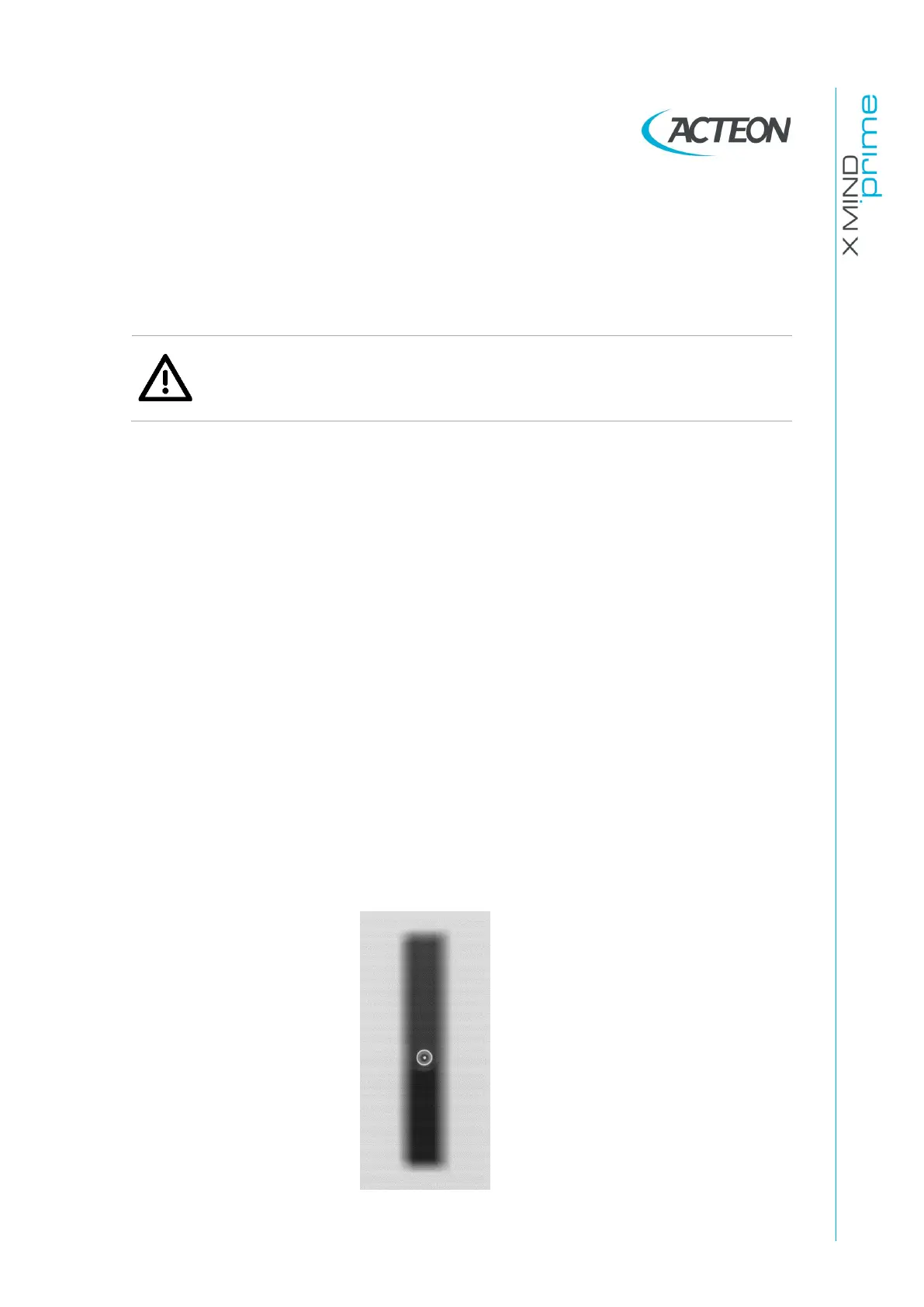
- Param1: View of Primary collimator field
- 70kV 8mA
5.
In the image processing menu select: “Dynamic adjustment”
6.
Prepare the unit to take the ceph exam and then press the X-Ray button until
the end of the exposure
7.
Save the image as “Rotation.bmp”















 To Next Page