Service Manual – Corrective maintenance
SERVICE MANUAL • X-MIND prime 3D • (19) • 11/2019 • NXMPEN080A
11.3.11
Column replacement
Column replacement requires the complete dismounting of the unit. It is suggested
to take a complete package to perform in the proper way this activity.
1.
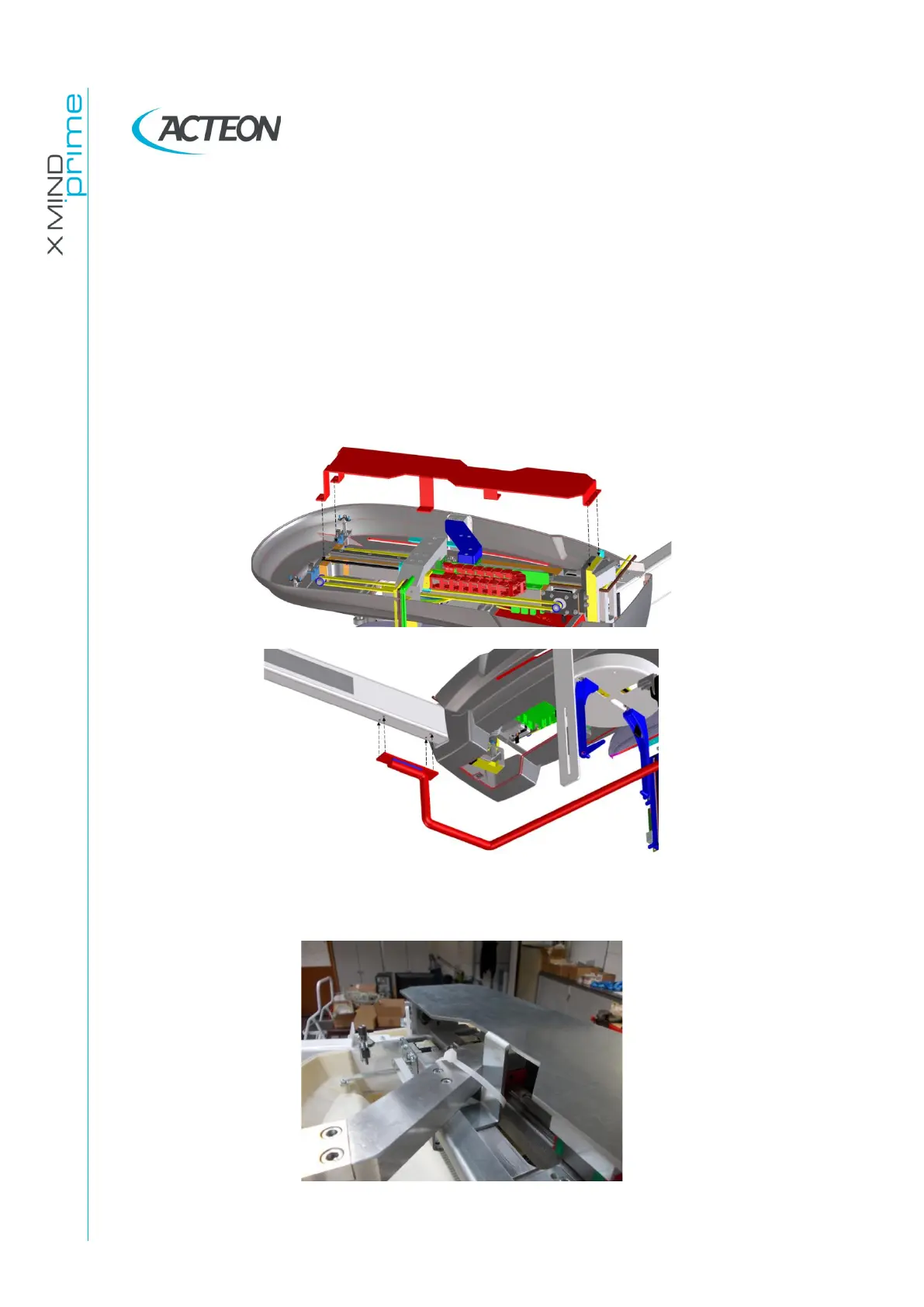
Remove the CEPH arm upper cover
2.
Install the CEPH arm protection plate and CEPH arm handle (these tool have
been removed during installation of the unit)
3.
Fix secondary collimator and sensor arms to the protection plat and remove
the panceph sensor from the unit.















 To Next Page