9.4.5
Unit/MCU connection problems
1.
Verify if MCU DIP switches are set in normal mode (see paragraph 4.2.2.1).
2.
Check the unit power supply (see paragraphs 6.1 and 11.2.3).
3.
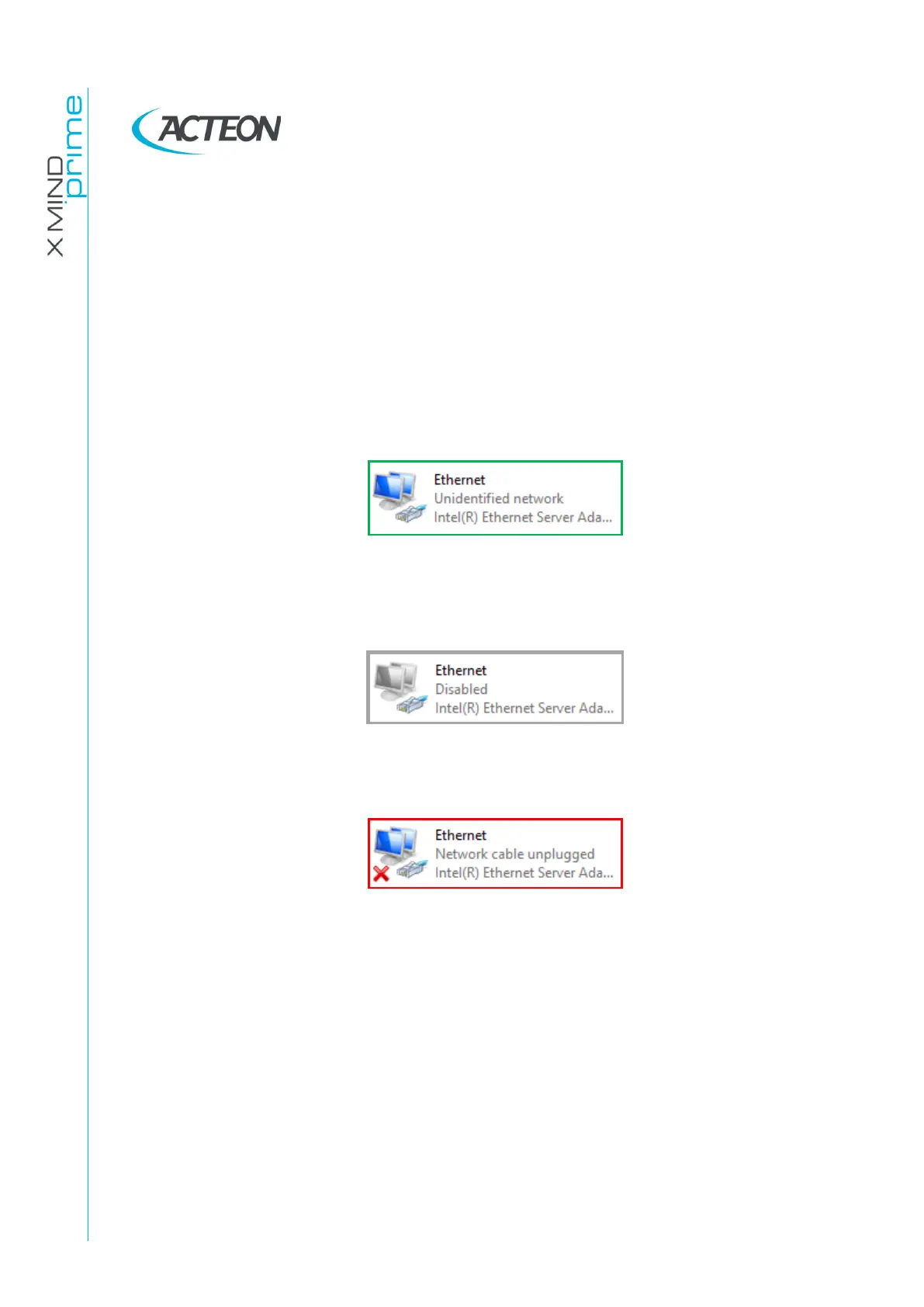
Verify the unit Ethernet connection status (Control Panel
→
Network and
Internet
→
Network Connections):
a.
IF the Ethernet connection is steady ACTIVE:
Verify the correct network interface board configuration (see paragraph
7.7.1).
b.
IF the Ethernet connection is DISABLED:
Right click on Network board icon and click on “Enable”.
c.
IF the Ethernet connection is NOT steady ACTIVE:
Check the Ethernet connections (cables, junctions, PC network board and
the switch inside the unit).
4.
Plug a functioning Ethernet CAT 6 (or higher) cable to the MCU and connect it
directly to the PC network interface:
a.
If the problem, in this configuration, disappears: there may be a faulty
Ethernet cable or junction connected between the PC and the MCU.
b.
If the problem is still present, try to connect the MCU Ethernet cable to
another network interface port (e.g. Invert the MCU and 3D sensor
connections setting the right IP address on the network interfaces – see
paragraph 7.7.1).
If the problem is solved, it can be related to the network interface board.















 To Next Page