7.16
Exhibition mode setup
The X-MIND prime 3D system (unit and graphical user interface) provides three
different demonstration modes in case it is to be used as demo (exhibitions or show
room) where the X-ray emissions are not allowed.
7.16.1
Graphical User Interface (G.U.I.) demo (without unit
connected)
The following procedure allows the demonstration of the Graphical Unit Interface
(G.U.I.) without connection to the unit.
1.
Open “PhD_C_Conf.exe” program in C:\Program Files (x86)\Acteon
Imaging\Panoramic X-Mind Prime Ceph
2.
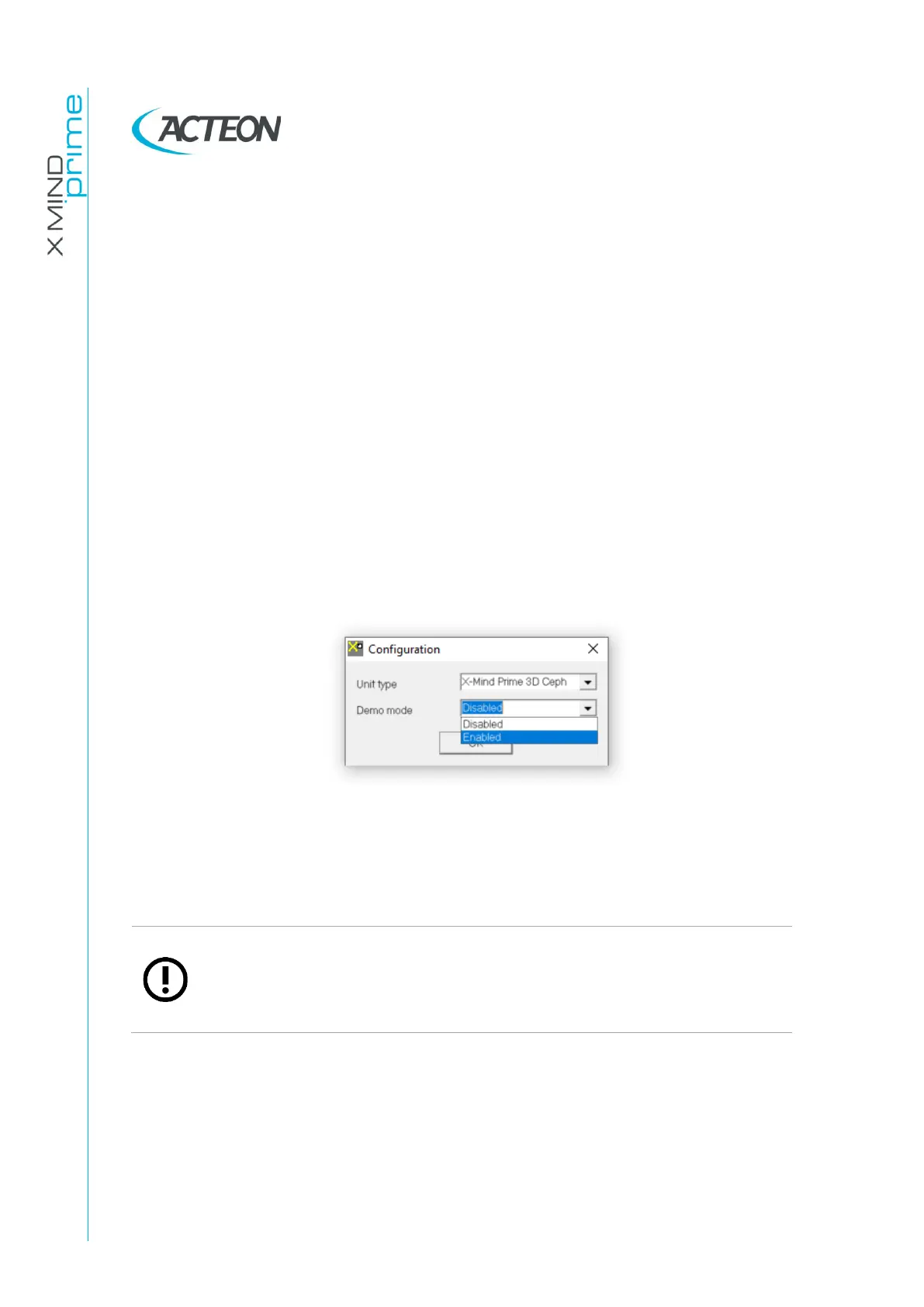
On the “Configuration” window select “Demo mode” as “Enabled”:
Confirm with “OK”.
3.
Start AIS program and open the G.U.I. The user interface (G.U.I.) will work
normally without the unit connected.
Note
In order to restore the normal functioning of the unit interface: close the
G.U.I., open “PhD_C_Conf.exe” program and select “Demo mode” as
“Disabled”; confirm with “OK” to restore the normal functioning of the
interface.















 To Next Page