Service Manual – Installation
SERVICE MANUAL • X-MIND prime 3D • (19) • 11/2019 • NXMPEN080A
7.10
Verification of the PANORAMIC function
Warning
X-rays will be emitted during the performance of the following operations.
Authorized Technicians are therefore recommended to use the greatest
caution and to comply with the safety regulations and laws of their country.
1.
Switch ON the unit and when the green LED starts blinking, press >0< button
to perform axis reset.
2.
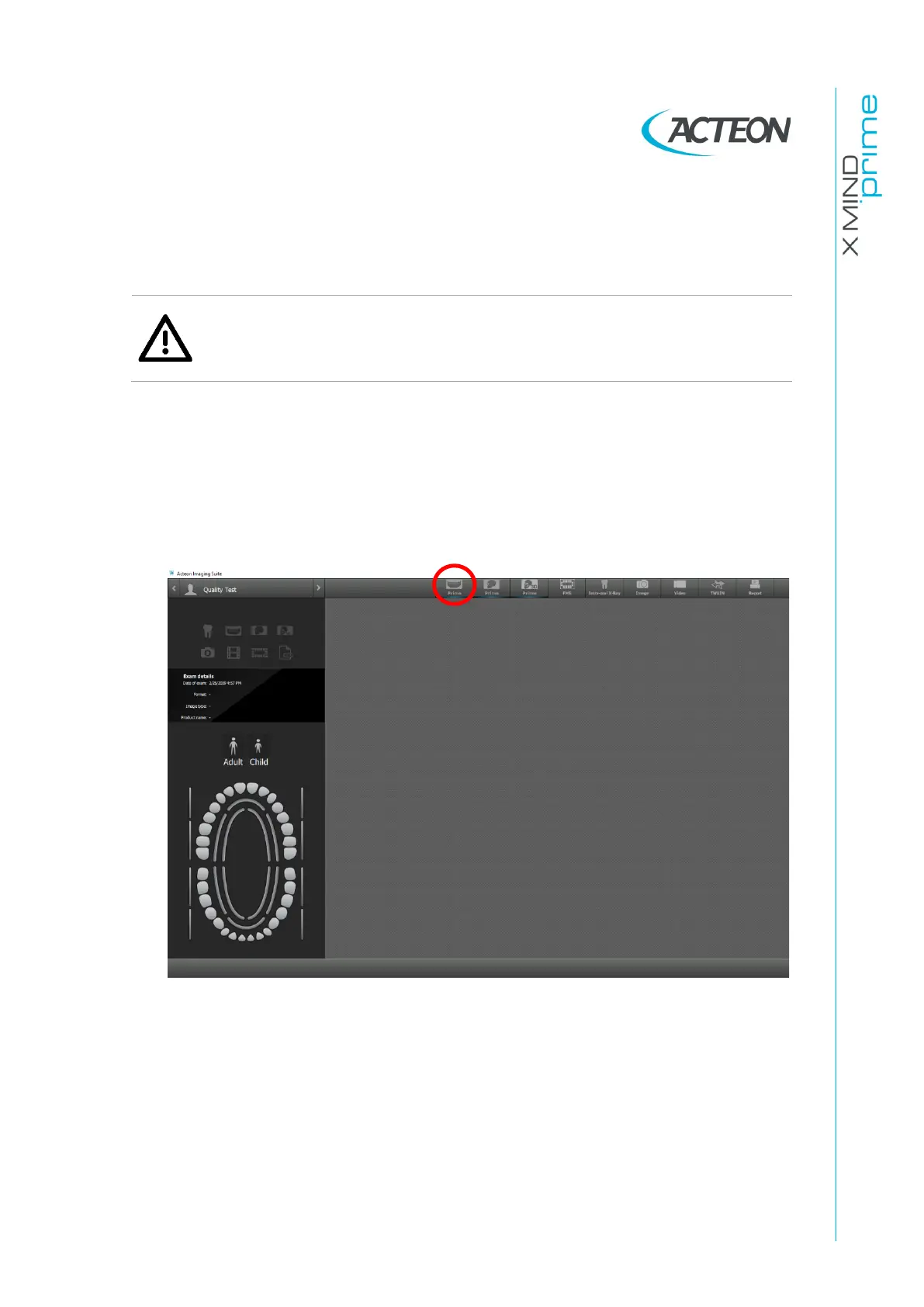
Open AIS software and open the patient “Quality Test”. If not present, create a
new patient (Name: “Quality”; Family name: “Test”).
3.
From the “ACQ” toolbar, select the GUI icon to open the virtual keyboard















 To Next Page