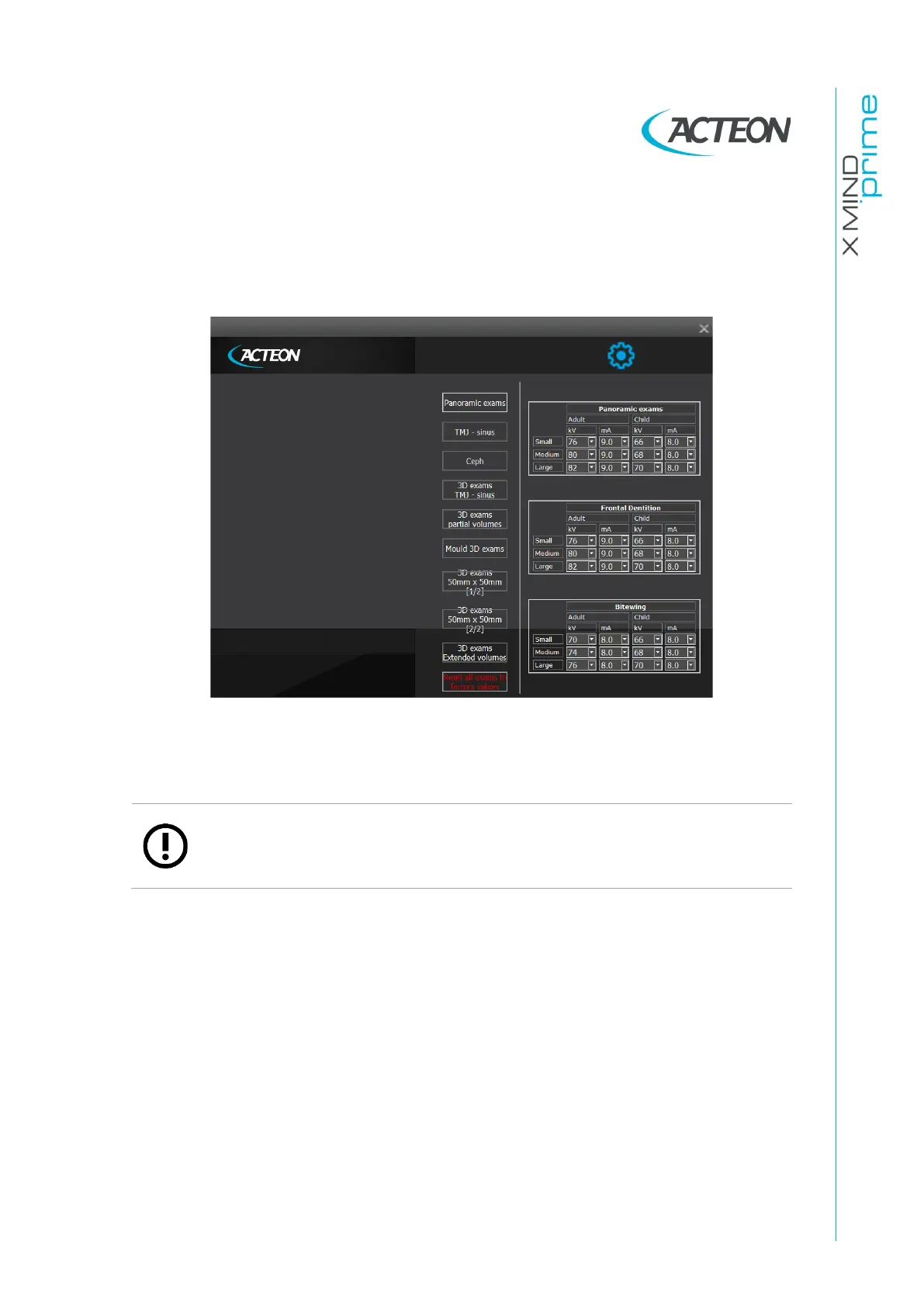
Select the button “Exam parameter customization”.
On the displayed window, use the buttons on the left to select the exam family and
the tables to the right to customize the default parameters for each exam type,
patient type and size.
At any time, it is possible to restore the factory preset for all the exams, clicking on
the button on the bottom of the window “Reset all exams to factory values”.
Note
Parameter changes for each exam type, patient type and size are stored
on the PC and not saved in the unit. So if you replace your PC, you need to
set them up again.















 To Next Page