Service Manual – Service programs descriptions
SERVICE MANUAL • X-MIND prime 3D • (19) • 11/2019 • NXMPEN080A
Note
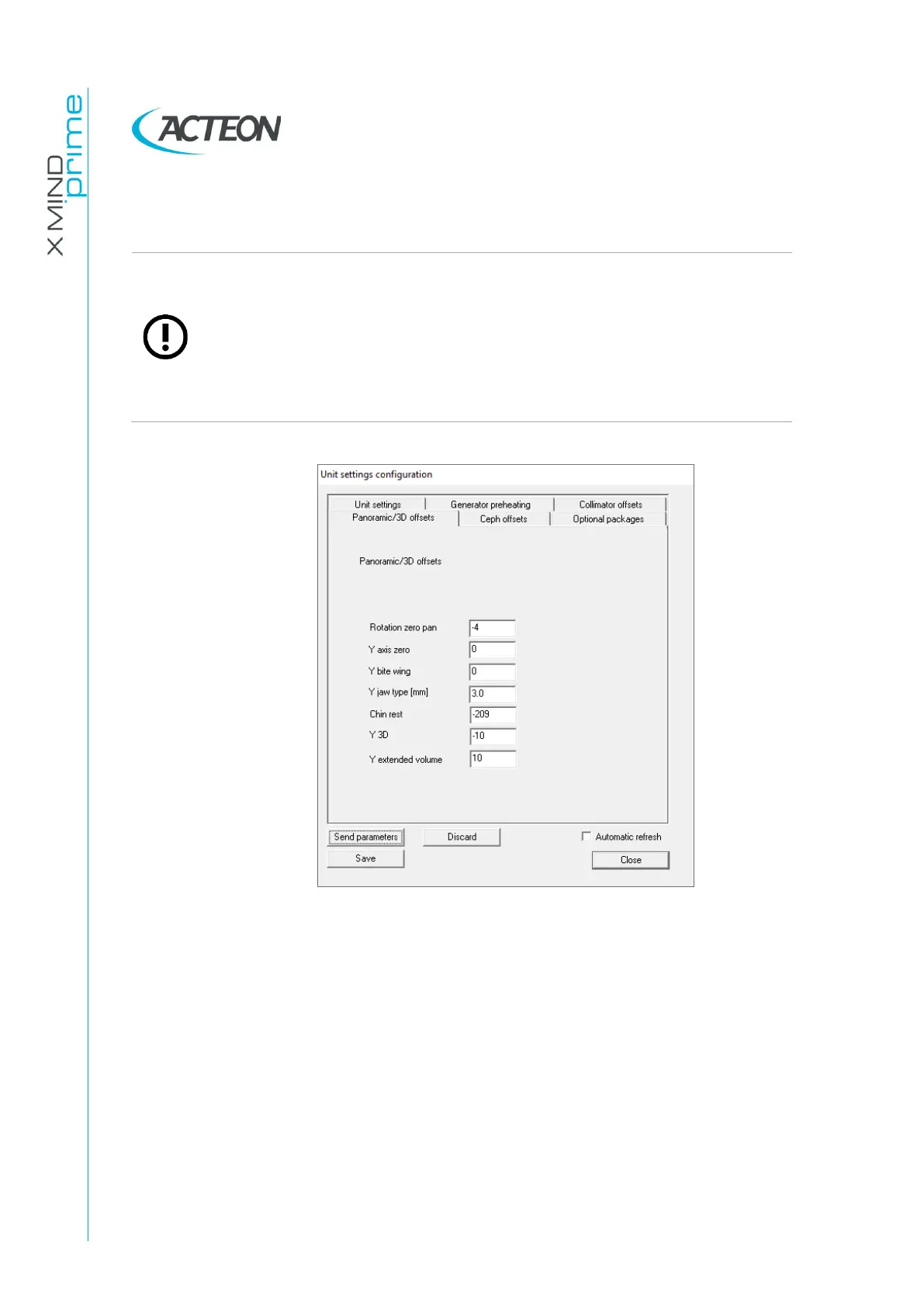
To change a parameter you must: change the parameter, press “Send
parameters” and then “Save”. It is not necessary to exit the SETUP if you
want to do a x-ray test exam and if you press “Close” you don’t exit from
the SETUP mode. To exit the SETUP mode you must either press the SETUP
button or close Phd_c_Test. When you exit the SETUP the unit will perform
a reboot (indicated by the flashing of the keyboard LED) and that all
parameters sent and not saved will be discarded.















 To Next Page