Service Manual – Corrective maintenance
SERVICE MANUAL • X-MIND prime 3D • (19) • 11/2019 • NXMPEN080A
HS High Speed-Vertical Lines
checks
Note. Since the HS (High Speed, Normal Resolution) offsets are based on HD (High
Definition, High Resolution) set of offsets, it is recommended to adjust/verify first the HD
images before performing the HS- Vertical Lines check and adjustment
1. Open PhD_C_Test (technical Tool) service program
2. Wait the unit connection
3. Select the following exam:
o Exam ID: Ceph
o Format: 30x24 LL
o Resolution: Normal
o kV: 60
o mA:2.2
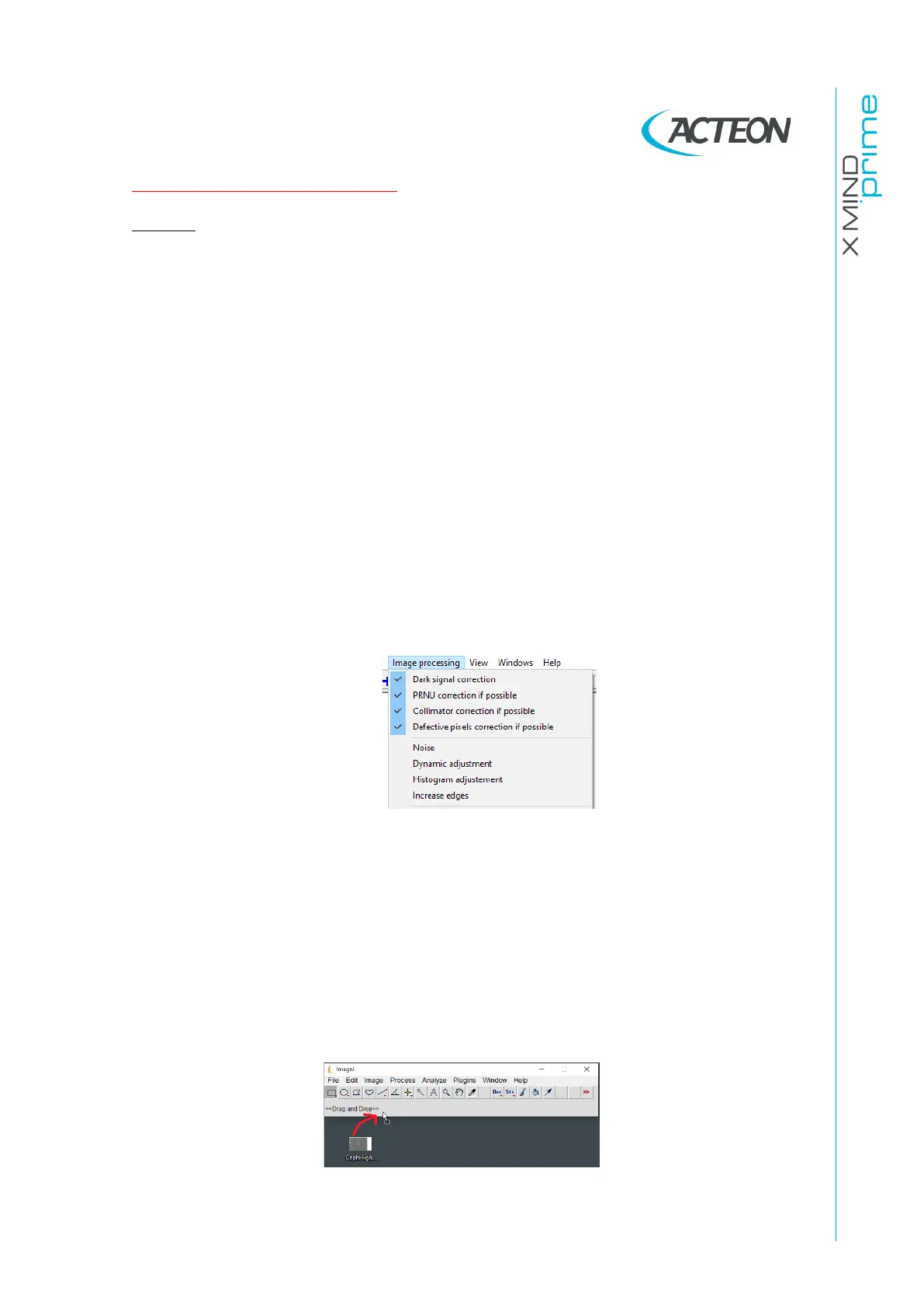
4. Verify that the Image processing options selected are like the following:
5. Place the unit ear rods in LL position and prepare the unit to acquire the above
image
6. Acquire the image and save it as “CephNormal.bmp”
7. Run ImageJ software (download it from Internet: eg.
http://wsr.imagej.net/distros/win/ij153-win-java8.zip)
8. Import (drag and drop) the CephNormal.bmp image in the ImageJ bar.















 To Next Page