Requirements
Requirements
Before you start with troubleshooting, ensure the following:
• The FSP 3000R7 is properly powered.
• Each optical connector is cleaned by using the optical cleaning kit (see “Cleaning and
Inspecting Fibers and Ports” on p.32).
• Unconnected optical fiber connectors are protected with caps.
• Unconnected optical ports are protected.
• All equipment is updated to the firmware versions that match the NCUsoftware (no
firmware mismatch alarms are raised). If needed, update the firmware with the
instructions in “Updating Software, Firmware, and Database” on p.601.
Required Personnel
For some tasks, personnel are needed on all sites involved in the link, e.g. to insert
attenuators or measure OSNRs remotely.
Recommended Equipment
The following tools are required to troubleshoot the FSP 3000R7.
• Optical Cleaning Kit or Pen-Type Ferrule Cleaner
Optical connectors have to be cleaned with an optical cleaning kit or a pen-type
ferrule cleaner. ADVA Optical Networking accepts the usage of any of the standard
kits or pen-type ferrule cleaners. The cleaning kit must be equipped with an alcohol-
based cleaner and a dry wipe.
• Optical Power Meter with Patch Cables
The optical power meter is used to measure the amount of power being transmitted
across a fiber optic cable. There are many different types of connectors available for
fiber cable. You need a series of patch cables that are terminated with ST, SC,
FC/PC, ESCON, FDDI (MIC) and E2000.
• Wrist Strap
A wrist strap for grounding is needed while you troubleshoot the FSP.
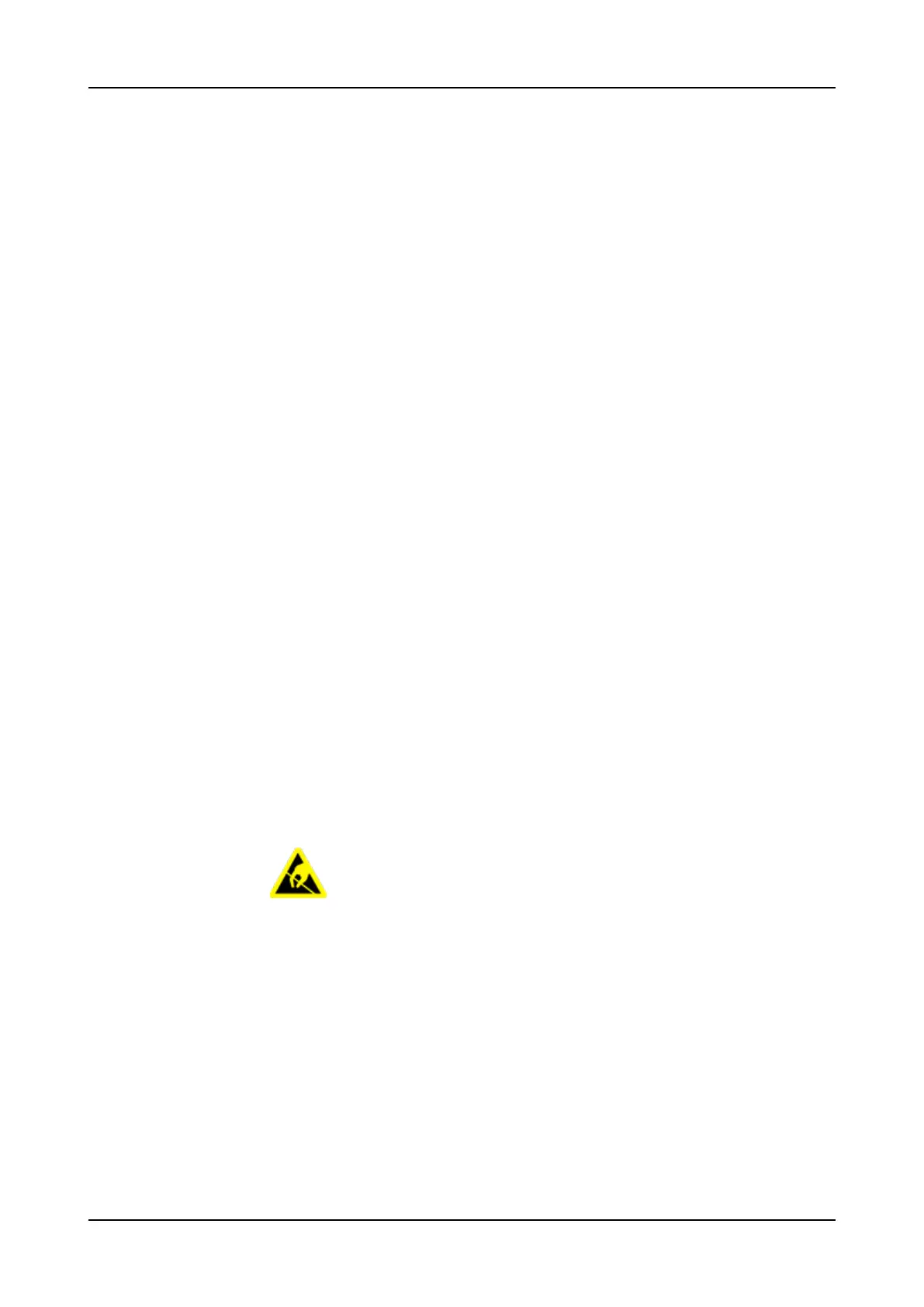
As the FSP 3000R7 contains electrostatic discharge-sensitive devices,
a grounded anti-static wrist or heel strap is required when handling the
unit.
• Optical Time Domain Reflectometer
The Optical Time Domain Reflectometer is used very seldom to troubleshoot the
FSP 3000R7 and therefore not strongly required. The Optical Time Domain
Reflectometer informs you of the length of any given fiber cable, of the location of
splices, connectors and bends, of the attenuation of the link and of the back
reflection of the link.
• Bit Error Rate or Protocol Tester
A Bit Error Rate Tester or Protocol Tester drive a healthy load of data across the link
before considering your issue resolved.
• Optical Spectrum Analyzer
30 FSP 3000R7 Maintenance and Troubleshooting Manual - Product Release 16.2 - Document Issue A



 To Next Page