Replacing the NCU Compact Flash
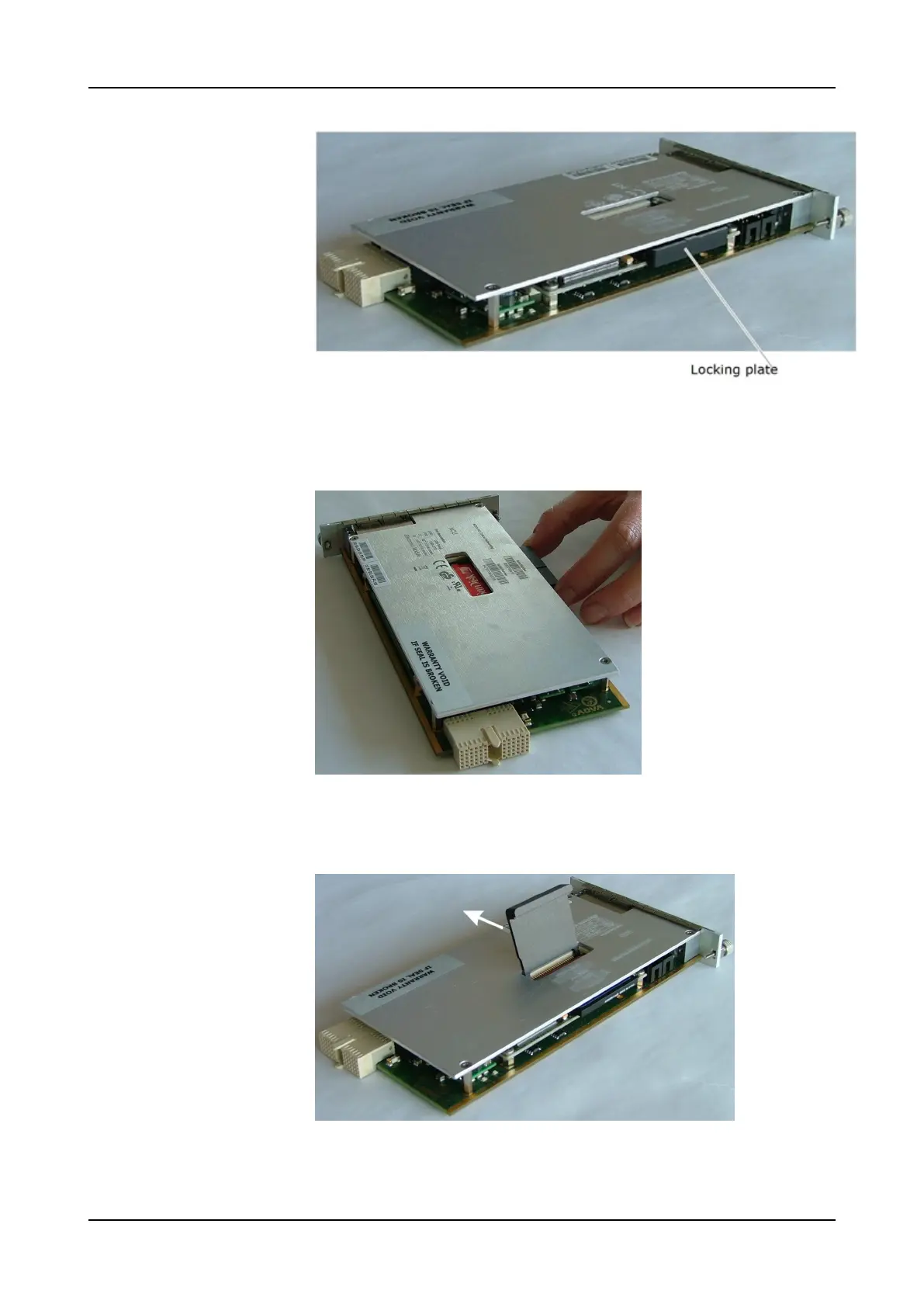
Figure 21: NCU Placement for Compact Flash Card Removal
Step 4 Using your fingers, grasp the locking plate on both sides and pull it out of the
NCU completely, as shown in Figure 22.
Figure 22: Remove the Locking Plate from the Slot
Step 5 Insert the locking plate through the opening in the cover into the gaps between
the connector and the Compact Flash card, as shown in Figure 23.
Figure 23: Unlock the Compact Flash Card
Step 6 Push the locking plate in the direction of the arrow to unlock the Compact
Flash card. It slides out of the slot slightly, as shown in Figure 24 on p.523.
522 FSP 3000R7 Maintenance and Troubleshooting Manual - Product Release 16.2 - Document Issue A



 To Next Page