Troubleshooting Power Supply Units
LED
Name
LED
Colors
Potential Cause Solution for Troubleshooting
P Off DC power source has failed or the
polarity for connecting the power
cord has not been considered. No
power is provided to the shelf
1 Check the power connection and ensure
the power feed is operational.
2 If the issue persists, a hardware error has
occurred. Return the PSU to ADVA
Optical Networking.
If the polarity for connecting the power cord
has not been considered, connect the power
supply to a system safety ground lead.
Green The unit is receiving DC power. No action is required.
The output voltage is in the admiss-
ible range
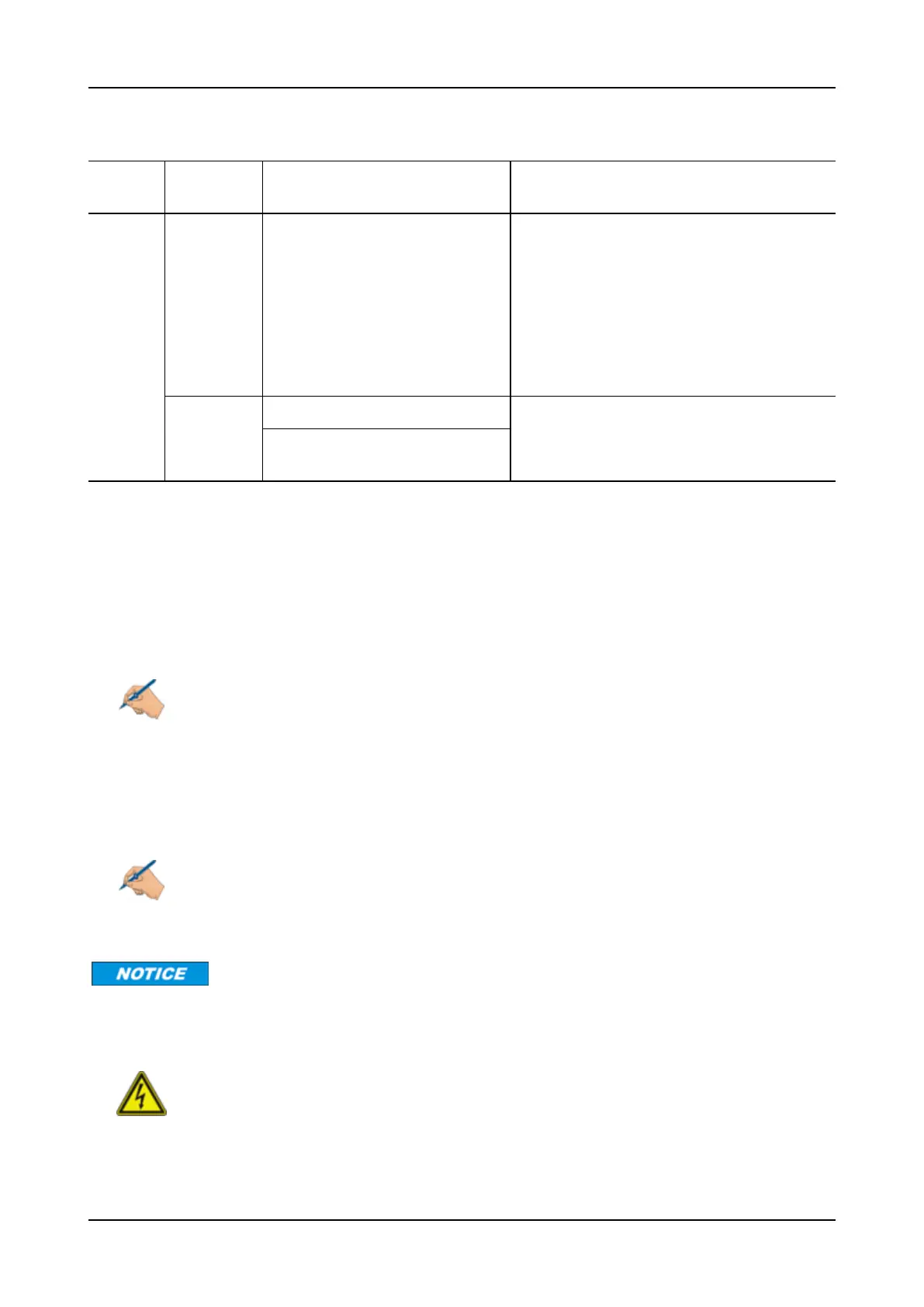
Table 17: LED Status of the PSU/7HU-DC, PSU/7HU-DC-HP, PSU/7HU-DC-800, PSU/X9HU-DC-800,
and PSU/9HU-DC
PSU/7HU-R-DC
The PSU/7HU-R-DC is available in the following variants:
• PSU/7HU-R-DC
• PSU/7HU-R-DC-HP
Note
The PSU/7HU-R-DC(-HP) is exclusively designed for use in the USA.
The PSU/7HU-R-DC(-HP) has a single tri-color LED indicator marked “P”. The LED is located on the faceplate of
each PSU.
Please follow the troubleshooting steps in Table 18 on p.93 based upon the states of the LEDs.
Note
If your module has an LED status that is not represented in Table 18 on p.93, please contact
your ADVA Optical Networking Technical Services Representative.
When connecting dual DC power sources, both sources must be the same polarity. Opposite-polarity
sources will damage the unit.
WARNING
Hazardous voltage! Always turn off the corresponding power switch of the DC power
source that is connected to the faulty PSU/7HU-R-DC(-HP) before removed from the
shelf.
92 FSP 3000R7 Maintenance and Troubleshooting Manual - Product Release 16.2 - Document Issue A



 To Next Page