Deleting the Active Database
Deleting the Active Database
This procedure sets the active database to its default settings. Resetting the database to
factory defaults does not affect traffic. However, rebooting the NCU after the database
has been reset to factory defaults will cause a traffic outage!
Deleting the active database should only be done for special cases such as de-
commissioning the NE. The default settings resulting from this action depend on the
release. For an overview of default settings in this release, refer to the “Security
Management” chapter in the System Description.
Note
In an NE operating with redundant controllers, resetting the database to
default causes the NCU-II-P in the lower numbered slot to become the
active controller.
Requirements
You must be logged on with an ADMIN privilege level account.
Step 1 Select .
Step 2 In the Navigation Tree, select Database > Manage.
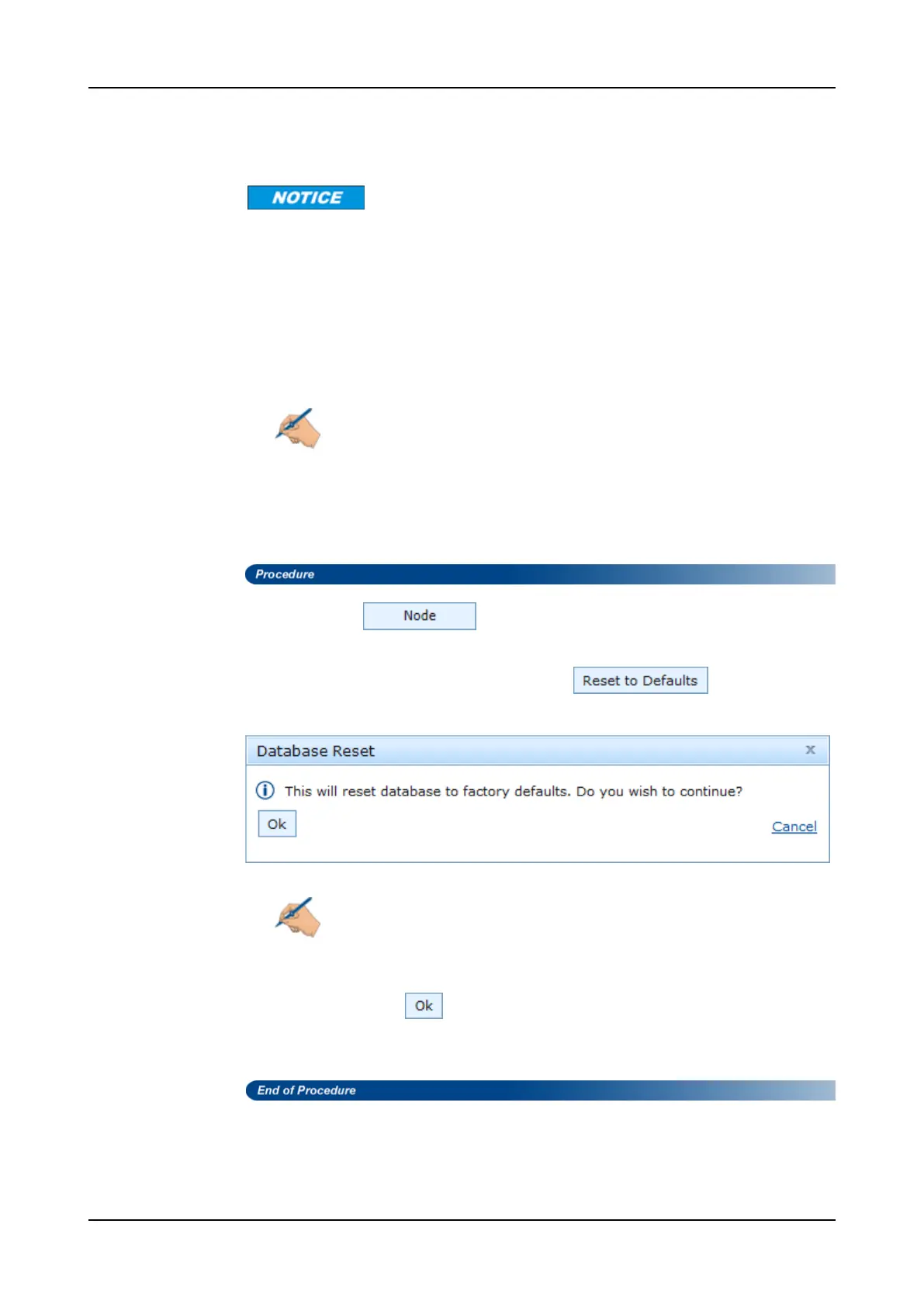
Step 3 In the Reset to Defaults blade, select .
The following warning appears:
Note
Reset of the NCU database also resets the IP configuration to the
default settings. Remote IP connectivity will be lost, the NEcan only be
accessed while on site with a serial connection or via an NCU Ethernet
connection using the default IP address.
Step 4 Confirm with .
The active database switches to the standby partition on the NCU in case
recovery is needed at a later time.
520 FSP 3000R7 Maintenance and Troubleshooting Manual - Product Release 16.2 - Document Issue A



 To Next Page