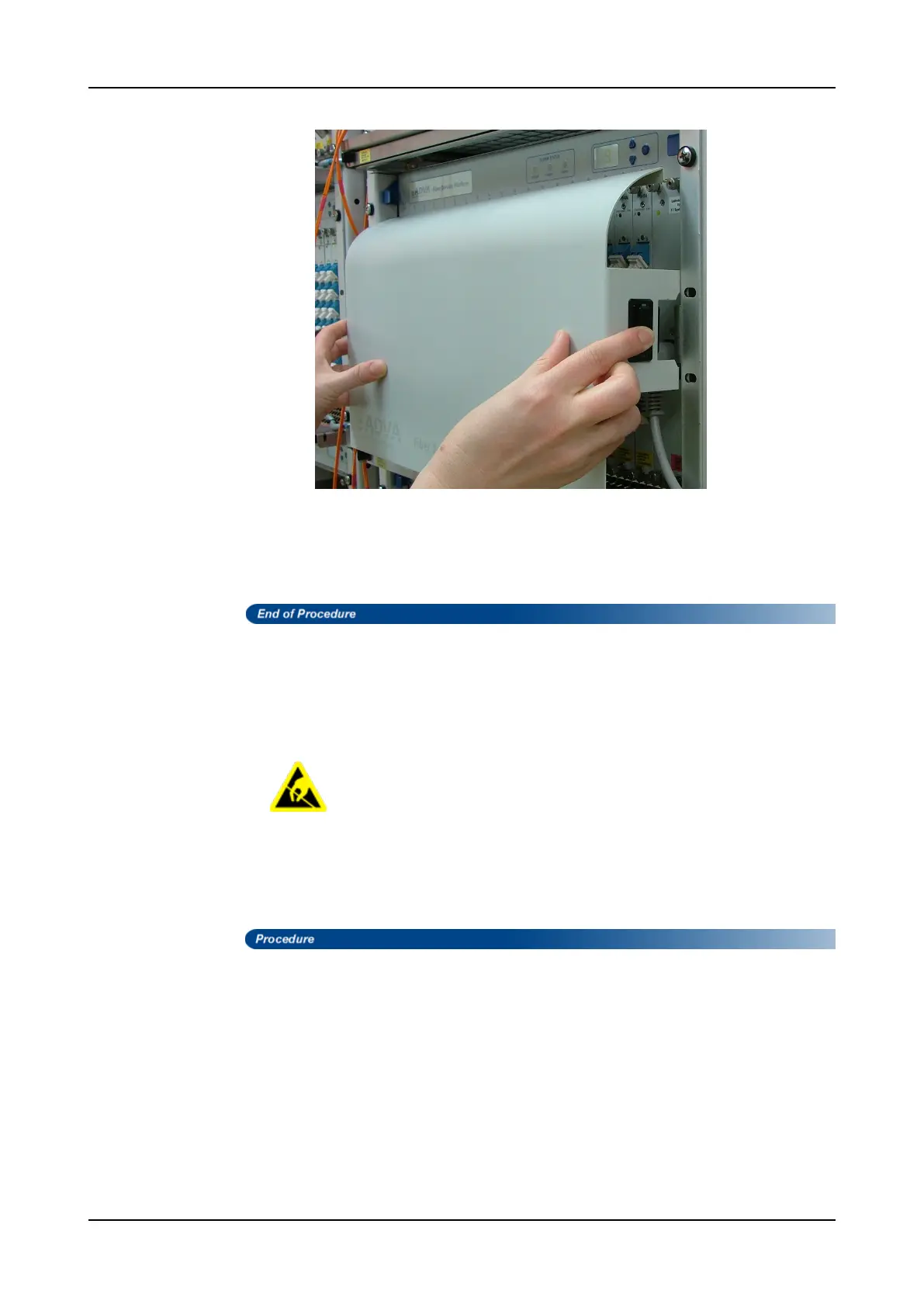
Removing and Mounting Front Covers
Figure 79: Removing the Front Cover
Step 3 Take off the cover and lay it aside.
Step 4 Detach the wrist strap from your wrist, disconnect the grounding wire from the
ESD grounding point on the shelf (if available) or the rack and lay the grounding
wire aside.
Mounting an SH7HU, SH9HU, or SHX9HU Front Cover
Follow this procedure to mount the front cover to an SH7HU, SH9HU, or SHX9HU shelf.
To avoid ESD damage to the equipment take normal static precautions
in mounting a front cover.
Equipment Required
An ESD-preventive wrist strap or other personal grounding device should be available
before beginning the mounting procedure.
Step 1 Attach a wrist strap to your wrist and fasten the grounding wire onto the ESD
grounding point on the shelf (if available), or to a bare metal surface onto the
rack.
Step 2 With both hands, hold the shorter sides of the front cover, its curvature upward.
FSP 3000R7 Maintenance and Troubleshooting Manual - Product Release 16.2 - Document Issue A 769



 To Next Page