Troubleshooting Shelves
LED
Name
LED
Colors
Potential Cause Solution for Troubleshooting
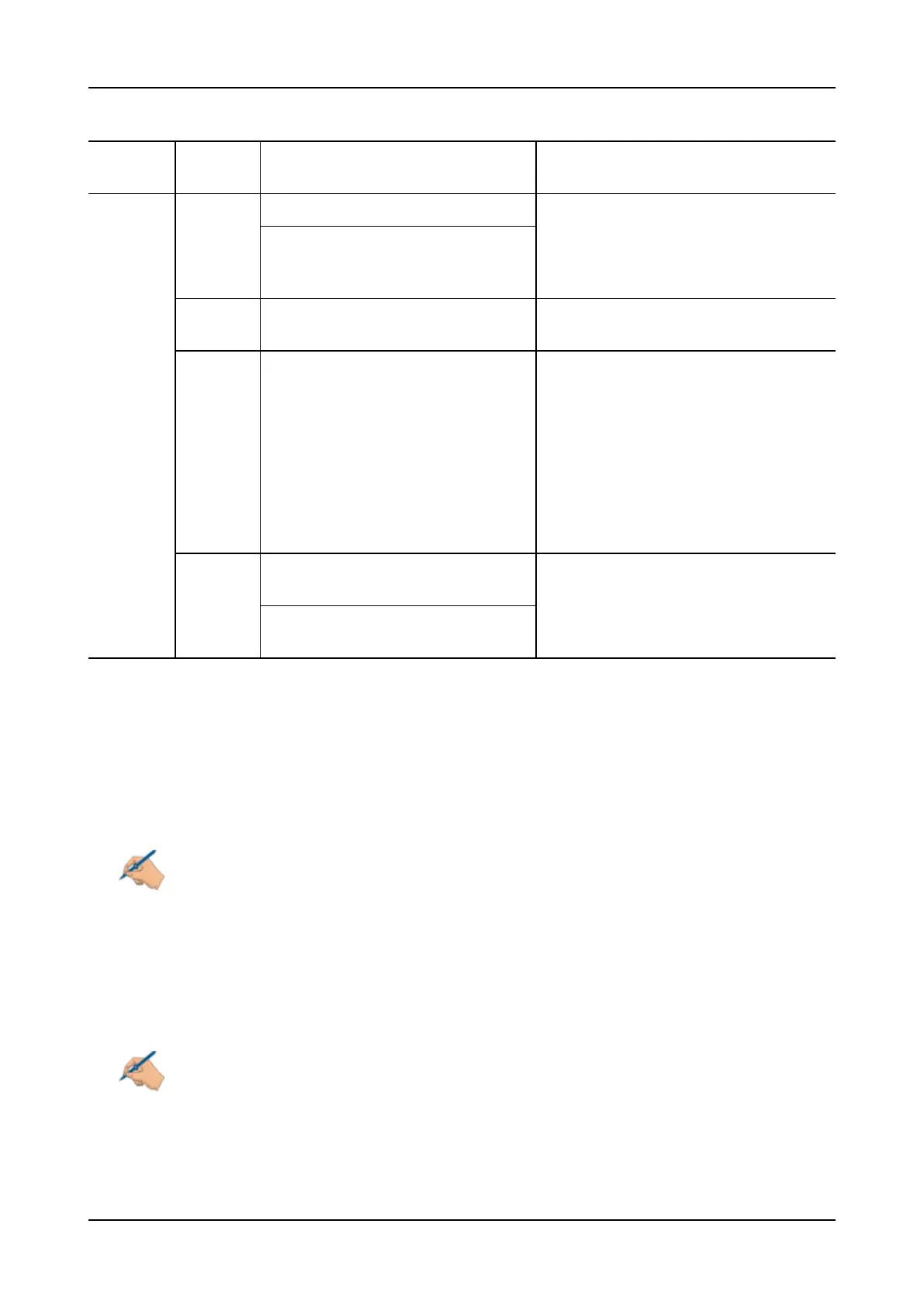
PSU2 Red An overload of circa 110% is reached. A hardware error has occurred. Return the
SH1HU shelf to ADVA Optical
Networking.
This unit is not receiving DC power,
but the redundant power feed provides
power to the shelf.
Yellow The maximum output power is reached
or exceeded.
Check the power connection according to
the SH1HU power supply specification.
Off DC power source connected to power
feed 2 has failed.
1 Check the power connection. If power
connection is OK, a hardware error
has occurred.
2 Return the shelf to ADVA Optical
Networking.
If the polarity for connecting the power
cord has not been considered, connect the
power supply to a system safety ground
lead.
Green The unit is receiving DC power through
power feed 2.
No action is required.
The input voltage is in the admissible
range.
Table 7: SH1HU-R(/PF) Power Status LEDs
SH1HU-R(/PF) Network Element Status LEDs
There are three NE LEDs on the shelf front panel:
• Critical
• Major
• Minor
Note
The NE Status LEDs (critical, major, minor) are active only on the master shelf, i.e. only once for
a network element. The NE status LEDs of the remaining shelves within the network element
will be off.
The three LEDs indicate a failure of the network element. Only the highest failure level within the NE will be
indicated. Therefore, only one of the three LEDs lights up at the same time.
Table 8 describes the cause of the status that each color of the NE status LED indicators represents and the
solution for troubleshooting. If there is no failure of the network element, the three LEDs light up green.
Note
Before you start with troubleshooting, ensure that the NEis operating with the required NCU
software and module firmware. For details on updating NCU software and module firmware,
refer to “Updating the NE Software Release” on p.617 and “Performing Other Software Update
Actions” on p.628.
FSP 3000R7 Maintenance and Troubleshooting Manual - Product Release 16.2 - Document Issue A 73



 To Next Page