Removing and Mounting Front Covers
Pay attention to the optical cables when positioning the front cover. Ensure that no
optical cables are sandwiched between the cover and the front of the shelf. Failure to do
so can result in damage to the fiber.
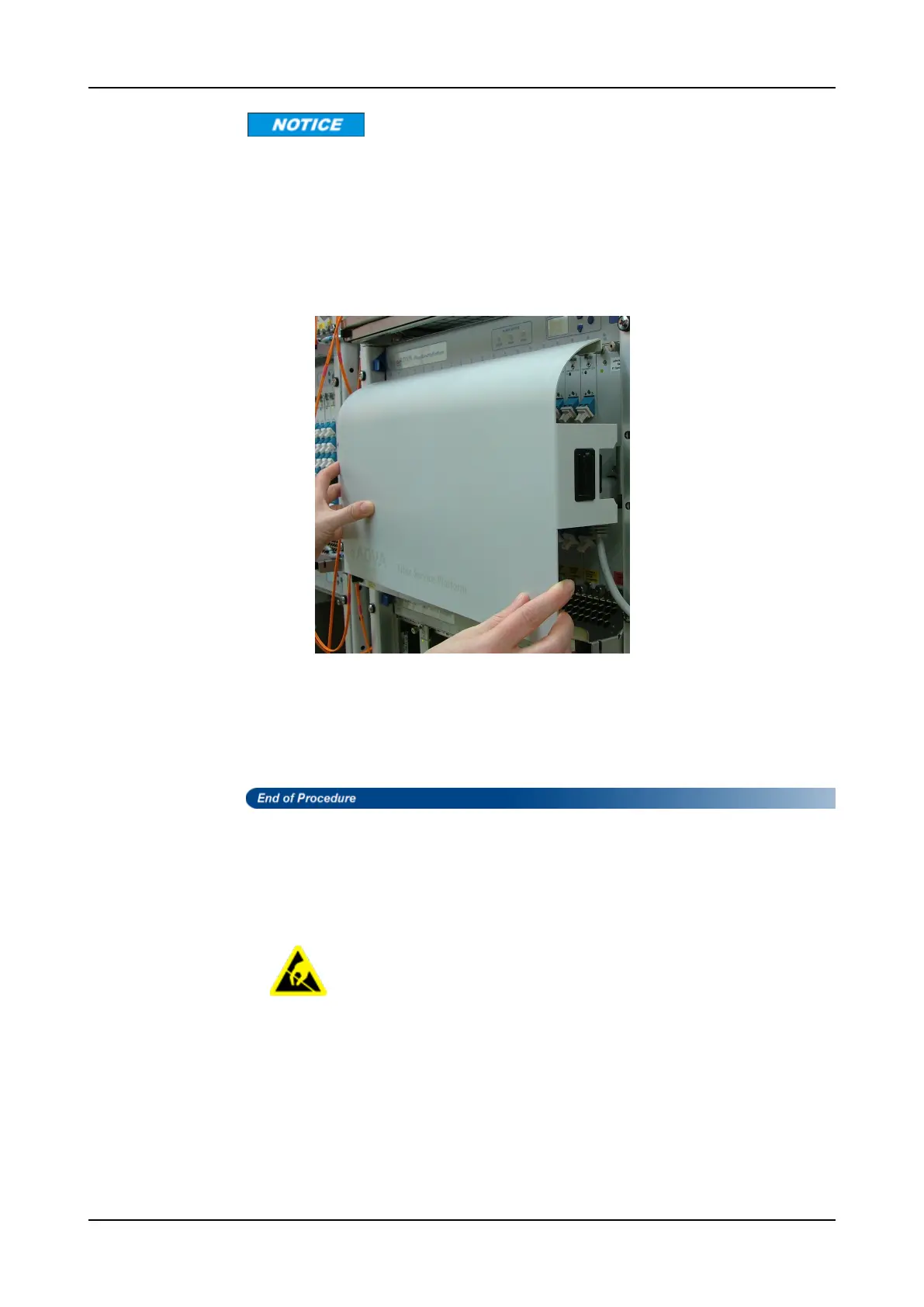
Step 3 Position the cover on the front of the shelf so that the latches and fixing
brackets on either side are in alignment, as shown in Figure 80.
Figure 80: Positioning the Front Cover
Step 4 Push the cover toward the shelf being careful not to pinch a fiber. Make sure
the latches snap into place.
Step 5 Detach the wrist strap from your wrist, disconnect the grounding wire from the
ESD grounding point on the shelf (if available) or the rack and lay the grounding
wire aside.
Removing the 40CSM/2HU Front Cover
Follow this procedure to remove the front cover of a 40CSM/2HU shelf.
Take normal static precautions when removing the front cover. Failure to
follow ESD safety precautions can cause damage to the equipment.
Equipment and Tools Required
Before starting the procedure, ensure the following is available:
• relevant 40CSM/2HU shelf with mounted front cover
• ESD-preventive wrist strap or other personal grounding device
770 FSP 3000R7 Maintenance and Troubleshooting Manual - Product Release 16.2 - Document Issue A



 To Next Page